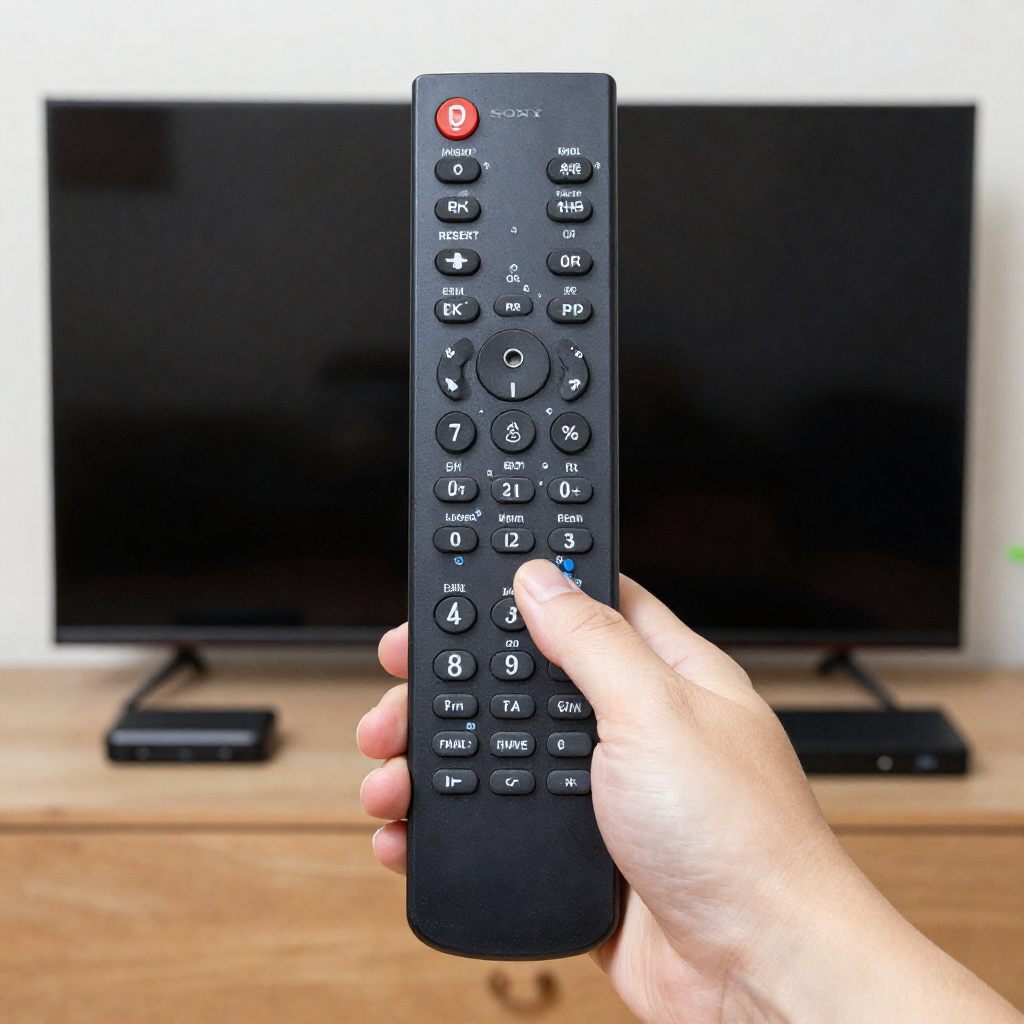
Is your Sony TV remote not working? Learn how to fix a broken Sony remote now. We explain how you can replace batteries, reset devices and pair the controller.
The most common fix for a Sony TV remote not working is a simple power reset. You should remove the batteries from the remote. Next hold the power button on the remote for three seconds. Finally reinsert the batteries and test the controller. If the remote still fails you may need to power cycle the television or pair the remote again via Bluetooth.
Looking for programming instructions? This complete Sony TV Remote Codes Guide includes updated codes and easy setup methods for different Sony TV models.
What Are The Common Reasons Why Your Sony TV Remote Not Working?
Understanding the root cause of a broken remote saves you valuable time. Most remote control failures stem from a few predictable issues.
Dead batteries cause the majority of remote control problems. The remote control loses power slowly over several months. Sometimes the battery contacts become loose or dirty. This prevents the electrical current from flowing properly.
You can also control compatible Sony TVs directly from your smartphone using the Sony Remote Control App with simple pairing instructions and setup tips.
How Do I Follow A Step By Step Troubleshooting Guide?
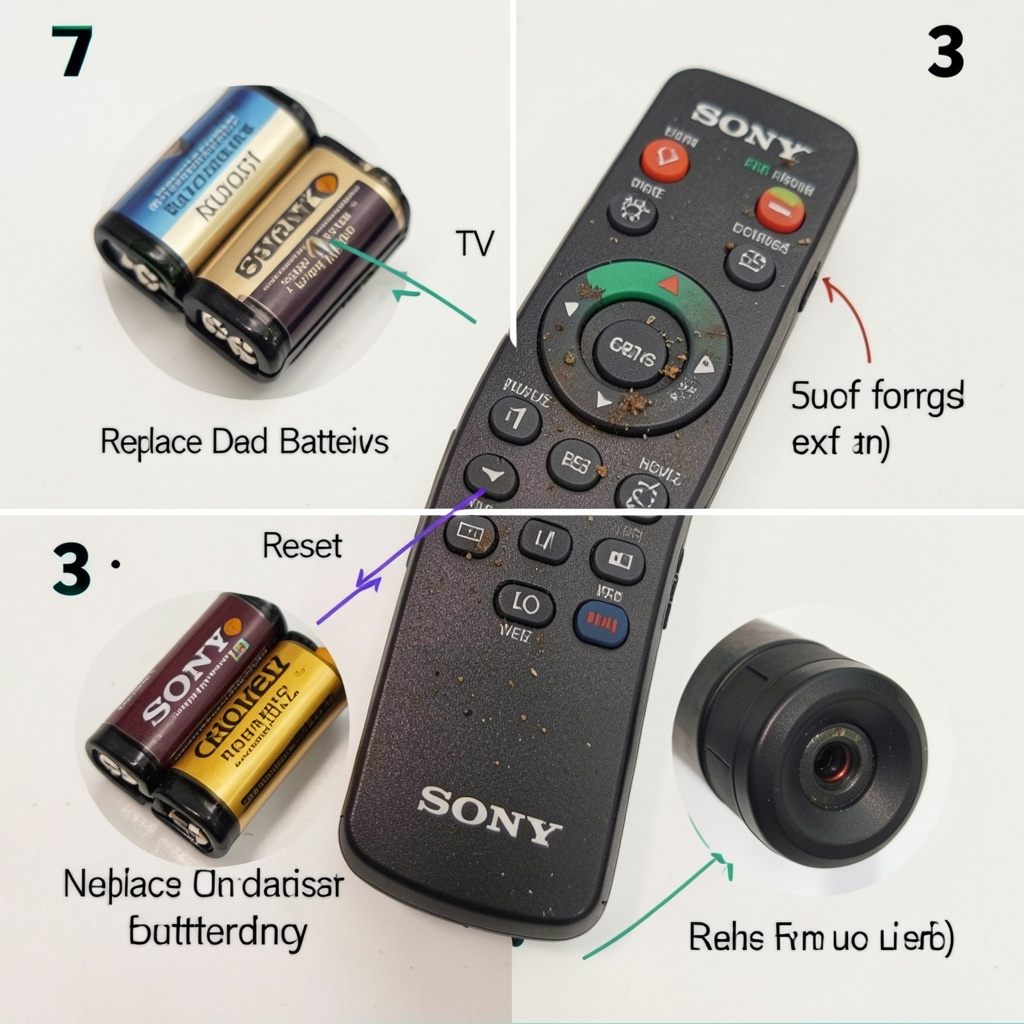
You should start with the easiest solutions first. Follow these straightforward steps to diagnose and fix the Sony TV remote.
How Can I Check And Replace The Batteries?
remove the back cover of the Sony TV remote. Take out the old batteries carefully. Inspect the battery compartment for any dirt or corrosion. You can clean dirty metal contacts using a dry cotton swab.
Insert two brand new batteries into the compartment. Check the positive and negative symbols. You must align the batteries correctly for the remote to work. Never mix old batteries with new batteries. Always use the same brand of batteries for the best performance.
If you are using an RCA universal remote, these updated RCA Remote Codes for Sony TV can help you pair your remote quickly and easily.
What Are The Steps To Reset The Remote Control?
Sometimes the remote control holds a residual electrical charge. This static charge can freeze the internal circuitry. A quick reset drains this excess power.
Remove the batteries from the Sony TV remote again. Press and hold the power button on the remote. Keep holding the power button for three full seconds. This action drains any leftover electricity from the internal capacitors.
Want an all-in-one remote solution? This detailed Universal Sony Remote Guide explains programming methods, remote pairing, and troubleshooting solutions.
How Can I Power Reset The TV Itself?
A frozen television will ignore all remote control commands. You must reset the television to clear its temporary memory.
Unplug the television power cord directly from the wall outlet. Wait for at least two full minutes. This waiting period allows the television power supply to drain completely.
Need help with your DVD player remote setup? These Sony DVD Player Remote Control Codes provide simple programming instructions for different Sony DVD models.
What Is The Best Way To Clean Remote Sensors?
Infrared remote controls need a clear line of sight. Dust and smudges easily block these signals.
Find the infrared emitter on the top edge of the remote. Wipe this area gently with a soft microfiber cloth. Next locate the infrared receiver on the television. Sony usually places this sensor near the bottom center of the screen. Wipe the television sensor clean as well.
You can also explore this complete Sony DVD Player Remote Guide for remote setup help, replacement information, and troubleshooting tips.
How Do I Repair Or Sync My Sony Remote?
Modern Sony voice remotes connect to the television via Bluetooth. You must pair the remote correctly to use voice commands.
- Choose to pair the controller if you recently replaced the remote. You should also repair the device after a major television software update.
- Press the Quick Settings button on the Sony TV remote. Select the Settings icon on the television screen. Navigate to Remotes and Accessories. Select Remote Control. Finally choose Connect via Bluetooth.
- Follow the on screen instructions. The television will ask you to hold the Volume Down button and the Microphone button simultaneously. Hold both buttons for three seconds. A message will confirm a successful Bluetooth connection.
- For additional remote setup guidance and Sony TV features, check this detailed Sony TV Remote Guide to improve your overall viewing experience.
Conclusion
Troubleshooting a malfunctioning Sony TV remote doesn’t have to be a daunting task. By following the steps outlined in this article, you can quickly address common issues such as dead batteries, physical blockages, and software glitches. Remember to start with the simplest solutions, like resetting the remote and checking the batteries, before moving on to more complex fixes like power cycling your TV. Don’t forget to clean both the remote sensors and the television receiver to ensure a clear line of communication. If problems persist, consider seeking professional assistance or contacting Sony’s customer support for further guidance. Take action today and restore the functionality of your remote for a seamless viewing experience.

Sidra is a skilled content writer with over 9 years of experience, creating clear and helpful articles on a wide range of topics. Sidra is also well-known for her knowledge of remote controls, codes, and setup guides, helping thousands of people with simple and reliable solutions. Her goal is to combine expert content writing with practical knowledge, making information easy to understand and useful for everyone. In her free time, she enjoys exploring new technology and sharing helpful tips with the community.
