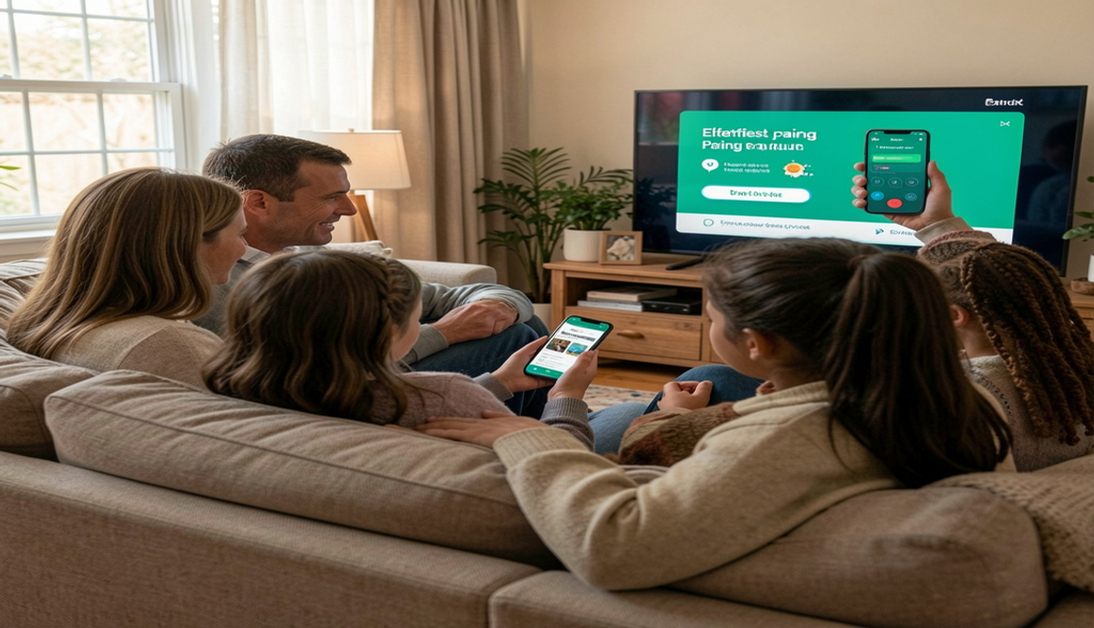
Discover how the Sony remote control app transforms your phone into a smart device control hub. Learn easy setup tips for total Sony entertainment control.
You can skip this stress entirely by using a Sony remote control app. This helpful software turns your phone into a powerful tool. You get complete access to your television right from your pocket.
If the app is not connecting properly with your TV, this detailed Sony TV Remote Not Working Guide explains common pairing issues and easy troubleshooting solutions.
Why Choose a Sony Remote Control App?
A physical remote limits how you interact with your television. They get lost easily, run out of batteries, and have clunky buttons. A smartphone remote solves all these common problems instantly. Your phone is usually right next to you anyway. Turning it into a mobile app for TV just makes sense.
Looking for remote setup instructions and programming help? This complete Sony TV Remote Codes Guide includes updated codes and simple setup methods.
Here are the main reasons you should make the switch today:
- You never have to search for lost plastic remotes again.
- You save money by never buying replacement batteries.
- You can type search queries quickly using your phone keyboard.
- You get instant access to all your favorite streaming platforms.
- You can control the television from any room in your house.
- You can also explore this complete Sony DVD Player Remote Guide for troubleshooting tips, remote setup help, and replacement information.
Step-by-Step Remote Control Setup
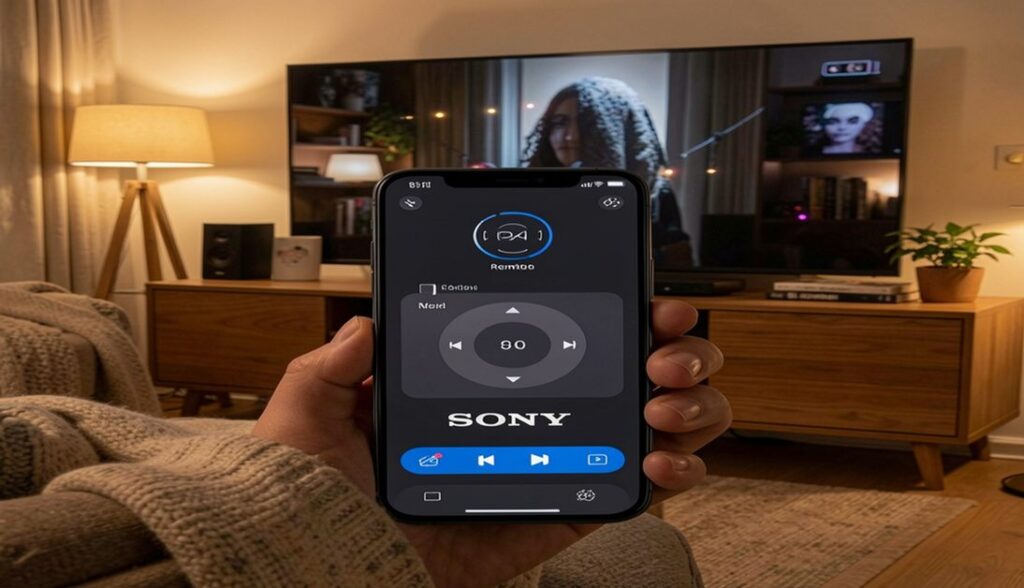
Setting up your new digital remote is easier than you might think. Getting started doesn’t require any special technical skills. The entire remote control setup process only takes a few minutes. We have broken down the process into simple, actionable steps for you.
If you prefer using a physical remote, explore this detailed Sony TV Remote Guide for remote features, setup tips, and troubleshooting information.
Step 1: Check Your Sony Device Compatibility
First you need to make sure your television works with the application. Most modern televisions support this feature. Check your television manual or look up the model number online. If you bought your television in the last five years, you should have full Sony device compatibility.
Step 2: Connect to Your Home Network
The application requires a strong internet connection to work properly. Both your phone and your television must connect to the exact same wireless network. This Wi-Fi remote functionality allows the two devices to talk to each other. Check your television settings to ensure it’s connected to your home router. Do the same thing on your mobile phone.
Step 3: Download the Application
Open the application store on your mobile phone. Search for the official application and download it. The download should only take a few seconds on a stable connection. Open the application once the installation finishes.
Step 4: Complete the Device Pairing
When you open the application, it will scan your local network. You will see your television appear on the phone screen. Tap on the television name to start the device pairing process. Your television will display a short PIN code on the screen. Type this exact code into your mobile phone. This secure step ensures only you can control your television.
Step 5: Test the Controls
Now you can test your new setup. Try raising and lowering the volume. Press the home button to see if the television menu opens. If everything works perfectly, you are ready to enjoy your new viewing experience.
Using an RCA universal remote with your Sony TV? These updated RCA Remote Codes for Sony TV can help you pair your remote quickly.
Maximize Your Sony Entertainment Control
Your new application can do more than just control a single screen. It can serve as the command center for your entire Sony home theater system. You can link multiple devices together for a fully immersive audio and video experience.
Want an all-in-one remote solution? This complete Universal Sony Remote Guide explains easy programming methods and pairing instructions.
Frequently Asked Questions
What is the best Sony TV app to download?
You should always start with the official application provided by the manufacturer. It offers the most stable connection and the best features. You can find it easily in your phone application store. Always check the reviews and the developer name before you download anything.
Does the application work without an internet connection?
No, the application requires a local network to function. The Wi-Fi remote functionality relies on your home router to send commands. However, you do not necessarily need active outside internet access. As long as the router connects the phone and television locally, basic commands will work.
Can multiple people use the application at the same time?
Yes, you can install the application on several different phones. Your spouse and your children can all have the application on their devices. Everyone can complete the device pairing process with the same television. This means whoever has their phone handy can control the screen.
Why is my phone not finding my television?
The most common issue involves network settings. You must double-check that both devices use the exact same Wi-Fi network. Some routers have a guest network and a main network. If your phone is on the guest network, it cannot see the television. You should also try restarting both the television and your mobile phone if the problem continues.
Is the application completely free to use?
Yes, the official application is entirely free to download and use. You do not have to pay any monthly subscription fees. You get full access to all the premium application features without spending a single dime. Avoid any third-party applications that ask you for credit card information.
Conclusion
Upgrading your home viewing experience is simple and completely free. You just need to download a highly rated Sony remote control app today. This modern solution eliminates the frustration of lost traditional remotes forever. You gain a powerful, sleek, and highly responsive smart device control center right on your phone.
Need help setting up your DVD player remote? These Sony DVD Player Remote Control Codes provide simple programming instructions for different Sony DVD models.
From fast typing to seamless smart home integration, the benefits are undeniable. You can manage your entire Sony home theater system with just a few quick taps. The user-friendly interface makes it accessible for everyone in your family. Take five minutes right now to download the application. Follow our simple device pairing guide to set it up. You will instantly transform how you interact with your television. Enjoy your new standard of total Sony entertainment control.

Sidra is a skilled content writer with over 9 years of experience, creating clear and helpful articles on a wide range of topics. Sidra is also well-known for her knowledge of remote controls, codes, and setup guides, helping thousands of people with simple and reliable solutions. Her goal is to combine expert content writing with practical knowledge, making information easy to understand and useful for everyone. In her free time, she enjoys exploring new technology and sharing helpful tips with the community.
