
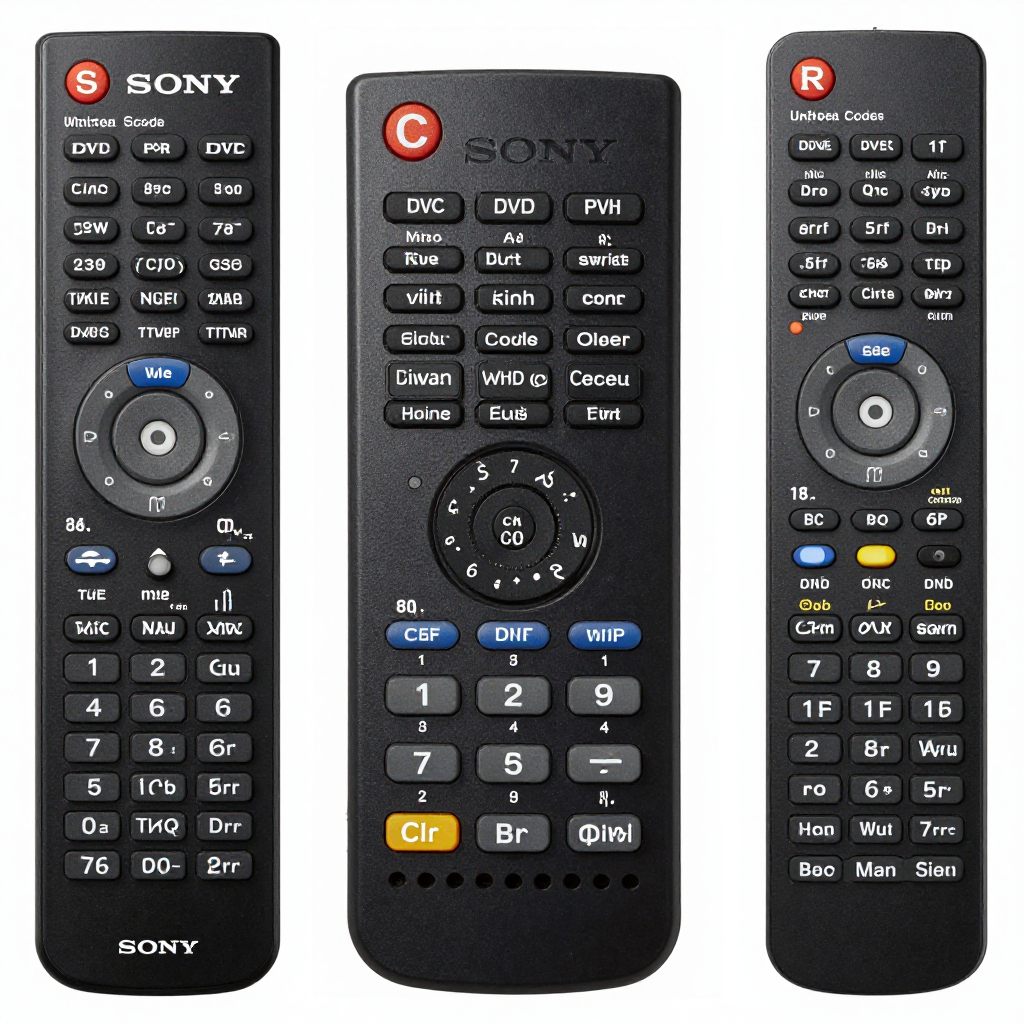
Find working Sony DVD player remote control codes and easy setup steps. Learn how to program any universal remote quickly and fix issues fast.
Sony has released many DVD players over the years, and each may respond to a different signal. That’s why you’ll often see multiple codes listed. Don’t worry this guide simplifies everything.
If your Sony DVD remote is not responding properly, this detailed Sony TV Remote Not Working Guide explains common fixes, pairing solutions, and troubleshooting steps.
Sony DVD Player Remote Control Codes
The first step is choosing the correct code. Universal remotes support different formats such as 3 digit 4 digit and 5 digit codes.
3 Digit Sony DVD Codes
These are older but still useful for some remotes:
- 191
- 190
- 187
4 Digit Sony DVD Player Codes
These are the most commonly used codes:
- 0533
- 0864
- 0772
- 1033
- 1431
5 Digit Sony DVD Codes
For newer remotes:
- 20533
- 20864
- 21033
- 20675
- 21070
Additional Working Codes
Some models respond to these alternatives:
- 1516
- 1522
- 1651
- 1675
Looking for TV remote setup instructions? Explore this complete Sony TV Remote Guide for programming tips and remote features.
How to Program Sony DVD Player Remote Control Codes
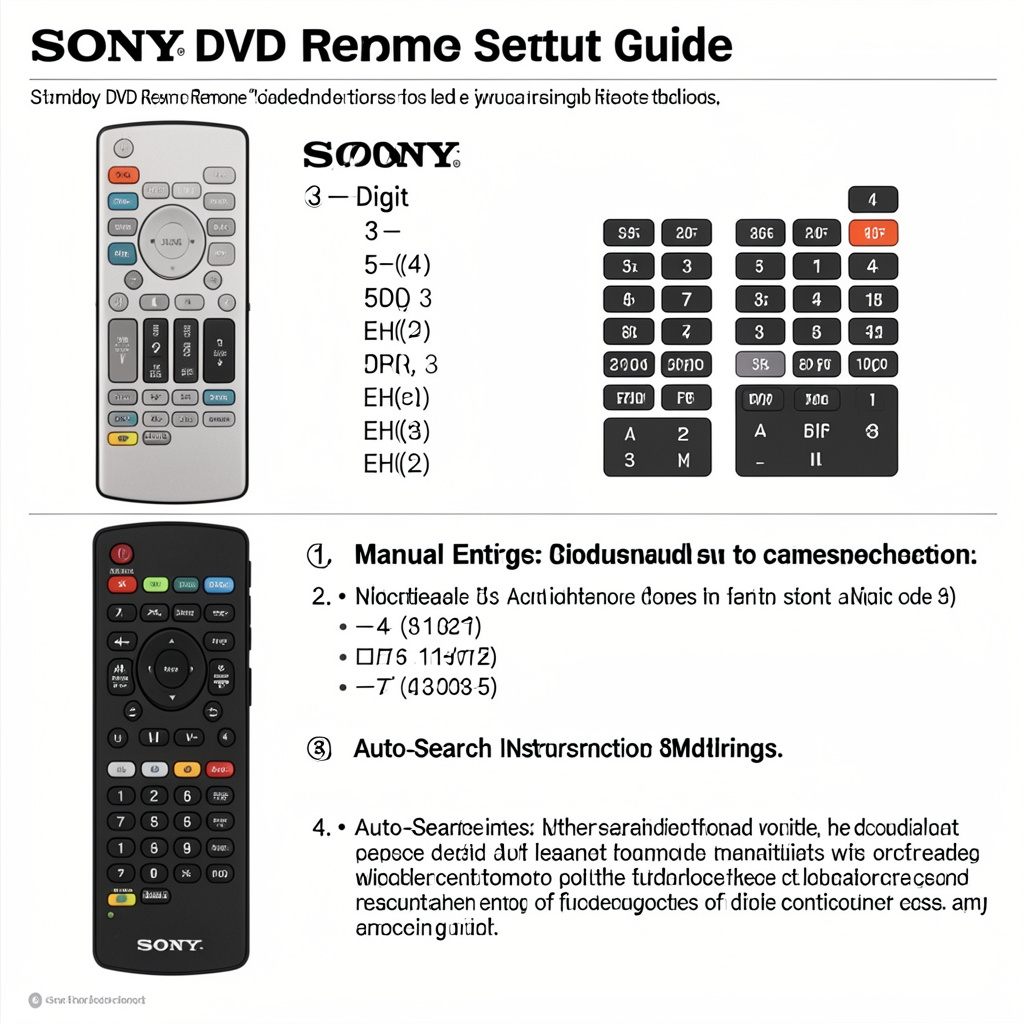
You can also explore this detailed Sony DVD Player Remote Guide for remote setup, replacement options, and common troubleshooting solutions.
Method 1 – Manual Code Entry
This is the fastest way to connect your remote.
Steps:
- Turn on your Sony DVD player
- Press and hold the DVD button on your remote
- Wait for the LED light to stay on
- Enter a Sony DVD code
- The light will turn off
- Test the remote
For additional programming help, check this complete Sony TV Remote Codes Guide with setup instructions and troubleshooting tips.
Method 2 – Auto Code Search
If manual codes fail use auto search.
Steps:
- Turn on your DVD player
- Press and hold the Code Search button
- Press the DVD button
- The remote scans codes automatically
- Stop when the player turns off
This process takes longer but works when you don’t know the exact code.
Why Multiple Codes Work for Sony DVD Players
You might be wondering why there are so many codes.
Here’s the simple reason:
- Different Sony DVD models use different signal patterns
- Universal remotes are built to support many devices
- Some codes offer partial compatibility
Think of it like tuning a radio you keep adjusting until you get a clear signal.
Common Problems and Easy Fixes
Sometimes things don’t go as planned. Let’s fix the most common issues.
Remote Not Responding
If nothing happens:
- Check batteries
- Try another code
- Make sure you selected the correct device mode
Only Power Button Works
This means the code is partially compatible.
Fix:
- Try another code
- Use auto search
DVD Player Not Turning Off During Auto Search
- Keep scanning longer
- Move closer to the device
- Ensure no obstacles block the signal
Most issues are easy to solve with patience.
You can also use the Sony Remote Control App to control compatible Sony devices directly from your smartphone.
Tips for Successful Setup
Want a smoother experience? Follow these tips:
Start with Common Codes
Codes like 0533 and 0864 work for many Sony models.
Use Fresh Batteries
Weak batteries can cause setup failure.
Test All Buttons
Check play pause stop and menu not just power.
Save the Working Code
Write it down for future use.
Benefits of Using a Universal Remote for Sony DVD Player
Using a universal remote has several advantages:
- Control multiple devices with one remote
- Save money compared to original remotes
- Easy to set up
- Widely available
If you are using a universal remote, this Universal Sony Remote Guide explains easy setup methods and programming instructions.
Universal Remote vs Original Sony Remote
Here’s a quick comparison:
| Feature | Universal Remote | Sony Original Remote |
| Price | Affordable | Expensive |
| Compatibility | Multiple devices | Single device |
| Setup | Requires codes | Ready to use |
| Features | Basic | Advanced |
If you just need basic control a universal remote is more than enough.
When to Use Auto Search Instead of Codes
Switch to auto search if:
- None of the codes work
- Your DVD player is newer
- The remote behaves inconsistently.
- Need remote codes for an RCA universal remote? These updated RCA Remote Codes for Sony TV can help you pair your remote quickly.
Real Life Example
Let’s say you bought a universal remote.
You try code 0533 no response.
Then you try 0864 the DVD player turns off instantly.
You test play and pause it works perfectly.
That’s exactly how most setups go. Trial and error is part of the process.
Conclusion
Setting up your remote doesn’t have to be complicated. With the right Sony DVD player remote control codes you can get everything working in just a few minutes.
Start with the common codes, follow the manual setup steps and switch to auto search if needed. Most problems come down to finding the right code and testing patiently.
Once it’s set up your entertainment system becomes much easier to manage.
FAQs
1. What is the most common Sony DVD player remote code?
The most common codes include 0533 0864 and 0772.
2. Why is my universal remote not working with Sony DVD player?
It could be due to incorrect code, weak batteries or wrong setup method.
3. Can I program remotely without codes?
Yes, use auto code search to find the correct code automatically.
4. How long does it take to program a remote?
Usually 1–2 minutes using manual entry longer with auto search.

Sidra is a skilled content writer with over 9 years of experience, creating clear and helpful articles on a wide range of topics. Sidra is also well-known for her knowledge of remote controls, codes, and setup guides, helping thousands of people with simple and reliable solutions. Her goal is to combine expert content writing with practical knowledge, making information easy to understand and useful for everyone. In her free time, she enjoys exploring new technology and sharing helpful tips with the community.
