Learn how to program, use, and troubleshoot a universal Sony remote with codes, Bravia tips, and easy setup steps for beginners.
In this guide, you’ll learn how a universal Sony remote works, how to set it up, which features matter most, and how to fix common problems. You’ll also understand how Bravia features, IR control, Bluetooth support, remote codes, and HDMI CEC fit into your setup.
What Is a Universal Sony Remote?
A universal Sony remote is a device designed to control Sony products and, in many cases, devices from other brands as well. Some remotes come preloaded with codes, while others support learning mode or auto search.
Most universal remotes work using one or more of these technologies:
- Infrared (IR): Requires direct line of sight
- Bluetooth: Works without pointing directly at the TV
- Preloaded codes: Usually 4-digit or 5-digit codes
- Learning mode: Copies signals from the original remote
- Macros: Perform multiple actions with one button
If your universal remote is not responding correctly, this detailed Sony TV Remote Not Working Guide explains common fixes, pairing solutions, and troubleshooting methods.
Why a Universal Sony Remote Is Still Useful
Many people think smart TVs have reduced the need for remotes. In reality, the opposite is true. More devices mean more confusion.
A universal Sony remote helps because it:
- Reduces remote clutter
- Replaces lost or broken Sony remotes
- Works with both old and new Sony devices
- Controls multiple devices from one place
- Makes setup easier for beginners
Looking for setup instructions or programming help? This complete Sony TV Remote Codes Guide includes updated remote codes and easy pairing steps.
Important Features to Look for in a Universal Sony Remote
Not all remotes are created equal. Some are basic replacements, while others act like a full control system.
IR and Bluetooth Support
IR is still widely used and works well with older Sony TVs and DVD players. However, it requires a clear line of sight.
Bluetooth is better for newer Sony Bravia TVs. It allows voice control and doesn’t require direct aiming.
You can also control compatible Sony TVs using the Sony Remote Control App directly from your smartphone for added convenience.
4-Digit Codes and Auto Search
Most universal remotes use 4-digit codes for setup. This is usually the fastest method.
Common code types include:
- Sony remote codes
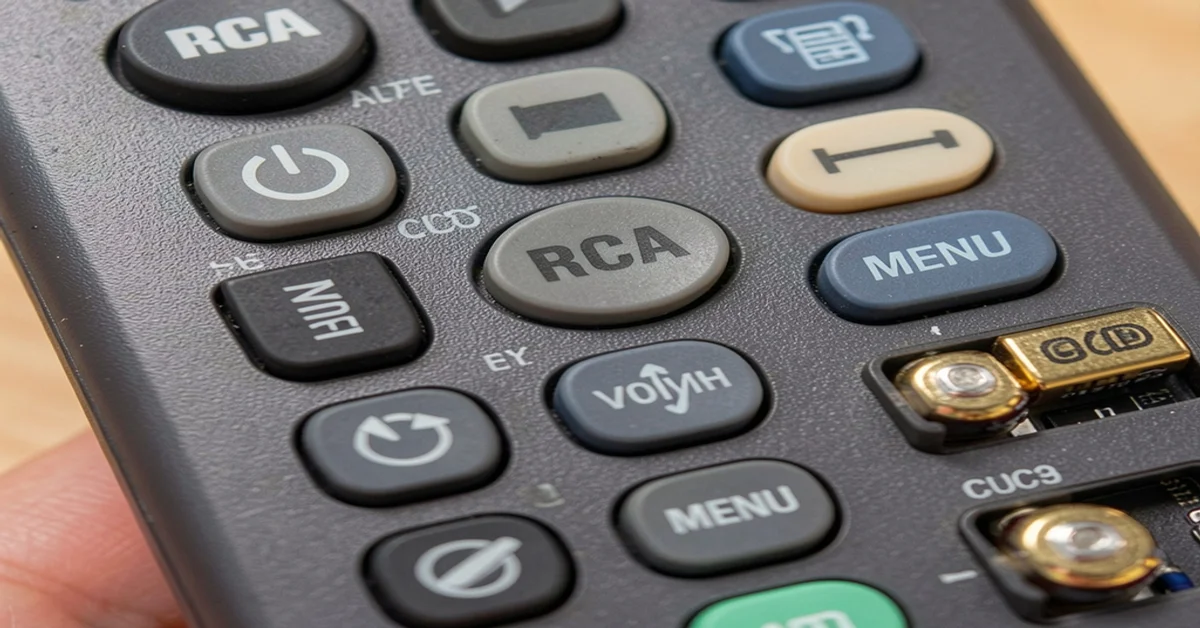
- RCA remote codes
- GE remote codes
- Philips remote codes
If manual entry fails, auto search can scan through codes automatically.
Learning Mode and Macros
Learning mode lets the remote copy commands from the original Sony remote. This is useful when some buttons don’t work with standard codes.
Macros allow one button to perform multiple actions, such as:
- Turn on the TV
- Power on the soundbar
- Switch to HDMI input
If you are using an RCA remote with your Sony TV, these updated RCA Remote Codes for Sony TV can help you connect your remote quickly.
How to Program a Universal Sony Remote
Programming your remote is easier than you might think. Start with fresh batteries and make sure your TV is turned on.
Method 1: Direct Code Entry
This is the fastest setup method.
Steps:
- Turn on your Sony TV manually
- Press and hold the Setup button
- Wait until the light stays on
- Press the TV button
- Enter a Sony 4-digit code
- Test power, volume, and input
Common Sony Codes:
- 1001
- 0001
- 1177
- 1135
If it doesn’t work, try another code.
Method 2: Auto Code Search
Use this if you don’t have a code list.
Steps:
- Turn on your TV
- Hold the Setup button
- Press the TV key
- Press Power repeatedly
- Stop when the TV turns off
- Save the code
Need help controlling your DVD player as well? Explore these Sony DVD Player Remote Control Codes for simple programming instructions.
Method 3: Learning Mode Setup
Use this if you have the original Sony remote.
Steps:
- Place both remotes face to face
- Enable learning mode
- Press the button to program
- Press the same button on the original remote
- Wait for confirmation
This method is perfect for advanced controls like menu or home buttons.
Universal Sony Remote and Bravia Features
If you own a Sony Bravia TV, your setup may include more advanced features.
Bravia TVs support:
- IR control
- Bluetooth connectivity
- Smart TV navigation
- App control
- HDMI CEC (Bravia Sync)
Basic remotes handle power and volume. Advanced remotes can access smart features and voice control.
- Your TV model year
- IR vs Bluetooth support
- Need for smart features
- HDMI CEC compatibility
How HDMI CEC Helps Sony Users
HDMI CEC allows devices to communicate through HDMI cables. Sony calls this Bravia Sync.
With HDMI CEC enabled, one remote can control:
- TV power
- Soundbar volume
- Connected devices
- Auto power on/off
- For additional setup guidance and remote features, check this complete Sony TV Remote Guide to improve your Sony entertainment experience.
How to Enable HDMI CEC (Bravia Sync)
- Press Home on the remote
- Go to Settings
- Select External Inputs
- Open Bravia Sync settings
- Turn it ON
This reduces the need for multiple remotes.
Common Problems and Easy Fixes
Even good remotes can have issues. Most are easy to fix.
Remote Not Pairing
Try this:
- Replace batteries
- Confirm correct mode
- Re-enter codes
- Try a different code
- Use auto search
Some Buttons Not Working
This means the code is partially compatible.
Fix:
- Try another code
- Use learning mode
Remote Works Only at Close Range
This is usually an IR issue.
Check:
- Clear obstacles
- Aim directly at the sensor
- Clean the TV sensor
- Replace batteries
- You can also read this detailed Sony DVD Player Remote Guide for setup tips, troubleshooting help, and remote replacement information.
FAQ About Universal Sony Remote
What is the easiest way to program a universal Sony remote?
Direct code entry is the fastest. If it fails, use auto search or learning mode.
Can a universal remote work with Sony Bravia TVs?
Yes. Basic remotes support IR. Advanced ones support Bluetooth and smart features.
What are common Sony remote codes?
Popular codes include 1001, 0001, 1177, and 1135.
Why is my remote not working?
It may be due to weak batteries, wrong code, or blocked signal.
Do I need the original remote?
No. But it helps for learning mode setup.
Will it work with older Sony TVs?
Yes. Most remotes support older Sony models using IR codes.
Can one remote control TV and soundbar?
Yes. Many remotes support multiple devices or HDMI CEC.
Is Bluetooth better than IR?
Bluetooth is better for smart TVs. IR is simple and reliable.
Final Thoughts on Choosing the Right Universal Sony Remote
A universal Sony remote is one of the easiest upgrades you can make to your home setup. It reduces clutter, saves time, and simplifies control.
You don’t need the most expensive option. You need the one that:
- Works with your Sony TV
- Supports your devices
- Offers easy setup
If you have a newer Bravia TV, look for Bluetooth and HDMI CEC. For older setups, focus on strong IR support and learning mode.Start simple. Test your setup. Then customize it to match your daily use.That’s how one small device can transform your entire entertainment experience.

Sidra is a skilled content writer with over 9 years of experience, creating clear and helpful articles on a wide range of topics. Sidra is also well-known for her knowledge of remote controls, codes, and setup guides, helping thousands of people with simple and reliable solutions. Her goal is to combine expert content writing with practical knowledge, making information easy to understand and useful for everyone. In her free time, she enjoys exploring new technology and sharing helpful tips with the community.
