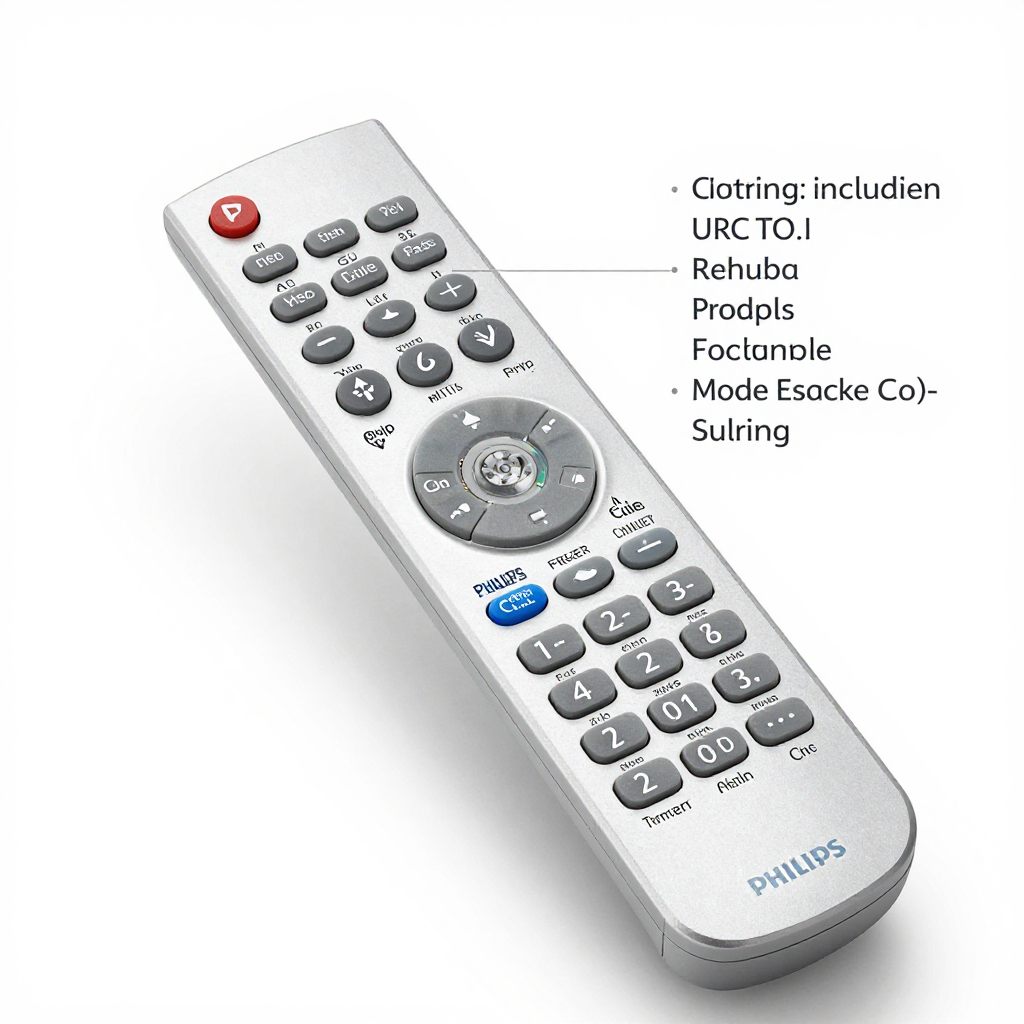
Need Philips URC codes to program your remote? Our fast guide offers the best remote codes, easy setup steps and top troubleshooting tips for your home theater.
TL;DR: You can program a Philips universal remote by pressing and holding the Setup button. Then press the device button. Finally enter the specific four digit Philips URC code for your brand. If you lack a code you can use the Auto Code Search feature instead.
Finding the correct Philips URC codes will solve this problem instantly! I remember the magic of connecting my television DVD player and sound system. One remote suddenly controlled my entire home theater experience. It was wonderful!
Could you please explain how Philips URC Codes actually work?
A universal remote needs a specific language to speak to your television. The Philips URC codes serve as this translation language. Each brand uses a unique four digit sequence to communicate. When you type this number into the keypad the remote connects.
The remote sends an infrared signal directly to your television set. The device recognizes the signal and allows the remote to assume control. This process links the power volume and channel functions instantly. You only need to program the device once.
What Are The Philips URC Codes For Popular TV Brands?
Finding your specific brand number is the most important step. According to the PC Guide database from 2025 these numbers work best. Here are the most reliable four digit numbers for major television manufacturers.
Samsung Television Codes
Samsung televisions typically respond to these specific four digit numbers. Try entering 1081 1006 1070 or 1017. If those fail, attempt 1003 or 1076.
LG Television Codes
LG screens require different sequences for proper connection. Your best options include 0002 0606 0502 and 0102. You might also try 0324 or 0435.
Sony Television Codes
Sony devices usually connect quickly with these primary numbers. Input 0414 0902 0801 or 0708. The code 0639 also works for many Sony models.
Vizio Television Codes
Vizio televisions are incredibly straightforward to program. You only need to try the code 0709. This single number works for almost all Vizio displays.
How Can You Program Your Philips Universal Remote Using Direct Code Entry?
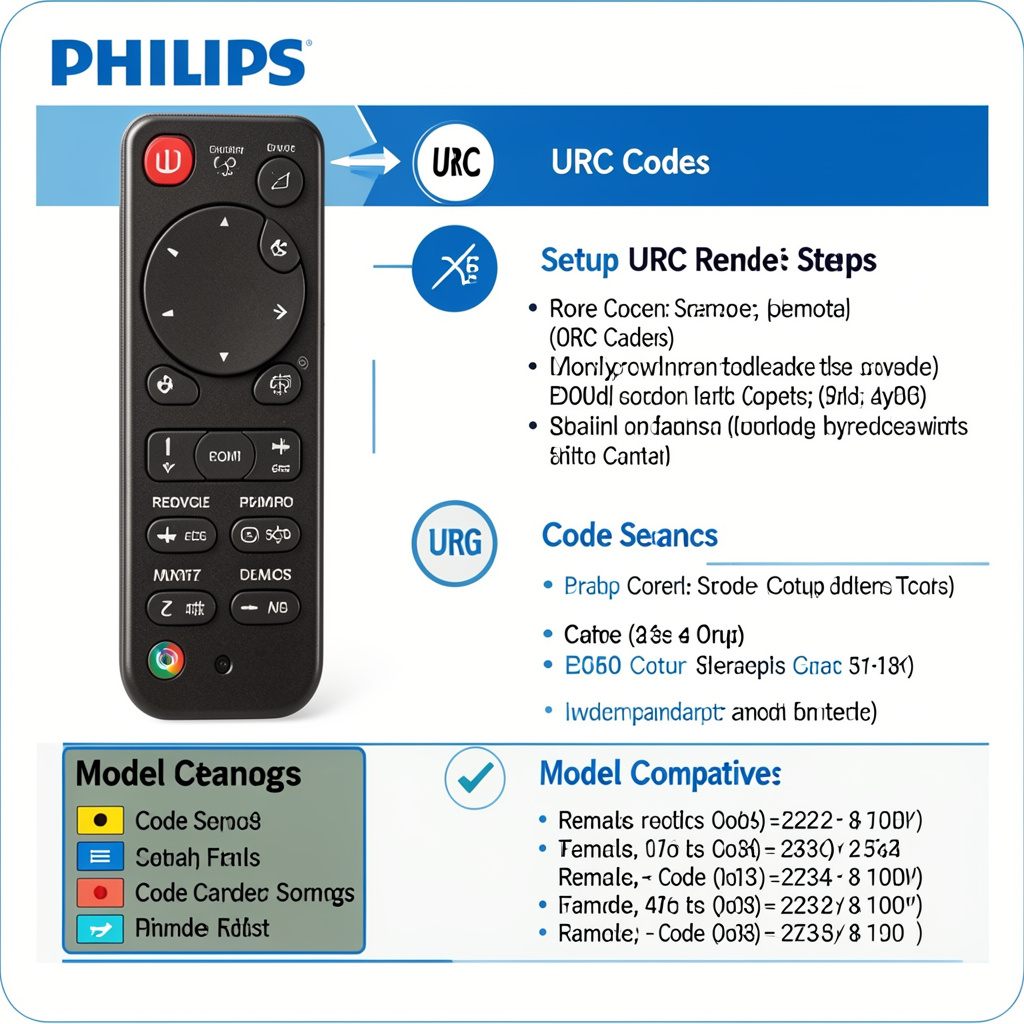
Direct Code Entry is the fastest way to link your devices. Follow these exact steps to complete the programming process.
Step 1: Turn On Your Target Device
First turn on the television or device you want to control. Ensure all other surrounding electronics remain completely turned off. This prevents accidental pairing with the wrong machine.
Step 2: Press the Setup Button
Point the Philips universal remote directly at your television screen. Press and hold the Setup button firmly. Release the button when the red light turns on.
Step 3: Select Your Device Type
Press the specific device button on your remote control. For televisions, press the TV button once. The red light will flash and then remain solid.
Step 4: Enter the Four Digit Code
Use the keypad to enter the four digit number for your brand. The red light will turn off after the last digit.
Step 5: Test the Remote Control Functions
Aim the remote at the television and press the power button. If the television turns off the programming is complete! You can now use your remote freely.
How Do You Program the Remote Using Auto Code Search?
Occasionally you cannot find the exact number for your brand. The Auto Code Search feature will find the connection for you.
Step 1: Prepare the Device
Turn on your television manually. Point the remote control directly at the screen.
Step 2: Enter Setup Mode
Press and hold the Setup button until the red light appears. Release the button immediately.
Step 3: Choose the Device Category
Press the TV button on your remote control. The red indicator light will blink once.
Step 4: Activate the Search Feature
Press and release the power button repeatedly. The remote will send batches of ten codes. Stop pressing when the television finally turns off.
How Do You Troubleshoot Common Connection Issues?
Even the best technology experiences occasional hiccups. Do not worry if your remote fails to connect immediately. I have some helpful tips to solve these minor problems.
Why Is The Remote Not Responding?
Check the batteries if the red light fails to activate. Fresh batteries solve ninety percent of remote control problems. Always use high quality alkaline batteries for the best performance.
Why Does the Code Fail to Work?
Manufacturers update their internal software frequently. You might need to try every single number listed for your brand. Patience is key during this testing phase!
What Are The Expert Tips For Optimizing Your Remote Experience?
You can make your home theater even better with these tricks. I love sharing these insider secrets with fellow technology fans.
- First write down your successful numbers on a small paper. Tape this paper to the inside of the battery cover. You will never lose your programming numbers again.
- Second, keep the remote control away from direct sunlight. Extreme heat can damage the internal infrared transmitter over time. Treat your device gently to ensure years of reliable service.
Frequently Asked Questions
How do I factory reset my Philips universal remote control?
You can easily restore the original factory settings. Press and hold the Setup button until the red light appears. Then press the mute button to erase all custom settings.
Can I program the remote without a setup button?
Some newer models lack a dedicated setup button. You must hold down the green and yellow keys simultaneously instead. Wait for the light to blink twice before proceeding.
Will my Philips remote work with a Roku streaming device?
Yes it works beautifully with Roku devices! You can use the numbers 2407 2014 0903 or 2894. The code 4395 is also highly effective.
What should I do if my brand is not listed anywhere?
You should definitely use the Auto Code Search method. The remote contains hundreds of unlisted numbers in its memory. It will eventually find the correct frequency for your machine.
Start Enjoying Your Seamless Entertainment Experience
Finding and entering Philips URC codes is genuinely simple. You can consolidate your messy coffee table in just five minutes. Use the direct entry method or rely on the automatic search. Soon you will control your entire entertainment system with one click! Enjoy your streamlined movie nights and happy viewing!

Sidra is a skilled content writer with over 9 years of experience, creating clear and helpful articles on a wide range of topics. Sidra is also well-known for her knowledge of remote controls, codes, and setup guides, helping thousands of people with simple and reliable solutions. Her goal is to combine expert content writing with practical knowledge, making information easy to understand and useful for everyone. In her free time, she enjoys exploring new technology and sharing helpful tips with the community.
