Find updated RCA remote codes for Sony TV with easy setup steps. Learn how to program, fix issues and pair your universal remote quickly.
Here’s the thing there isn’t just one code. Sony TVs support multiple RCA codes and not all of them work on the first try. That’s why this guide gives you updated working codes step by step instructions and real troubleshooting tips so you don’t waste time guessing.
If your RCA remote is not pairing correctly with your Sony TV, this detailed Sony TV Remote Not Working Guide explains common troubleshooting steps and connection fixes.
RCA Remote Codes for Sony TV
Finding the correct RCA universal remote codes for Sony TV is the first step. These codes vary depending on your remote model and TV generation.
According to recent data Sony TVs support multiple formats including 3 digit 4 digit and 5 digit codes.
4 Digit RCA Remote Codes for Sony TV
These are the most commonly used codes:
- 0810
- 1300
- 1317
- 1685
5 Digit RCA Remote Codes for Sony TV
If your remote requires 5 digits try these:
- 10000
- 10810
- 11300
- 12778
- 14189
- 14541
- 14448
- 21115
- 22556
Additional Sony Codes
Some older or specific models may work with these:
- 1002
- 1205
- 1216
- 1243
- 1435
- 1459
Looking for complete setup instructions? This helpful Sony TV Remote Guide covers remote features, pairing methods, and troubleshooting tips.
How to Program RCA Remote to Sony TV
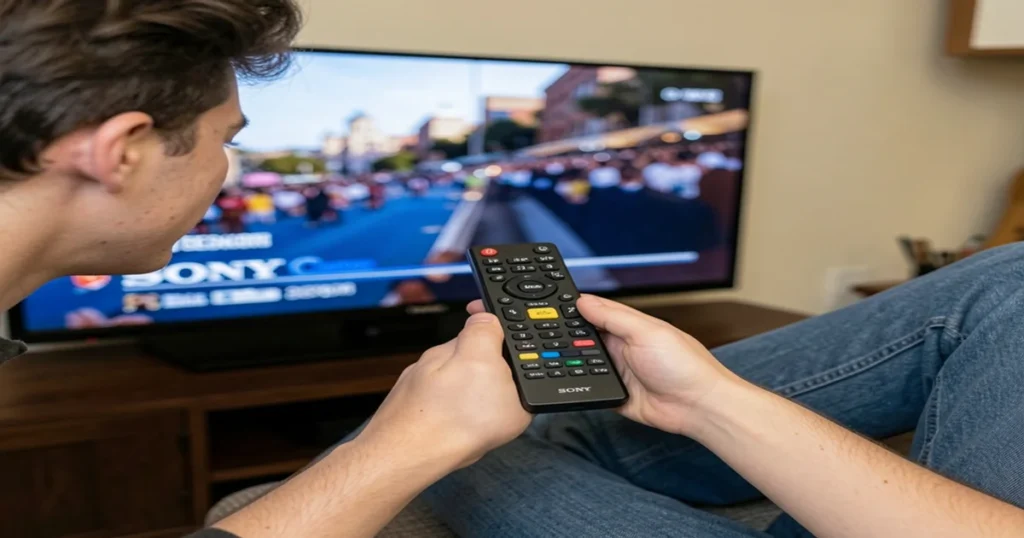
Now that you have the codes let’s connect your remote. The process is simple and usually takes less than 2 minutes.
Method 1 – Manual Code Entry
This is the easiest and most reliable method.
Follow these steps:
- Turn on your Sony TV
- Press and hold the TV button on your RCA remote
- Wait until the light stays on
- Enter one of the Sony TV codes
- The light will turn off
- Test the remote
You can also use the Sony Remote Control App to control compatible Sony TVs directly from your smartphone.
Method 2 – Auto Code Search
If none of the codes work don’t worry. You can let the remote find the correct code automatically.
Steps:
- Turn on your TV
- Press and hold the Code Search button
- Press the TV button
- The remote will scan codes automatically
- Stop when the TV turns off
Need additional programming help? These updated Sony TV Remote Codes can help you connect and configure your remote properly.
Why Multiple RCA Codes Exist for Sony TVs
Here’s the simple explanation. Every Sony TV model uses slightly different internal signals. That means:
- Older TVs use basic IR signals
- New smart TVs use updated codes
- Some models respond to multiple codes
If you want an all-in-one remote solution, this detailed Universal Sony Remote Guide explains easy setup methods and programming instructions.
Common Problems and Fixes
Even when you follow the steps correctly things don’t always work right away. Let’s fix that.
Remote Not Working After Code Entry
This usually means the code isn’t compatible.
Solution:
- Try another code from the list
- Reset the remote and start again
Some Buttons Not Working
Sometimes the power button works but volume doesn’t.
Why this happens:
- Partial compatibility between remote and TV
- Incorrect code
Fix:
- Try a different code
- Use auto search mode
Remote Not Responding at All
Check these basics:
- Replace batteries
- Make sure nothing blocks the signal
- Stand closer to the TV
Looking for DVD remote setup help? These Sony DVD Player Remote Control Codes can help you pair your remote with different Sony DVD player models.
Tips for Successful RCA Remote Setup
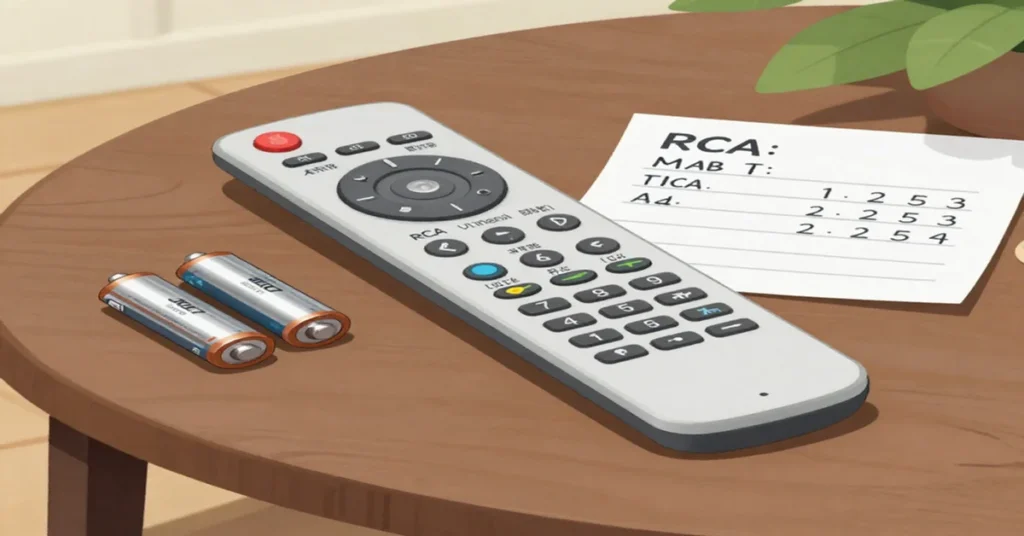
Setting up a universal remote is easy but a few smart tips can save you time.
Use Fresh Batteries
Weak batteries can cause signal issues. Always start with new ones.
Test Every Function
Don’t just test power. Check:
- Volume
- Channel
- Menu
Keep Codes Handy
Write down the working code. You may need it later.
Stay Patient
It may take 3–5 tries. That’s completely normal.
Benefits of Using RCA Universal Remote
Why even use an RCA remote instead of buying a new original one?
Here’s why people prefer it:
- Works with multiple devices
- Saves money
- Easy to program
- Widely available
According to tech guides universal remotes allow you to control several devices with a single controller reducing clutter and improving convenience.
RCA Remote vs Original Sony Remote
Here’s a quick comparison:
| Feature | RCA Universal Remote | Sony Original Remote |
| Price | Affordable | Expensive |
| Compatibility | Multiple devices | Sony only |
| Setup | Requires codes | Plug & play |
| Features | Basic | Advanced |
If you just need basic control RCA is perfect. But for advanced features like smart apps the original remote may be better.
When to Use Code Search Instead of Manual Codes
Sometimes entering codes doesn’t work at all.
That’s when you should switch to auto search.
Use it if:
- Your TV model is new
- Codes fail repeatedly
- Remote behaves partially
You can also explore this complete Sony DVD Player Remote Guide for troubleshooting tips, remote setup instructions, and replacement information.
Real Example Setting Up RCA Remote
Imagine you just bought an RCA remote. You turn on your Sony TV and try code 0810. Nothing happens.
Next you try 1300. The TV responds instantly.
You test volume channels and the menu all working perfectly.
That’s how simple it can be. Sometimes it works on the first try, sometimes it takes a few attempts.
Conclusion
Getting your remote working doesn’t have to be complicated. With the right RCA remote codes for Sony TV you can control your TV in minutes.
Start with the common codes, follow the manual setup and switch to auto search if needed. Most issues come down to trying the right code and being a little patient.
FAQs
1. What is the most common RCA code for Sony TV?
The most common codes include 0810 1300 and 10810. These work for many Sony TV models but not all.
2. Why is my RCA remote not working with Sony TV?
This usually happens due to incorrect codes, weak batteries or signal interference. Try another code or use auto search.
3. Can I program RCA remotely without codes?
Yes you can use the auto code search method. It scans and finds the correct code automatically.
4. How many codes should I try?
There’s no fixed number. Most users find the right code within 3–5 attempts.
5. Does RCA remote work with all Sony TVs?
Yes but you must use the correct code. Some newer smart TVs may need multiple attempts or auto search.

Sidra is a skilled content writer with over 9 years of experience, creating clear and helpful articles on a wide range of topics. Sidra is also well-known for her knowledge of remote controls, codes, and setup guides, helping thousands of people with simple and reliable solutions. Her goal is to combine expert content writing with practical knowledge, making information easy to understand and useful for everyone. In her free time, she enjoys exploring new technology and sharing helpful tips with the community.
