

Learn everything about Vizio TV remote pairing, programming, repair apps, and replacement options with easy step-by-step solutions for all users.
The ability to easily handle power, volume, input, and smart features makes a Vizio TV remote a crucial component of the viewing experience. Many customers feel stranded when their remote is broken, misplaced, or has to be replaced. Thankfully, there are several stress free methods for pairing, programming, fixing, or even replacing a Vizio TV remote.
Everything from pairing your remote to utilizing applications, universal remotes, and locating replacement choices is covered in this comprehensive tutorial. This post covers all potential answers in an easy-to-understand manner, regardless of your level of experience troubleshooting.
Understanding the Vizio TV Remote and Its Types
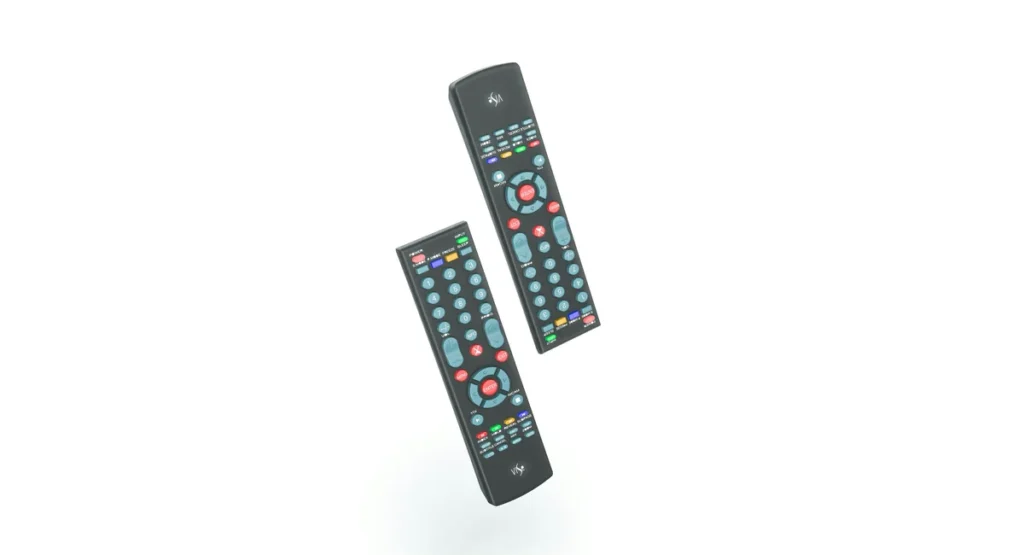
Vizio offers different remote options depending on the TV model.
Common Types of Vizio TV Remote
- Standard IR remote for basic Vizio TVs
- Vizio Smart TV remote with app and voice features
- Universal remote for Vizio TV compatibility
- Vizio TV remote replacement models
- Mobile based Vizio TV remote app
Each remote type works differently, and setup steps may vary depending on whether the remote uses infrared or Bluetooth.
How to Pair Vizio Remote to TV Step by Step
Pairing is necessary for Bluetooth enabled remotes, especially smart TV models.
How to Connect Vizio Remote to TV
- Turn on your Vizio TV manually
- Insert fresh batteries into the remote
- Hold the Menu and OK buttons together
- Wait until the TV confirms pairing
- Test volume and navigation buttons
If the remote does not pair, repeat the process closer to the TV.
How to Program Vizio TV Remote Using Codes
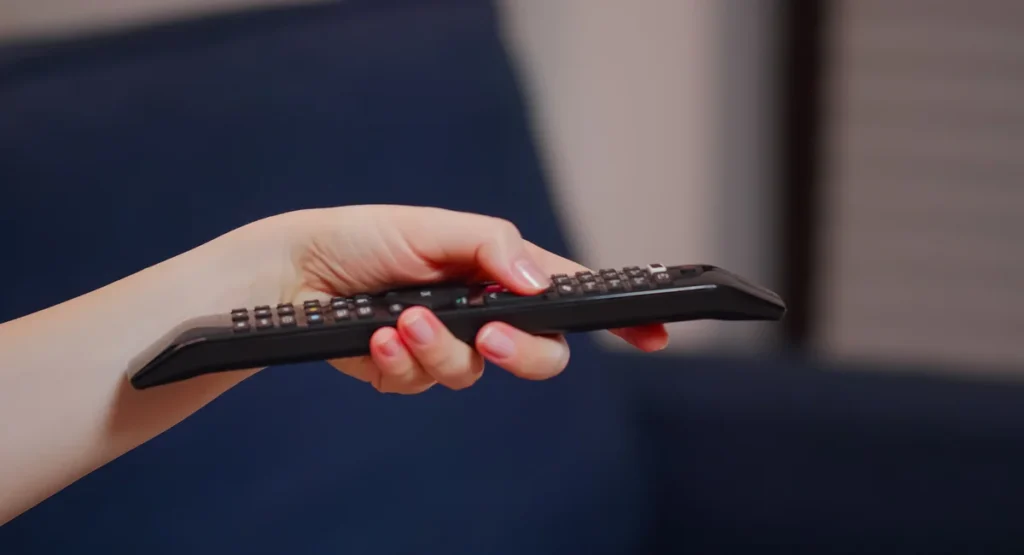
Programming is required when using a universal remote for Vizio TV.
Universal Remote TV Codes Explained
Universal remotes rely on programmable remote codes to communicate with your TV.
Common code sources include:
- Universal remote control code list
- Manufacturer instruction manuals
- Online code databases
Universal Remote Codes for Vizio TV
Some popular options include:
- GE universal remote codes for Vizio TV
- GE remote codes for Vizio TV
- Universal remote tv codes from brand specific lists
To program:
- Turn on the TV
- Press and hold the Setup button
- Enter the correct code
- Test the power and volume buttons
If one code does not work, try another from the list.
How to Turn On Vizio TV Without Remote
If your remote is lost or broken, you still have options.
How to Turn a Vizio TV On Without Remote
- Use the power button located on the TV
- Install the free Vizio TV remote app
- Use a universal remote already programmed
- Connect a keyboard or compatible device
These methods help when you need immediate access to your TV.
Using the Vizio Remote App for Full Control
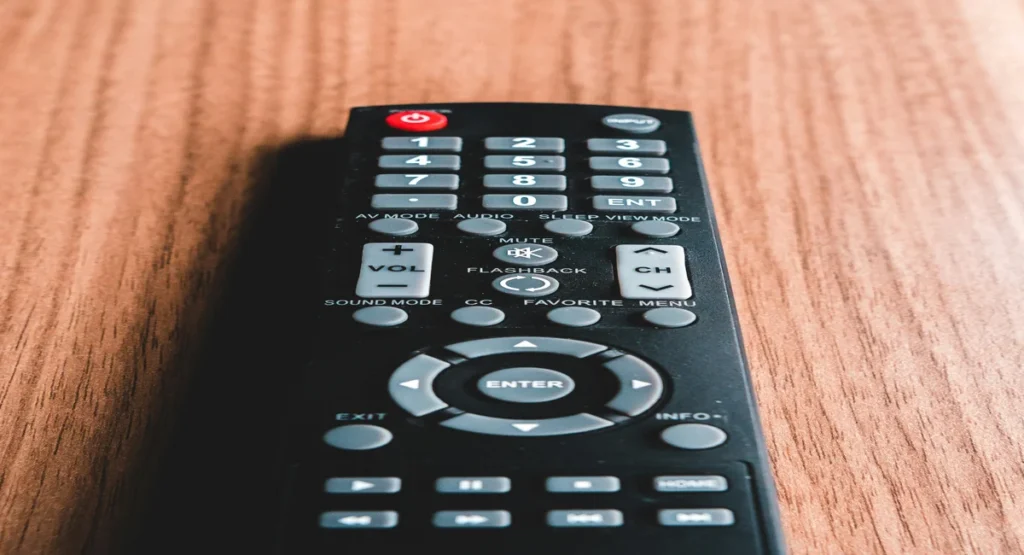
A Vizio remote app is one of the easiest alternatives to a physical remote.
Vizio TV Remote App Features
- Power on and off control
- Volume and channel navigation
- Input switching
- Smart TV menu access
The free Vizio TV remote app works on most Android and iOS devices as long as your phone and TV are on the same WiFi network.
How to Repair Vizio Remote to TV
Sometimes the remote stops responding even though it is not damaged.
Vizio TV Remote Repair Tips
Try the following steps:
- Replace batteries
- Clean battery contacts
- Reset the remote by removing batteries
- Power cycle the TV
- Repair the remote
This basic Vizio TV remote repair process fixes most common issues.
How to Repair DirecTV Remote to Vizio TV
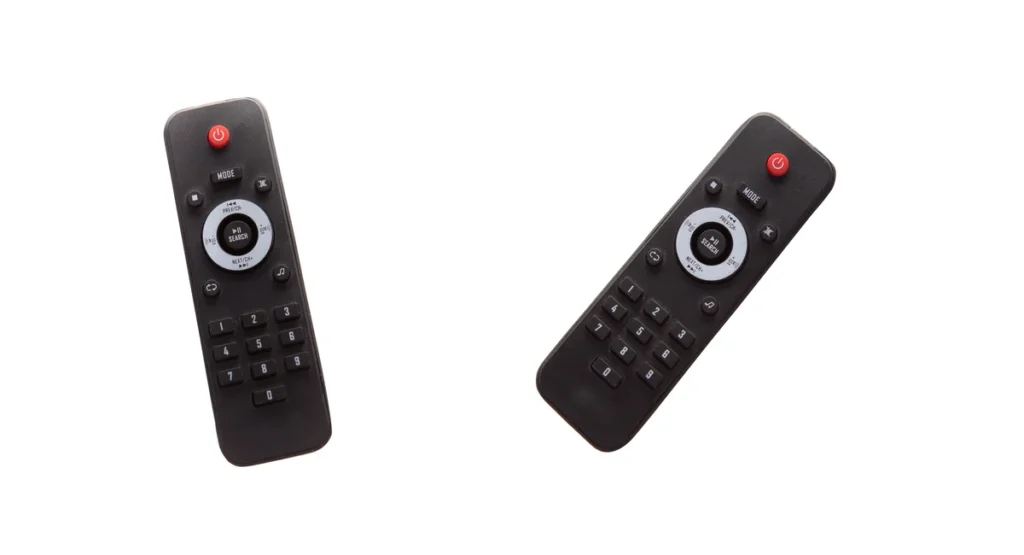
If you are using a DirecTV remote with a Vizio TV, programming is required.
Repairing DirecTV Remote Connection
- Turn on the Vizio TV
- Hold the Mute and Select buttons
- Enter the correct code for Vizio
- Test volume and power
This method allows you to repair the DirecTV remote to Vizio TV successfully.
Can You Replace a Vizio TV Remote
Yes, replacement options are widely available.
Can I Get a Replacement Remote for My Vizio TV
You can:
- Order directly from Vizio
- Buy from online marketplaces
- Purchase a universal remote for Vizio TV
How to Order Replacement Remote for Vizio TV
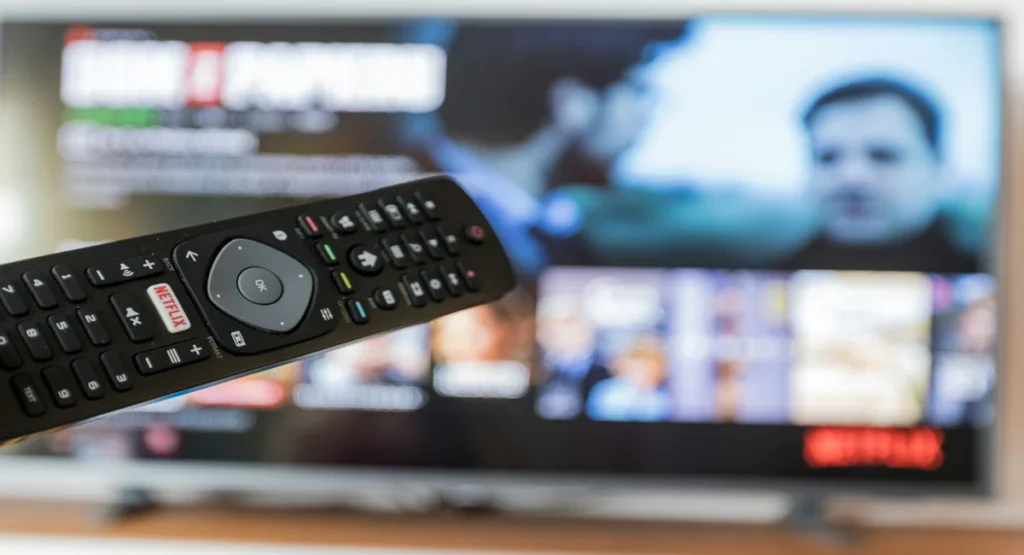
Check:
- TV model number
- Remote compatibility
- Original or third party option
Most users find replacing a Vizio TV remote affordable and simple.
Universal Remote Control Code List Explained
A universal remote control code list includes all codes needed to connect remotes with TVs, soundbars, and streaming devices.
Why Programmable Remote Codes Matter
- Ensure proper device communication
- Enable full button functionality
- Allow one remote to control multiple devices
Having access to the right codes saves time and frustration.
FAQs About Vizio TV Remote
Can I replace my Vizio TV remote with a universal one
Yes, a universal remote for Vizio TV works when programmed correctly.
How do you connect Vizio remote to TV again
Repair the remote using the Menu and OK button method.
Why is my Vizio TV remote not working
Common reasons include dead batteries, pairing issues, or signal interference.
Is the Vizio TV remote app reliable
Yes, it is a reliable backup and works well over WiFi.
Conclusion
Once you are comfortable with pairing, programming, and replacement options, using a Vizio TV remote is simple. There are several options for each situation, whether you’re using a mobile app, a universal remote, or a Vizio smart TV remote. This article covers all you need to know, including how to power on Vizio TV without a remote and how to locate the correct universal remote codes for Vizio TV.
Controlling your Vizio TV becomes easy, dependable, and stress free with the correct procedures and equipment.

Sid is a skilled content writer with over 9 years of experience, creating clear and helpful articles on a wide range of topics. Sid is also well-known for her knowledge of remote controls, codes, and setup guides, helping thousands of people with simple and reliable solutions. Her goal is to combine expert content writing with practical knowledge, making information easy to understand and useful for everyone. In her free time, she enjoys exploring new technology and sharing helpful tips with the community.
