Learn everything about Vizio TV remote pairing, programming, repair apps, and replacement options with easy step-by-step solutions for all users.
If you own a VIZIO television your Vizio TV remote is the most important tool for controlling your entertainment experience. Whether you just bought a new VIZIO TV lost your remote or are having trouble getting it to work properly this complete guide covers everything you need to know about your Vizio TV remote from setup to troubleshooting.
What is a Vizio TV Remote?
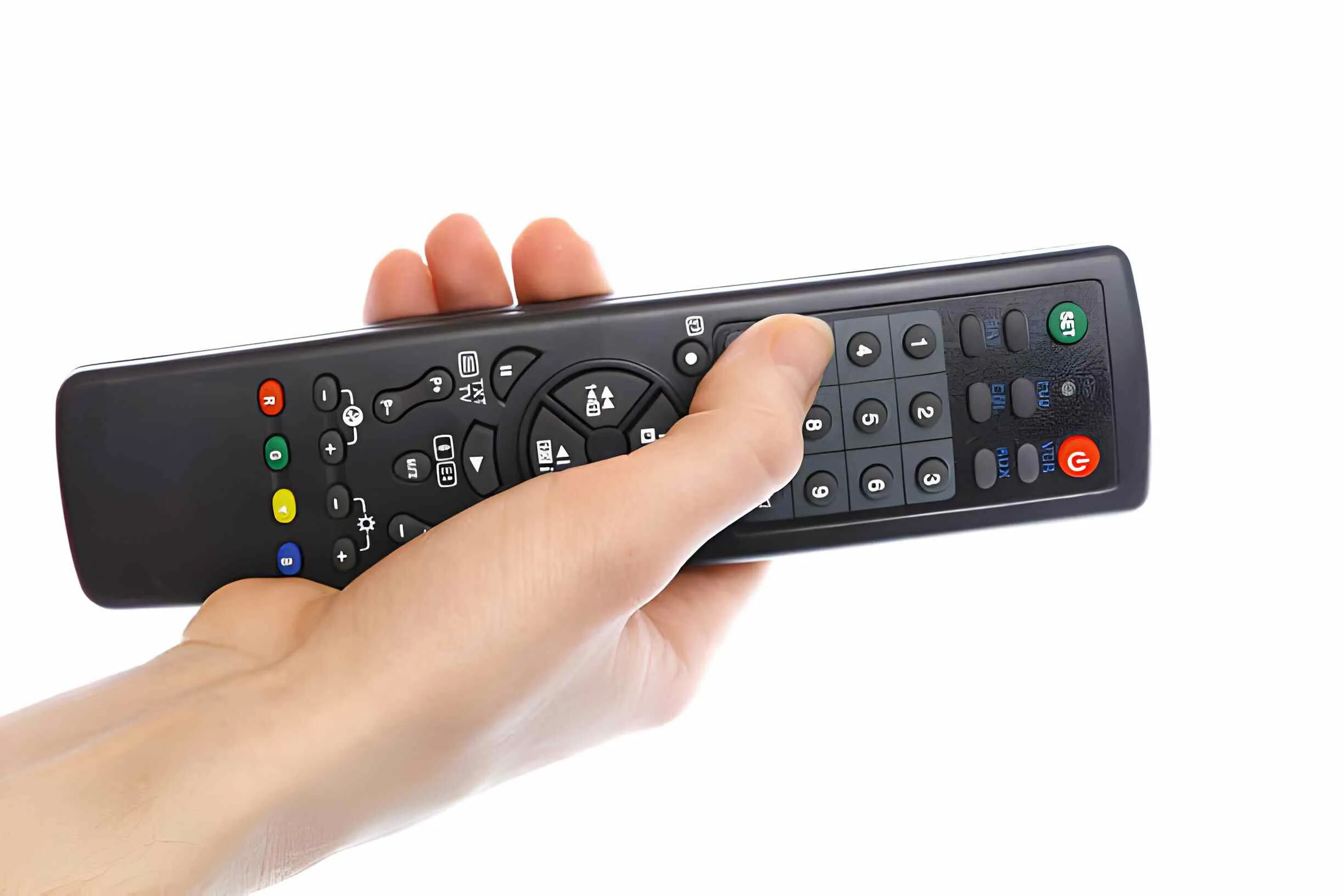
A Vizio TV remote is the handheld controller that comes with every VIZIO television. It allows you to control all the basic and advanced functions of your TV including power, volume, input switching, channel navigation, and access to smart TV features. VIZIO offers several types of remotes depending on the TV model you own ranging from basic IR remotes to advanced Bluetooth SmartCast remotes.
How to Set Up Your Vizio TV Remote
Setting up your Vizio TV remote for the first time is quick and easy. Follow these simple steps to get started:
Insert the Batteries
Remove the battery cover from the back of the remote and insert two fresh AA batteries. Make sure they are placed in the correct direction as shown inside the compartment.
Point and Power On
Point the remote directly at the IR sensor on the front of your VIZIO TV and press the power button to turn it on.
Pair the Remote
If the remote does not respond hold the Menu and OK buttons together for ten seconds until the TV detects the signal and confirms the pairing.
Need more detailed pairing steps? Learn How to Pair Your Vizio Remote to Your TV
How to Program Your Vizio TV Remote
If you want to use your Vizio TV remote to control other devices like a soundbar or cable box you will need to program it first.
Steps to Program Your Vizio Remote
Press and hold the Setup button on your remote until the LED light blinks twice. Enter the correct device code for your device and test the remote by pressing the power button to confirm it is working.
Not sure which codes to use? Follow our complete How to Program Vizio Remote guide
Vizio TV Remote Codes
Every Vizio TV remote uses specific codes to communicate with different devices. Whether you are programming a universal remote or setting up a cable box remote to work with your VIZIO TV you will need the correct codes.
Find the Right Codes for Your Device
- Get the Complete List of Vizio TV Remote Codes
- GE Universal Remote Codes for Vizio TV
- DirecTV Remote Codes for Vizio TV
- DirecTV Remote Codes for Vizio TV — Full List
How to Use a Universal Remote With Your Vizio TV
If you have lost your Vizio TV remote or prefer to use a single remote for all your devices a universal remote is a great and affordable option that works perfectly with VIZIO TVs.
Why Choose a Universal Remote
Universal remotes are easy to set up, compatible with multiple devices, and much more affordable than buying a brand specific replacement remote.
Find the Best Universal Remote for Your Vizio TV
Vizio TV Remote Not Working Quick Fixes
Is your Vizio TV remote not responding? Here are the most effective quick fixes you can try right now.
Replace the Batteries
Remove the old batteries and insert a fresh pair. This resolves most Vizio TV remote issues instantly.
Clean the Remote
Use a soft damp cloth to wipe down the surface of the remote and clean around the buttons to remove any dirt or oil buildup.
Re-Pair the Remote
Hold the Menu and OK buttons together for ten seconds to re-establish the connection between your remote and TV.
Restart Your TV
Unplug your VIZIO TV from the wall for thirty seconds and plug it back in to refresh the system.
For a complete step by step troubleshooting guide read our Vizio Remote Not Working guide and Vizio Remote Control Not Working guide
Control Your Vizio TV With Your Phone
Did you know you can use your smartphone as a Vizio TV remote? The free Vizio TV Remote App is available on both Android and iOS and gives you full control of your VIZIO TV right from your phone.
How to Get Started With the Vizio TV Remote App
Download the app from the App Store or Google Play, connect your phone to the same WiFi network as your TV, open the app, and select your TV from the device list. You will have full control of your TV instantly.
Read our full Vizio TV Remote App guide here
Vizio TV Remote for Soundbar
If you own a VIZIO soundbar along with your VIZIO TV you can use your Vizio TV remote to control both devices. This makes it easy to adjust volume and sound settings without switching between multiple remotes.
Setting Up Soundbar Control
Program your Vizio TV remote using the correct soundbar codes to enable full control of your VIZIO soundbar from a single remote.
Check out our complete Vizio Sound Bar Remote guide
When to Get a Vizio Replacement Remote
If your Vizio TV remote is physically damaged has broken buttons or simply cannot be fixed with any troubleshooting steps it is time to get a replacement.
Where to Find a Replacement Remote
Genuine VIZIO replacement remotes are affordable and easy to find online. You can also consider a universal remote as a more versatile and cost effective alternative.
Find the Best Vizio Replacement Remote here
How to Prevent Vizio TV Remote Problems
Taking care of your Vizio TV remote properly will help it last longer and perform better every day.
Simple Maintenance Tips
- Replace batteries every three to four months
- Keep the remote clean and dry at all times
- Avoid dropping the remote
- Store it in a safe place when not in use
- Keep your VIZIO TV firmware updated via Settings → System → Check for Updates
Conclusion
Your Vizio TV remote is an essential part of your VIZIO TV experience. Whether you need to set it up for the first time, program it to control other devices, troubleshoot a problem, or find a replacement this guide has everything you need. For more expert remote guides and troubleshooting tips visit Remoteversity.com
Frequently Asked Questions
How do I pair my Vizio TV remote to my TV?
Hold the Menu and OK buttons together for ten seconds until the LED blinks and the TV detects the remote signal. Learn more here
Why is my Vizio TV remote not working?
The most common causes are dead batteries, dirty buttons, or a lost pairing connection. Replace the batteries, clean the remote, and re-pair it with your TV. Read our full fix guide here
Can I use my phone as a Vizio TV remote?
Yes. Download the free Vizio TV Remote App from the App Store or Google Play and control your VIZIO TV directly from your smartphone. Read the full guide here
What are the Vizio TV remote codes?
Vizio TV remote codes vary by device and model. Get the complete list of Vizio TV remote codes here
How do I program my Vizio TV remote?
Hold the Setup button until the LED blinks twice, enter the correct device code, and test the remote. Follow our complete programming guide here
Where can I get a Vizio replacement remote?
You can find genuine and affordable Vizio replacement remotes online. Find the best options here

Sidra is a skilled content writer with over 9 years of experience, creating clear and helpful articles on a wide range of topics. Sidra is also well-known for her knowledge of remote controls, codes, and setup guides, helping thousands of people with simple and reliable solutions. Her goal is to combine expert content writing with practical knowledge, making information easy to understand and useful for everyone. In her free time, she enjoys exploring new technology and sharing helpful tips with the community.
