
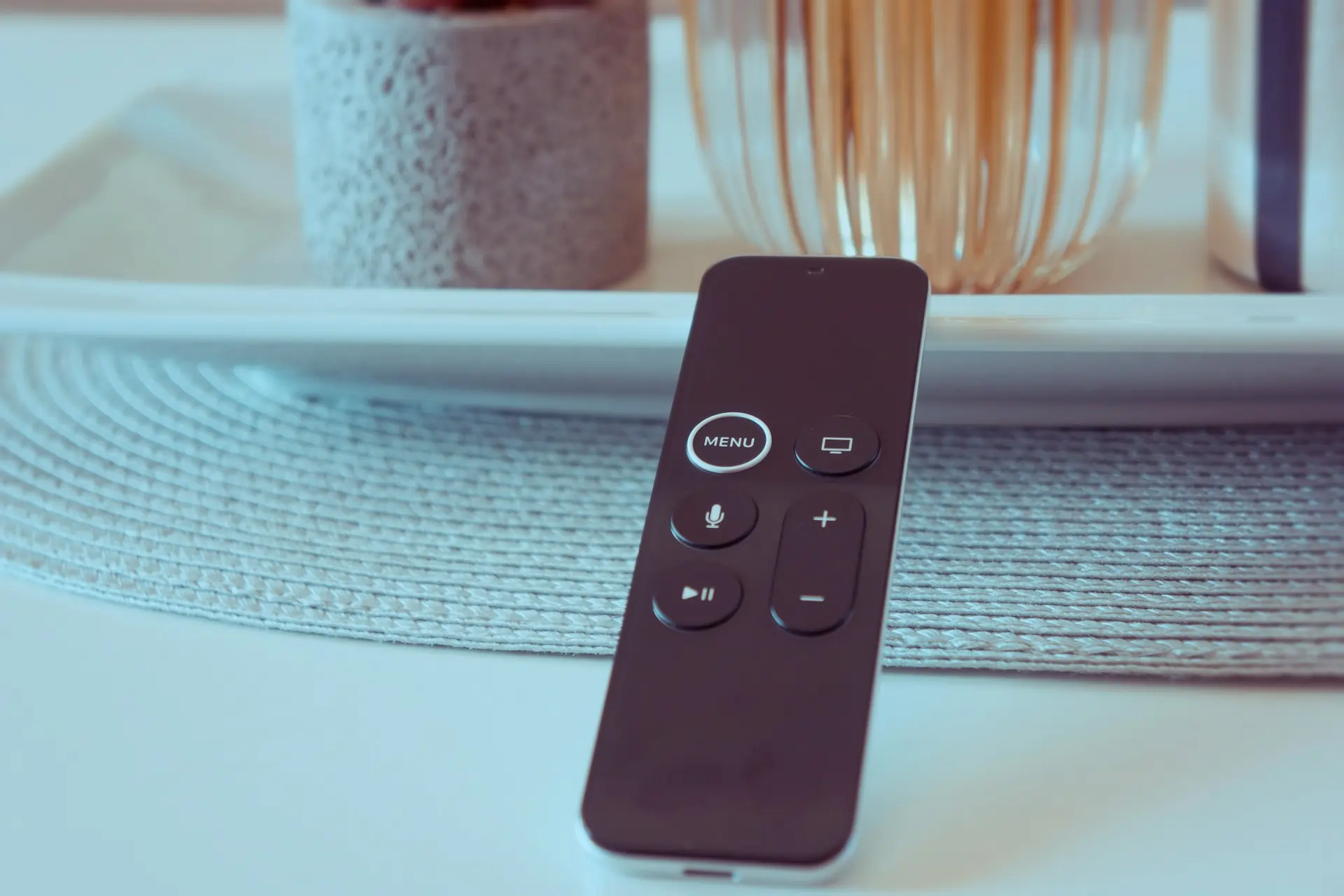
Universal remote programming without codes is a fast and convenient way to connect your universal remote to a TV, DVD player, soundbar, or streaming device without entering long numeric codes. Instead of manual code entry, this method uses auto code search technology to scan and pair your remote with the correct device automatically.
This approach is ideal if you’ve lost the manual, can’t find the correct code online, or simply want a quicker setup process.
What Is Universal Remote Programming Without Codes?
Universal remote programming without codes means setting up a remote using its built in auto search system rather than manual code entry. The remote cycles through stored control signals until it finds one that works with your device.
How the Auto Search Feature Works
The auto search feature sends a series of control signals to your device, one at a time. Each signal corresponds to a different device profile stored in the remote’s memory. When your TV or other device reacts such as turning off or changing volume the remote recognizes the correct match.
This method reduces setup mistakes because the remote confirms compatibility automatically instead of relying on a manually entered number.
When Auto Programming Is the Best Choice
Auto programming is the best option when you don’t know your device brand, can’t find the manual, or are setting up multiple devices at once. It’s also useful for older TVs where code lists may be outdated or incomplete.
Why Choose Universal Remote Programming Without Codes?
Many users prefer this method because it simplifies setup and minimizes frustration.
Saves Time During Setup
Manual code entry often requires trying several numbers before finding the right one. Auto programming removes this trial and error process by searching for the correct signal automatically.
Reduces Programming Errors
Entering a single wrong digit can cause the setup to fail. Auto search avoids this issue entirely by handling signal matching internally.
Ideal for Beginners and Non Technical Users
The process only involves pressing a few buttons. No technical knowledge or prior experience is required, making it suitable for all age groups.
How to Program a Universal Remote Without Codes
Follow these steps carefully for reliable results.
Step 1: Turn On the Device
Before starting, manually turn on the TV, DVD player, or soundbar. Auto search only works when the device is actively powered and ready to receive signals.
Step 2: Activate Setup Mode
Press and hold the Setup button until the indicator light stays on or blinks. This tells the remote it’s ready to begin programming and scanning for compatible signals.
Step 3: Select the Correct Device Button
Press the button that matches your device type, such as TV, DVD, AUX, or Stream. This narrows the search so the remote only scans relevant signals.
Step 4: Begin Auto Code Search
Slowly press the Power or Channel Up button. Each press sends a new signal. When your device reacts, stop pressing immediately.
Step 5: Save the Code
Press OK, Enter, or Setup to store the working signal. Test volume, channel, and menu buttons to confirm full control.
Devices You Can Program Without Codes
Universal remote programming without codes works with many common home electronics.
Televisions
Most TVs, including LED, LCD, and Smart TVs, respond well to auto programming. Brands like Samsung, LG, Sony, Vizio, and Sanyo are widely supported.
DVD and Blu ray Players
DVD and Blu ray players usually pair quickly because they rely on simple control signals.
Soundbars and Home Audio Systems
Many soundbars and audio receivers can be programmed without codes, especially when using the AUX or Audio device button.
Streaming Devices
Streaming devices such as Roku, Fire TV Stick, and Android TV often work with auto programming, depending on the remote model.
Using the Auto Code Search Method Effectively
Proper technique increases success during setup.
Keep the Remote Pointed at the Device
Maintain a clear line of sight between the remote and the device. Avoid covering the remote sensor or standing too far away.
Press Buttons Slowly and Patiently
Rushing the button presses can skip the correct signal. Give the device enough time to respond after each press.
Ensure Strong Batteries
Weak batteries reduce signal strength and may cause the remote to miss the correct code during scanning.
Troubleshooting Universal Remote Programming Without Codes
Even though this method is simple, issues may occur.
Device Does Not Respond
Confirm that the device is turned on and not in sleep mode. Restart the device if necessary and try again.
Auto Search Takes Too Long
If the scan cycles without response, restart the process from the beginning and move closer to the device.
Some Buttons Do Not Work
If power works but volume or menu buttons don’t, repeat the auto search to find a more compatible signal.
Universal Remote Programming Without Codes vs Manual Code Entry
Both methods work, but auto programming offers key advantages.
Ease of Use
Auto programming is simpler and faster, especially for beginners or users without manuals.
Accuracy
Manual entry is prone to errors, while auto search identifies the correct signal automatically.
Flexibility
Auto programming works well with multiple brands and device types, even when codes are unavailable.
When Manual Code Entry May Still Be Required
There are situations where manual setup is necessary.
Older or Uncommon Devices
Some older devices may not respond during auto search and require manual codes.
Limited Remote Databases
Budget remotes may have fewer stored signals, making manual entry the only option.
Final Thoughts
Universal remote programming without codes is one of the most reliable ways to connect multiple devices with minimal effort. It removes confusion, saves time, and works well for beginners and experienced users alike.
By following the correct steps and using the auto search method patiently, you can set up your universal remote quickly and enjoy smooth control of your home entertainment system.
Related Article
Best Universal Remotes with Voice Control in 2025
Best Universal Remotes for Smart Homes in 2025
How to Reset a Universal Remote – Easy Guide2025
GE Universal Remote Codes For Roku TV & Programming [2025]
Universal Remote Codes For Sanyo TV [GE, RCA, Philips, Etc]
People also ask
How to set a universal TV remote without code?
You may easily set up your remote with universal remote programming without codes by using the Auto Code Search method. The remote automatically detects and matches the correct signal for your TV rather than requiring you to type numbers. It’s as easy as holding down the setup button, pressing the device button, and then using the remote to search until the TV responds.
How do I program my universal remote to my TV?
You can still connect your TV using universal remote programming without codes even if you don’t have the device code. To begin, turn on your television, hit the remote’s setup button, and let it go into auto search mode. You verify the pairing once the TV turns off or reacts. You can save the trouble of manually searching for codes by doing this.
How do I get the one for all universal remote setup without the code?
The ideal method for One For All remotes is to use its automatic setup feature to program universal remotes without codes. Just select the device you wish to control, hit the “Magic” or “Setup” button, and then wait for the remote to cycle through potential codes until it finds the correct one. Compared to manual entry, this is quicker and more effective.
Q: How to find a code for a universal remote?
You can still use online databases or the user manual to find the correct code if auto setup doesn’t work. Since it removes the need to manually look up numbers, universal remote programming without codes is still the simplest method. The auto search function makes sure your remote finds the right code on its own.

Sid is a skilled content writer with over 9 years of experience, creating clear and helpful articles on a wide range of topics. Sid is also well-known for her knowledge of remote controls, codes, and setup guides, helping thousands of people with simple and reliable solutions. Her goal is to combine expert content writing with practical knowledge, making information easy to understand and useful for everyone. In her free time, she enjoys exploring new technology and sharing helpful tips with the community.
