
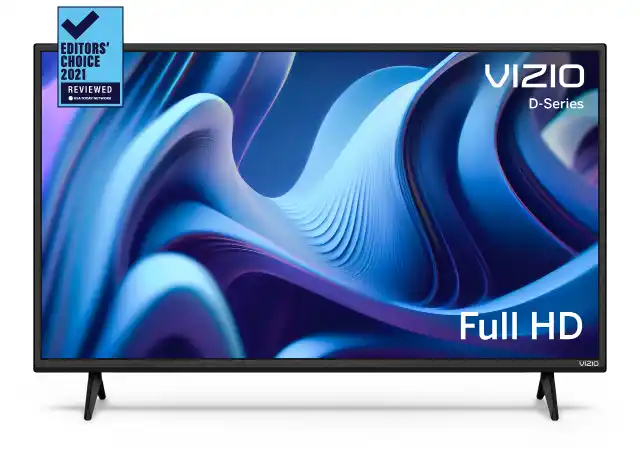
Find DirecTV remote codes for Vizio TVs with easy programming steps. Updated code list to quickly pair your DirecTV remote with Vizio TV. Is your Vizio TV connected to a DirecTV receiver? You don’t need to worry if you damage your Vizio TV remote. Even after resetting your Vizio TV remote, you may be able to fix it by pairing the receiver remote to your TV.
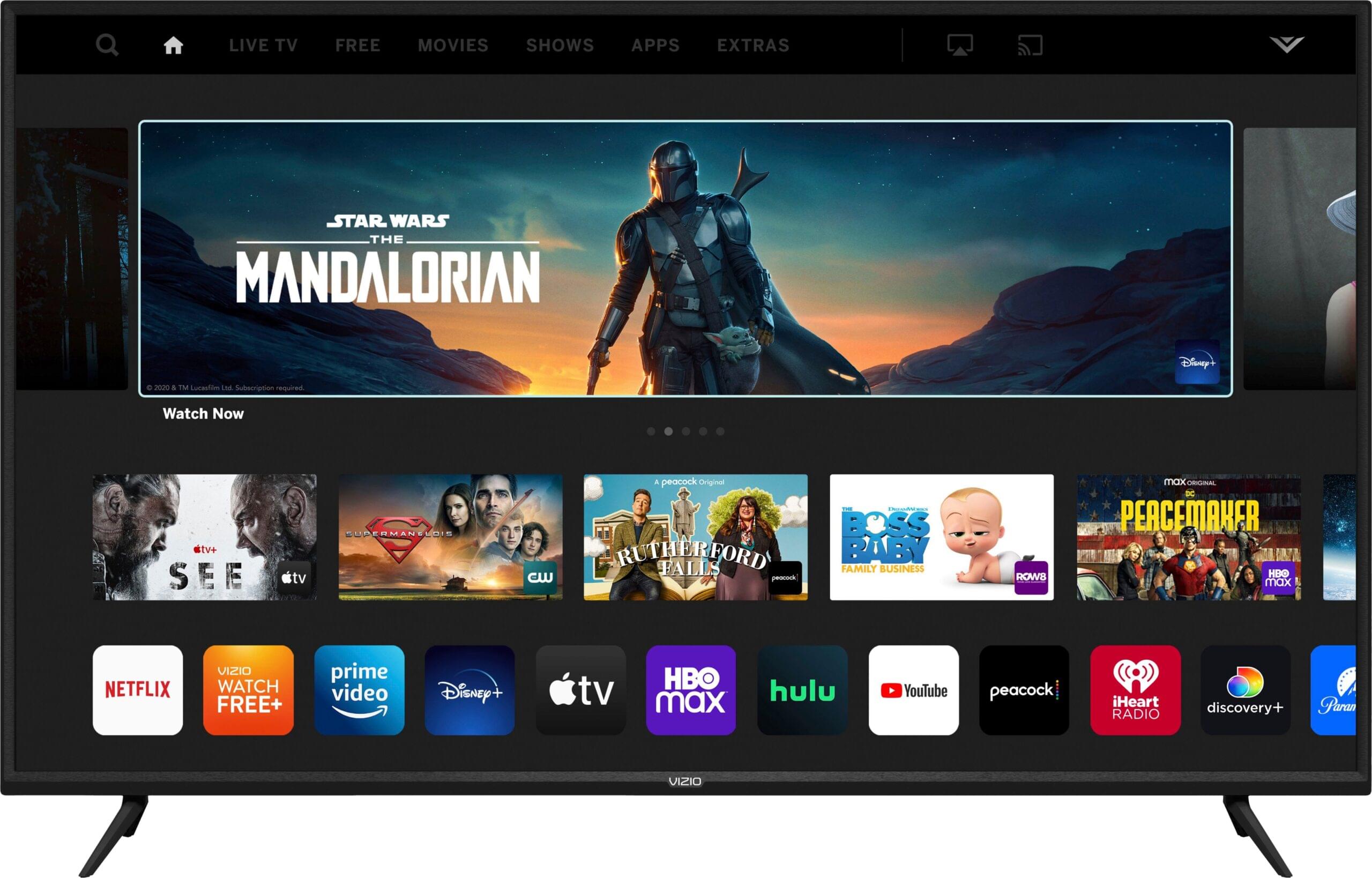
This post will outline exactly how to set up a DirecTV remote to work with the Vizio TV. In addition to controlling your smart TV’s volume, power toggle, mute, menu buttons, etc., the DirecTV Genie remote has a universal nature.
There is a code library included with the DirecTV remote control, and the codes that should be used are purely determined by the device model number and the brand of the device.
The model number of your remote control can be found here
If you want to use your DirecTV remote control properly, you should know its model number. The top right corner of the screen contains this information. RC is usually the first letter of the number. In the battery compartment, you can see the model number when you are not using the Genie remote.
Here are some of the most common models available
- RC-23
- RC-24
- RC-32/32RF
- RC-64
- RC-65
- RC-66
- RC -71
- RC-72
- RC-73
Vizio TV DirecTV remote codes
The Vizio TV and remote control have device codes that you should know. When programming the remote, use 11758 or 11756 as the device code. The importance of this cannot be overstated. You won’t be able to pair the remote if you don’t use the correct code.
Vizio smart TV models can be programmed with the following codes. Vizio TV model numbers are listed on this official page if you want to find the code for your model.
Best Way to Program DirecTV Remote Codes for Vizio TV
Programming your DirecTV remote to work with a Vizio TV is simple if you follow the correct steps. Make sure your TV is turned on before starting.
Method 1: Program DirecTV Remote Using Code
- Turn on your Vizio TV.
- Slide the mode switch at the top of the DirecTV remote to TV.
- Press and hold the MUTE and SELECT buttons at the same time.
- Release the buttons when the green light flashes twice.
- Using the number keypad, enter 11758 (Vizio TV remote code).
- The green light will flash twice again to confirm.
- Point the remote at the TV and press the POWER button.
- If the TV turns off and back on, the remote is programmed.
- Test the volume, mute, channel, and power buttons.
- If some buttons do not work, repeat the steps using the code 11756.
Method 2: Program DirecTV Genie Remote Using On-Screen Setup
If you are using a DirecTV Genie remote, you can program it using the on-screen menu.
- Turn on both the TV and DVR box.
- Use the remote to go to Settings.
- Press the Right Arrow and select Remote Control.
- Choose Pair/Program Remote.
- Select Change TV.
- Enter VIZIO as the TV brand using the on screen keyboard.
- Choose your TV model number.
- The system will automatically pair and set the correct code.
Final Step: Use the Remote with Your TV
Slide the mode switch on the remote to TV. You can now control:
- Power
- Volume
- Channels
- Mute
Program other smart TVs like Samsung, LG, Sony, etc.
Other smart TVs, such as Samsung TVs, LG TVs, Sony TVs, Element TVs, etc, can also be programmed using the same methods, but their device codes will be different. Even without a code, you can sync your DirecTV remote with your TV. The On-screen prompts should be used in the settings. It is necessary to connect the receiver to the TV first.
If you do not have a Vizio TV at home, you may have another television. For this reason, I have included a few of the popular TV brand’s device codes.
- Codes for Samsung TV – 12051, 10812,
- Codes for LG TV – 11860
- Codes for Sony TV – 10810
- For Element TV – 11886
- For Toshiba TV – 11524
- Hisense TV – 13382
- Philips TV – 11867
- Insignia TV – 12049
- TCL – 12434
You can ask me for more device codes in the comments section below, and I will share them with you personally.
Conclusion
This tutorial will show you how to set up your smart TV with your DirecTV remote control. Feel free to leave a comment if you’re having trouble pairing. To control the TV and DVR receiver, keep the original TV remote on the shelf.

