
Discover simple steps to resolve pairing and battery problems quickly. Get your device working smoothly again today.
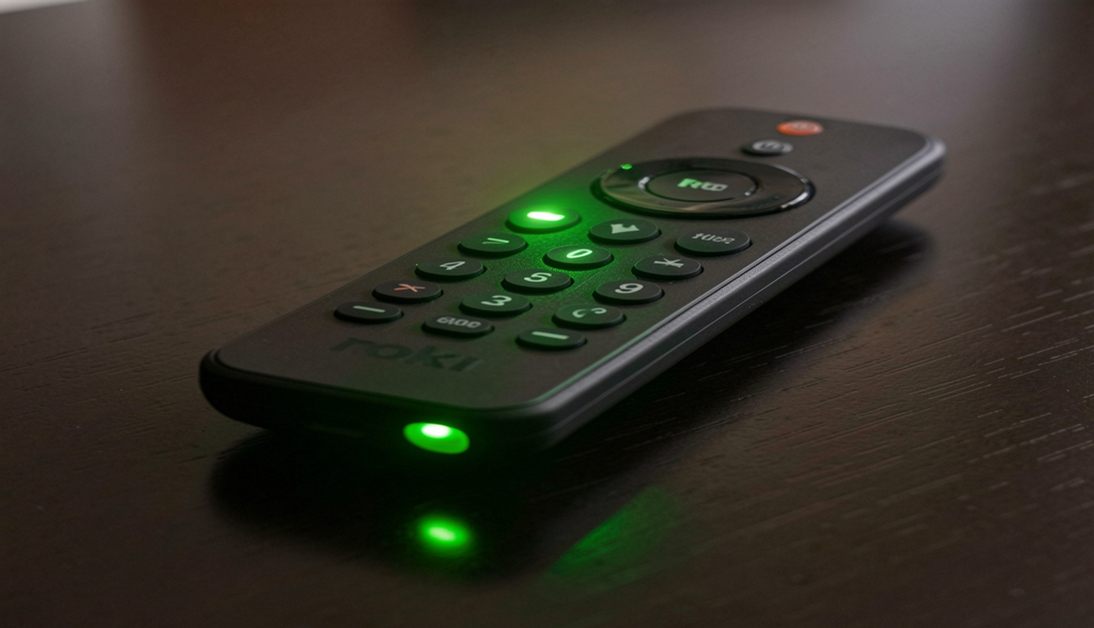
You sit down to watch your favorite show press a button and nothing happens. Instead you notice your Roku remote blinking green. This flashing light usually means your remote is trying to pair with your streaming device but cannot make the connection.
Sometimes this blinking points to a simple glitch. Other times it signals low power or interference blocking the signal. In this guide you will learn exactly why this happens and how to resolve it quickly. We will walk you through a few easy steps to get your controller connected and working perfectly again.
Common Causes of the Roku remote blinking green
Understanding the root cause helps you fix the issue faster. The green light almost always points to a breakdown in communication between the remote and the Roku player.
Here are the main culprits:
- The remote lost its pairing connection.
- The batteries are dying or dead.
- Physical obstructions are blocking the signal.
- A software glitch needs a quick reset.
When you start your Roku remote troubleshooting always check the simplest solutions first.
How to Fix the Connection
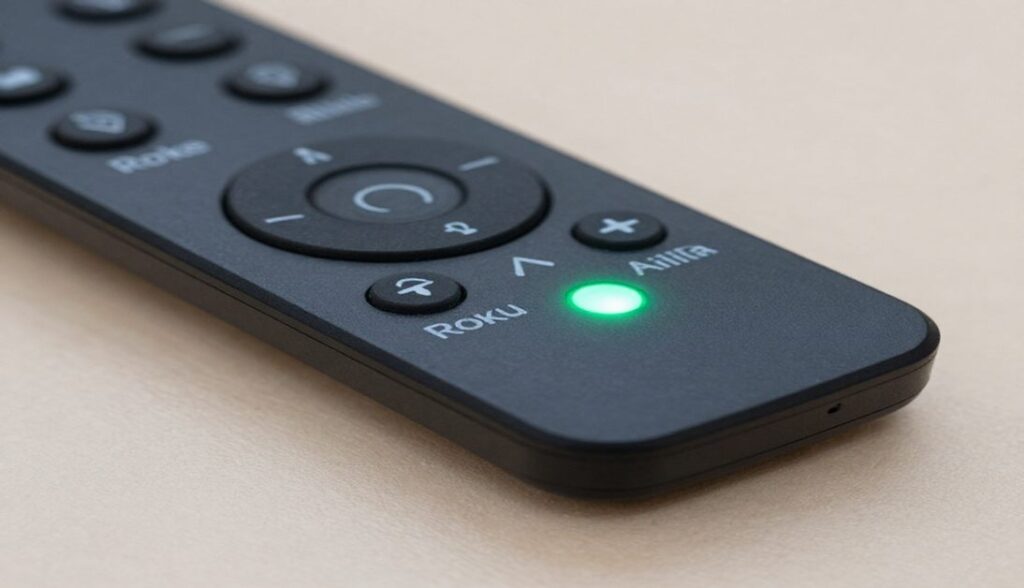
Follow these exact steps to stop the flashing light and reconnect your device.
1. Check for Roku Remote Battery Issues
Dead power cells cause a massive percentage of connection problems. Before trying any complex fixes simply open the back panel. Swap out the old batteries for a fresh pair. [External Link Idea: article on the best alkaline batteries for electronics]. Wait a few seconds to see if the green light stops flashing.
2. Restart Your Roku Device
Sometimes the streaming player itself is the problem. Unplug the power cable directly from the back of your Roku device. Wait for about 10 seconds then plug it back in. Allow the system to boot up fully to the home screen before testing the remote.
3. Re Pair the Remote
If fresh batteries and a restart fail force the remote into pairing mode.
- Open the battery compartment on the back.
- Locate the small circular pairing button near the bottom.
- Press and hold this button for three to five seconds.
- Watch for the pairing light to start flashing rapidly.
- Wait for the pairing prompt to appear on your TV screen.
4. Remove Interference
Your remote uses wireless signals to talk to the streaming box. Make sure your Roku device sits in an open area. Move it away from solid metal cabinets or other wireless devices that might scramble the signal.
Frequently Asked Questions
What does a flashing green light mean on my Roku?
A flashing green light indicates the remote is in pairing mode. It means the controller is actively searching for a Roku device to connect with but the connection has not finalized yet.
How long does it take for a Roku remote to pair?
Pairing normally takes between 10 to 30 seconds. If it takes longer than a minute you likely need to restart the device or replace the batteries.
Why won’t my Roku remote pair even with new batteries?
If fresh batteries do not work try unplugging your Roku player for a full minute. Plug it back in and hold the pairing button on the remote again. If it still fails the remote hardware might be damaged.
Get Back to Streaming
Fixing a flashing controller rarely takes more than a few minutes. By checking for battery problems removing physical interference and running through a quick pairing process you can solve the most common issues.
Did these steps fail to fix your connection? You might need a replacement controller. Contact official Roku support to explore warranty options or grab a new remote to get right back to your favorite movies and shows.

Sidra is a skilled content writer with over 9 years of experience, creating clear and helpful articles on a wide range of topics. Sidra is also well-known for her knowledge of remote controls, codes, and setup guides, helping thousands of people with simple and reliable solutions. Her goal is to combine expert content writing with practical knowledge, making information easy to understand and useful for everyone. In her free time, she enjoys exploring new technology and sharing helpful tips with the community.
