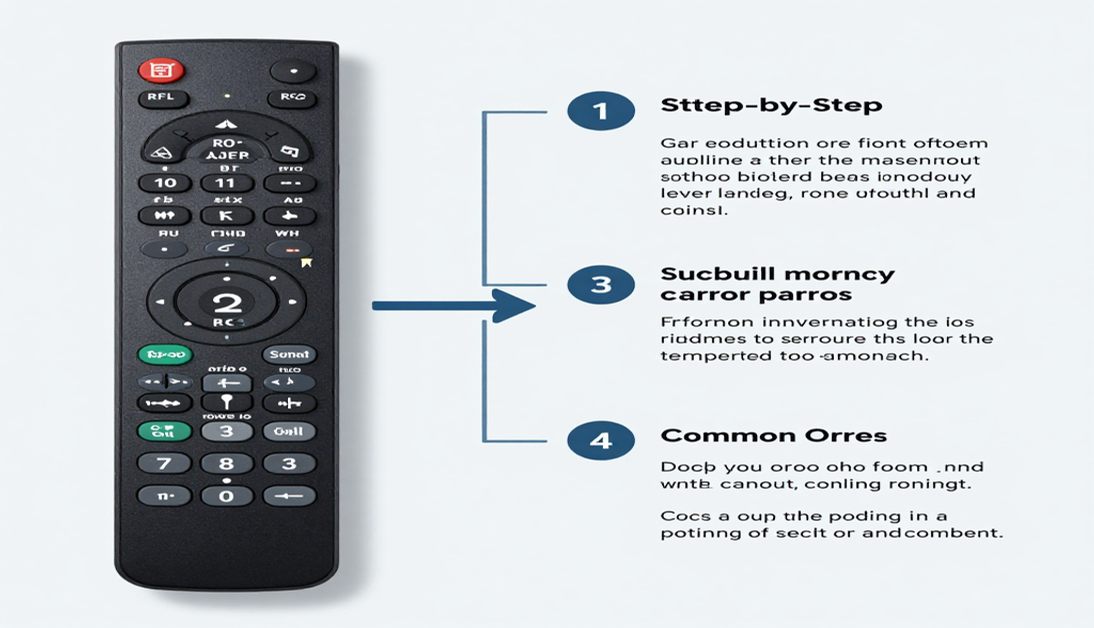
Learn RCA remote programming with easy setup steps, RCA universal remote codes, and quick fixes for TV remote pairing problems.
Using multiple remotes for your TV, streaming device, and sound system gets frustrating fast. That is why many people switch to universal remotes. If you are trying to learn RCA remote programming, the good news is that the setup process is usually simple once you understand the correct steps.
You will also learn how to use auto code search, direct code entry and troubleshooting methods that work with most TVs and devices.
What Is RCA Remote Programming?
RCA remote programming is the process of connecting an RCA universal remote to a TV, soundbar, DVD player, streaming device, or cable box. Once paired correctly, the remote can control power, volume, inputs, and other basic functions.
Most RCA remotes use one of these methods:
- Direct code entry
- Auto code search
- Brand code setup
- Manual pairing
The method you use depends on:
- your remote model
- your TV brand
- whether you have access to the code list
Many people search for terms like how do you program a universal remote RCA because the instructions can vary between models. The overall process is similar, though, across most RCA universal remotes.
Why People Use RCA Universal Remotes
A universal remote helps reduce clutter and makes your setup easier to manage. Instead of juggling three or four remotes, you can control everything from one device.
People commonly use RCA remotes for:
- Smart TVs
- Older LCD TVs
- Streaming boxes
- DVD players
- Soundbars
- Cable receivers
Another reason RCA remotes remain popular is compatibility. Many models support thousands of devices through large code libraries.
That means older televisions often still work perfectly with newer RCA remotes.
How to Find Your RCA Universal Remote Codes
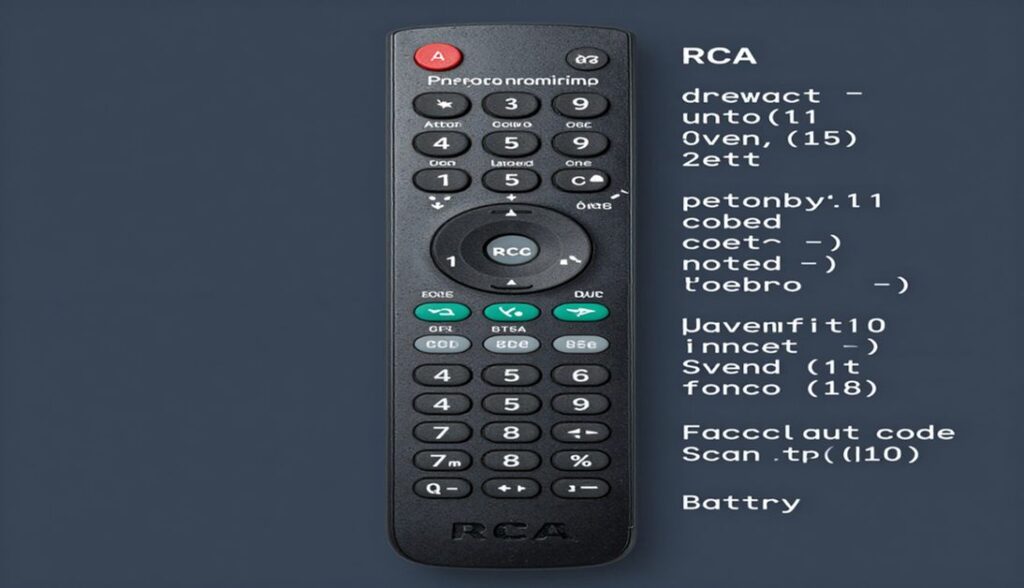
Before starting setup, you may need the correct pairing code. These are usually four digit or five digit numbers linked to your TV brand.
Some common searches include:
- rca universal remote codes
- universal remote tv codes
- code list rca universal remote
You can usually find these codes:
- inside the remote manual
- on the RCA support website
- inside the battery compartment guide
- through auto search programming
Popular TV brands often have multiple working codes. If one fails, another may work correctly.
Here are a few example code formats:
| TV Brand | Example Codes |
| Samsung | 12051, 10812 |
| LG | 11423, 10178 |
| Sony | 10000, 10810 |
| TCL | 11756, 12434 |
| Vizio | 11758, 10864 |
Your exact code depends on your remote model.
How to Program an RCA Remote Using Direct Code Entry
Direct code entry is the fastest method if you already know the code for your TV.
Step 1: Turn On Your TV
Use the physical power button on the television.
Step 2: Press and Hold the Setup Button
Hold the Setup button until the light stays on.
Step 3: Press the Device Button
Choose:
- TV
- DVD
- AUX
- Streaming
depending on the device you want to control.
Step 4: Enter the Code
Type the correct code using the number buttons.
If the code works, the light turns off.
Step 5: Test the Remote
Check:
- power
- volume
- input
- mute
If the TV responds properly, setup is complete.
If not, repeat the process using another code from the list.
How to Programme RCA Universal Remote Without Codes
If you cannot find the code list, use the auto-search method.
Many people searching how to program RCA universal remote prefer this option because it does not require manuals.
Auto Code Search Steps
- Turn on the TV
- Hold Setup until the light stays solid
- Press TV
- Press the Power button repeatedly
- Wait for the TV to turn off
- Press Enter or Stop
The remote saves the correct code automatically.
This method takes longer, but it works well for many devices.
Common RCA Remote Programming Problems
Sometimes the remote refuses to connect even when you follow the instructions correctly.
Here are the most common causes.
Weak Batteries
Low batteries often interrupt programming mode.
Replace them with fresh alkaline batteries before setup.
Wrong Device Mode
Many people accidentally select:
- AUX
- DVD
instead of TV mode.
Always confirm the correct device button.
Incorrect Remote Codes
Some TVs support multiple codes. If one does not work, test another code from the same brand list.
Blocked IR Sensor
Infrared remotes require a clear line of sight.
Remove:
- decorations
- soundbars
- objects
blocking the TV sensor.
Partial Pairing
Sometimes:
- power works
- volume fails
This means the code only partially matches your TV.
Try another code for better compatibility.
Tips for Better RCA Remote Performance
Once your remote is connected, a few simple habits help improve reliability.
Keep the Sensor Clean
Dust around the TV sensor can weaken signal strength.
Avoid Cheap Batteries
Poor batteries reduce response speed and pairing consistency.
Store the Code List
Keep your working code saved somewhere safe.
This prevents future setup frustration after battery replacement.
Use HDMI CEC When Possible
Some smart TVs support HDMI CEC features that improve device communication.
Can RCA Universal Remotes Work With Smart TVs?
Yes. Many RCA remotes support:
- Samsung Smart TVs
- LG TVs
- Sony Bravia
- TCL Roku TVs
- Vizio Smart TVs
Basic functions usually work without problems.
These include:
- power
- volume
- mute
- input switching
Some advanced smart features may still require the original remote.
Voice control and app shortcuts sometimes need Bluetooth support unavailable on basic RCA remotes.
When Should You Replace Your RCA Remote?
Sometimes programming issues happen because the remote itself is damaged.
You may need replacement if:
- buttons stop responding
- pairing repeatedly fails
- IR light stops working
- battery terminals corrode
New RCA remotes are usually affordable and support modern TVs better than older models.
RCA Remote Programming vs Auto Pairing Apps
Some newer TVs allow mobile phone control through apps. Even so, many users still prefer physical remotes because they are:
- faster
- easier for guests
- more reliable
- better for older users
Apps also depend on:
- Wi-Fi
- Bluetooth
- battery charge
A universal remote works immediately without opening software menus.
Best Practices for Universal Remote Setup
To avoid future problems:
- keep manuals stored digitally
- label device inputs clearly
- avoid mixing old and new batteries
- update smart TV firmware regularly
You should also test every major function immediately after setup.
That includes:
- power
- navigation
- streaming controls
- volume
- menu buttons
FAQ About RCA Remote Programming
How do you program a universal remote RCA manually?
Turn on the TV, hold the Setup button, select the device type, enter the correct code, and test the remote functions.
Where can I find RCA universal remote codes?
You can find codes inside the remote manual, RCA support pages, or online code databases linked to your TV brand.
Why is my RCA remote not pairing with my TV?
The most common causes are incorrect codes, weak batteries, blocked sensors, or selecting the wrong device mode during setup.
Can RCA remotes work with smart TVs?
Yes. Most RCA universal remotes work with smart TVs for basic controls like power, volume, and input switching.
Final Thoughts
Learning RCA remote programming is easier once you understand the setup methods and code system. Most pairing issues come from incorrect codes, weak batteries, or simple setup mistakes.
Start with direct code entry if you already have the correct code list. If that fails, use auto code search to let the remote scan automatically.
A properly programmed RCA remote can simplify your entire entertainment system and eliminate the frustration of managing multiple controllers every day.

Sidra is a skilled content writer with over 9 years of experience, creating clear and helpful articles on a wide range of topics. Sidra is also well-known for her knowledge of remote controls, codes, and setup guides, helping thousands of people with simple and reliable solutions. Her goal is to combine expert content writing with practical knowledge, making information easy to understand and useful for everyone. In her free time, she enjoys exploring new technology and sharing helpful tips with the community.
