
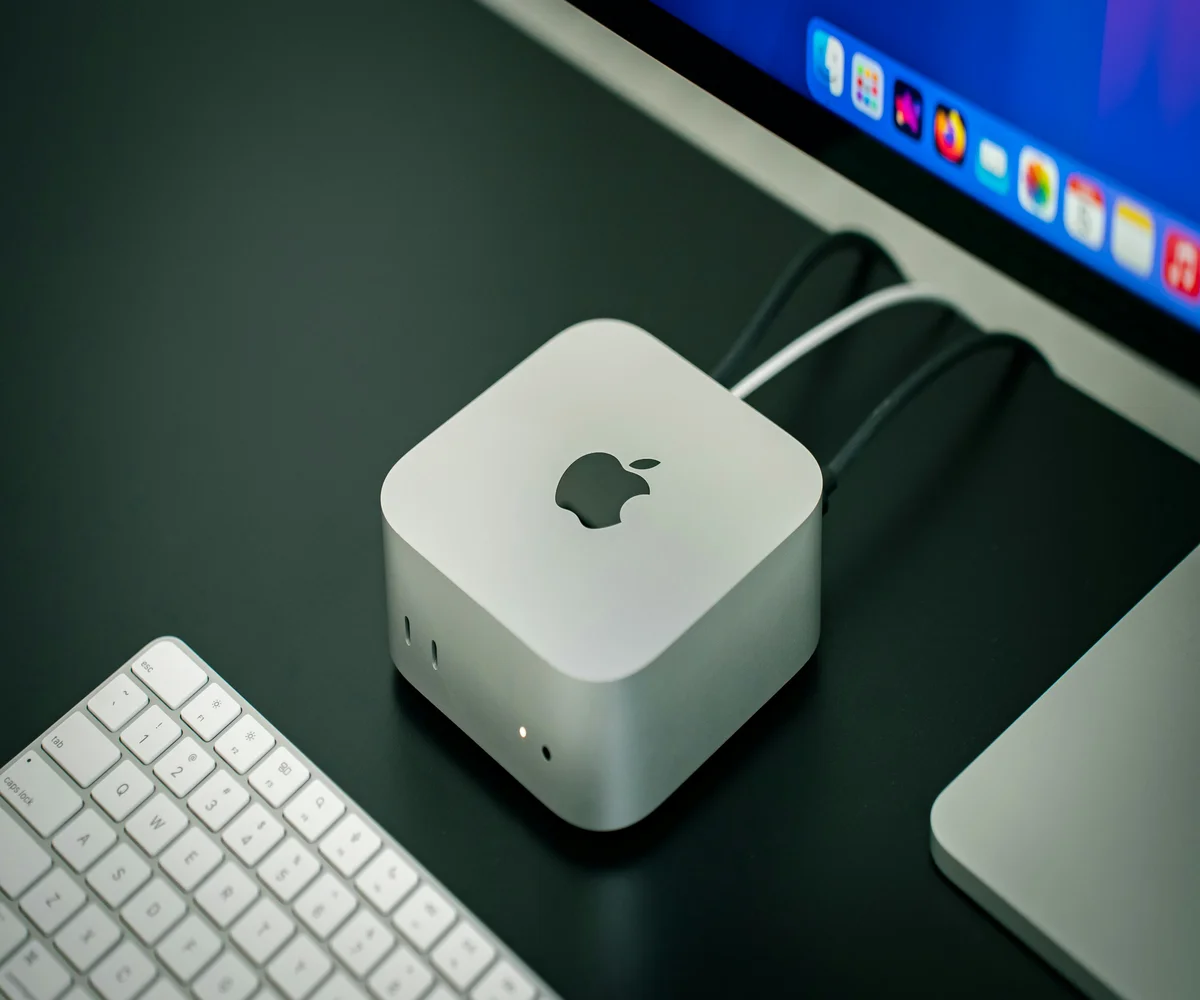
Discover everything about Apple TV 4th Gen, including features, apps, remote, pricing, comparisons, and setup tips in this complete beginner friendly guide.
Apple TV has become a popular streaming device for users who want a smooth, powerful, and app based television experience. Among its various models, the Apple TV 4th Gen stands out as a major upgrade, introducing the App Store, Siri Remote, and tvOS. Whether you are new to Apple TV or considering an upgrade, this guide provides a clear explanation of everything you need to know in simple language.
In this detailed article, you will learn what an Apple TV is, how the Apple TV 4th Gen works, its features, apps, remote controls, pricing, comparisons with older models, and whether it is still worth buying today.
What Is an Apple TV and How Does It Work
Before diving deeper into Apple TV 4th Gen, it is important to understand what an Apple TV is.
Apple TV is a digital media streaming device developed by Apple. It connects to your television using an HDMI cable and allows you to stream movies, TV shows, music, games, and apps using the internet. It runs on Apple’s tvOS, similar to how iPhones run iOS.
Apple TV supports popular streaming platforms like Netflix, YouTube, Apple TV Plus, Disney Plus, and many more.
Introduction to Apple TV 4th Gen
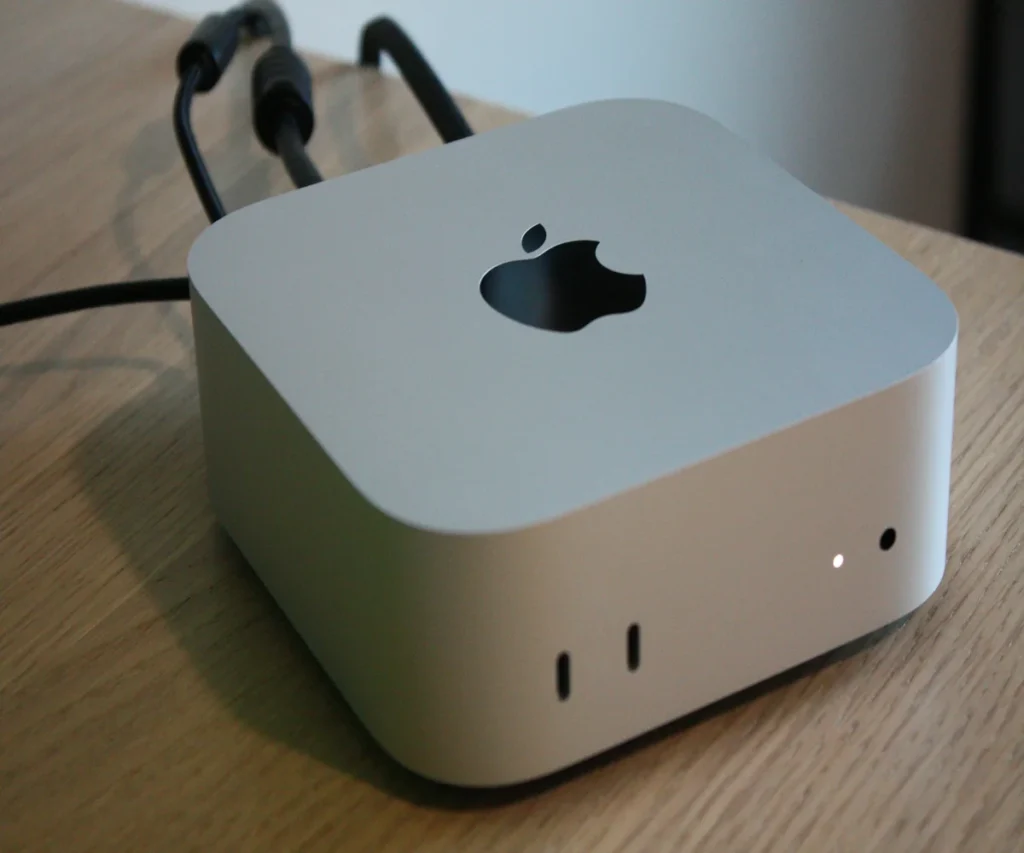
The Apple TV 4th Gen was a game changing release for Apple. It marked the first time Apple introduced:
- tvOS operating system
- App Store for Apple TV
- Siri enabled remote
- Gaming and third party app support
This model is sometimes referred to as Apple TV HD and laid the foundation for future Apple TV 4K models.
Apple TV 4th Gen Box Design and Build Quality
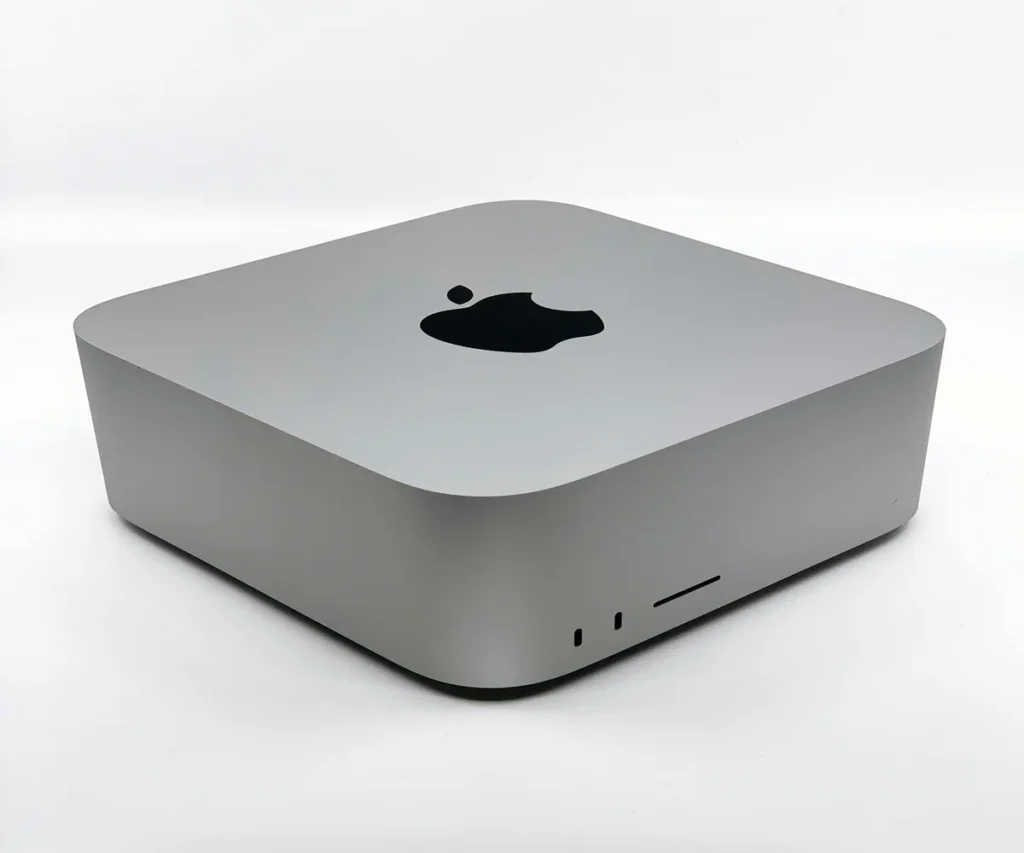
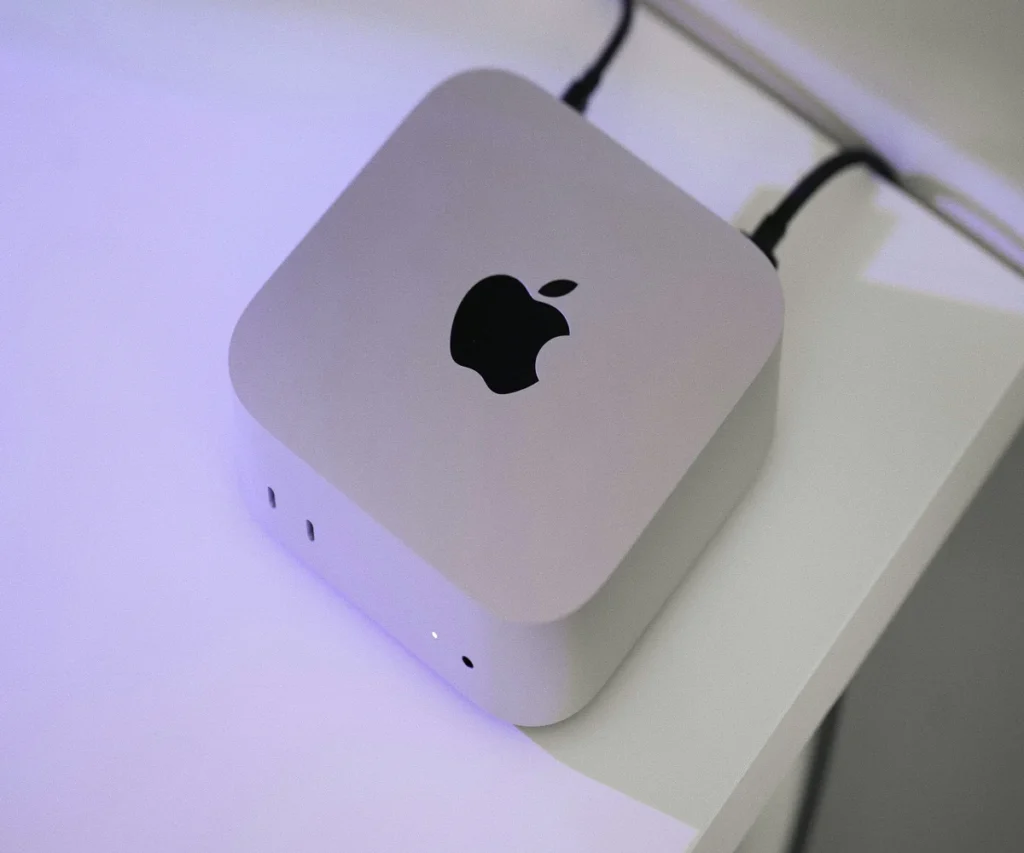
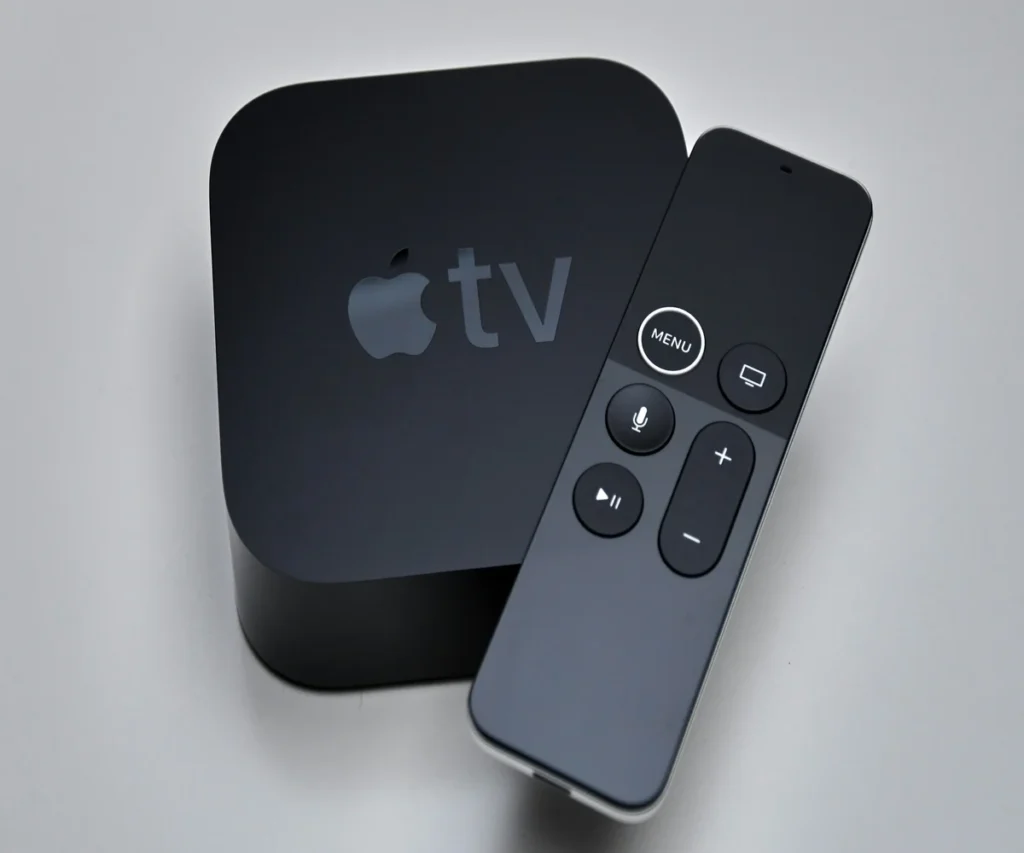
The Apple TV 4th Gen box features a compact, square shaped design with rounded corners. It is slightly taller than previous generations but still lightweight and minimal.
Key ports on the box include:
- HDMI port
- Ethernet port
- Power cable
- USB C port for service and diagnostics
The sleek black design blends well with most entertainment setups.
Apple TV 4th Gen Remote and Controls
One of the biggest upgrades was the Apple TV 4th Gen remote, also known as the 4th Gen Apple TV remote or Siri Remote.
Features of Apple TV 4th Gen Remote
- Touch sensitive glass surface
- Built in Siri voice control
- Dedicated menu and home buttons
- Volume control
- Rechargeable battery
How to Charge Apple TV Remote 4th Gen
If you are wondering how to charge Apple TV remote 4th Gen, follow these steps:
- Use a Lightning cable
- Connect the cable to the remote
- Plug the other end into a power adapter or USB port
- Let it charge for about 2 to 3 hours
A full charge can last several weeks with normal usage.
Apple TV 4th Gen Apps List and App Store
The introduction of the App Store was a major highlight. The Apple TV 4th Gen apps list includes a wide range of categories such as streaming, fitness, education, productivity, and gaming.
Popular apps include:
- Netflix
- YouTube
- Apple TV Plus
- Amazon Prime Video
- Hulu
- Spotify
- Apple Arcade games
Developers can now create apps specifically designed for TV screens, making the Apple TV experience more interactive.
How to Delete Apps on Apple TV 4th Gen
Over time, you may want to free up space. Here is how to delete apps on Apple TV 4th Gen:
- Go to the Home screen
- Highlight the app you want to remove
- Press and hold the touch surface on the remote
- Select Delete
- Confirm your action
This process helps keep your device organized and responsive.
Apple TV 3rd Gen vs 4th Gen Comparison
Many users compare Apple TV 3rd Gen vs 4th Gen before upgrading.
Key Differences
- Apple TV 3rd Gen does not support apps
- Apple TV 4th Gen includes App Store
- Siri Remote introduced in 4th Gen
- Gaming support only available in 4th Gen
- Better performance and interface in 4th Gen
Overall, the 4th Gen is a significant improvement and offers much more flexibility.
Apple TV 4K 4th Gen and Model Confusion
Some users search for Apple TV 4K 4th Gen, which can be confusing. Officially, the Apple TV 4th Gen does not support 4K resolution. Apple introduced 4K support later with newer models.
However, Apple TV 4th Gen still delivers excellent HD quality and smooth performance for most users.
Apple TV Cheapest Price and Buying Options
If you are looking for the Apple TV cheapest price, Apple TV 4th Gen is often more affordable than newer models. You can find it through:
- Online retailers
- Refurbished Apple Store listings
- Seasonal discounts
- Bundle offers
It is also commonly discounted during sales events.
Black Friday Apple TV 4K and Discounts
During events like Black Friday Apple TV 4K sales, Apple TV devices often receive significant price cuts. Although newer models are highlighted, Apple TV 4th Gen usually becomes even cheaper during these promotions.
This makes it a great option for budget conscious buyers.
New Apple TV Release Date and Future Models
Apple continues to release newer versions regularly. Many users follow updates related to the new Apple TV release date and new Apple TV release announcements.
While newer models offer better performance and 4K support, Apple TV 4th Gen remains a solid choice for HD streaming and apps.
Performance and User Experience
Apple TV 4th Gen delivers:
- Smooth navigation
- Fast app loading
- Stable streaming
- Voice search via Siri
The interface is beginner friendly and works seamlessly with other Apple devices like iPhone and AirPods.
Who Should Buy Apple TV 4th Gen
Apple TV 4th Gen is ideal for:
- Users upgrading from older Apple TV models
- Beginners exploring smart streaming devices
- Families wanting app based TV access
- Budget buyers seeking Apple ecosystem benefits
Frequently Asked Questions About Apple TV 4th Gen
Is Apple TV 4th Gen still worth buying
Yes, for HD streaming and app usage, it remains a reliable option.
Can Apple TV 4th Gen run modern apps
Most popular apps still support it smoothly.
Does Apple TV 4th Gen support gaming
Yes, it supports tvOS games from the App Store.
Can I use AirPlay with Apple TV 4th Gen
Yes, AirPlay is fully supported.
Is Apple TV 4th Gen better than Apple TV 3rd Gen
Yes, it is far more advanced and flexible.
Final Thoughts on Apple TV 4th Gen
The Apple TV 4th Gen represents a major milestone in Apple’s streaming device lineup. With its App Store, Siri Remote, modern interface, and strong performance, it still offers excellent value today.
While newer models bring 4K and faster processors, Apple TV 4th Gen remains a dependable choice for users who want a powerful streaming experience without spending extra money.
If you want access to apps, smooth streaming, and Apple ecosystem features at a reasonable price, Apple TV 4th Gen is still worth considering.

Sidra is a skilled content writer with over 9 years of experience, creating clear and helpful articles on a wide range of topics. Sidra is also well-known for her knowledge of remote controls, codes, and setup guides, helping thousands of people with simple and reliable solutions. Her goal is to combine expert content writing with practical knowledge, making information easy to understand and useful for everyone. In her free time, she enjoys exploring new technology and sharing helpful tips with the community.
