
Find the latest universal remote codes for Sanyo TV. Step-by-step setup instructions, troubleshooting tips, and compatible remote models included.
Have you lost your Sanyo TV remote, or is it simply not working anymore? It happens to the best of us. A universal remote is a perfect solution, allowing you to control your TV and other devices with a single clicker. But getting it to work requires finding the correct Universal Remote Codes for Sanyo TV. This first step can sometimes feel like searching for a needle in a haystack.
This guide simplifies the entire process. We will walk you through everything you need to know about programming your universal remote for your Sanyo television. You will find comprehensive code lists, step-by-step programming instructions, and troubleshooting tips to get you back to enjoying your favorite shows in no time. We will cover different programming methods and provide clear, easy to follow directions for everyone.
Understanding Universal Remote Codes
Before diving into the lists, let’s quickly understand what these codes are. A universal remote code is a unique, pre programmed number that tells your remote control how to communicate with a specific device, like your Sanyo TV. Remotes and TVs from different manufacturers use different infrared (IR) signal languages. The code acts as a translator, ensuring your remote’s commands (like power on/off, volume up/down) are understood by your television.
These codes are typically three, four, or five digits long, depending on the brand and model of your universal remote. Finding the correct one ensures full functionality and a seamless user experience.
Why Do You Need a Specific Code for Sanyo TVs?
Sanyo, like all electronics manufacturers, uses its own set of commands for its devices. Your universal remote comes loaded with a library of codes for thousands of devices. By entering the specific code for your Sanyo TV, you are essentially telling the remote, “Speak the language that this Sanyo television understands.” Without the correct code, the remote will send signals that the TV’s IR sensor cannot interpret, leaving your commands unanswered.
Finding Your Sanyo TV’s Model Number
Knowing your Sanyo TV’s model number can sometimes help narrow down the correct remote code, although it is not always necessary. It is good information to have, especially if you need to look up device specific information.
You can typically find the model number in a few places:
- On the back of the TV: Look for a sticker or label. The model number is usually clearly printed there, often starting with “DP,” “FW,” or “DS.”
- Original user manual: If you still have the manual that came with your TV, the model number will be on the front cover or within the first few pages.
- Original packaging: The box your Sanyo TV came in will have the model number displayed prominently.
Once you have this, you can proceed with more confidence, but don’t worry if you can’t find it. The methods below work for most Sanyo models.
Universal Remote Codes for Sanyo TV (Code Lists)
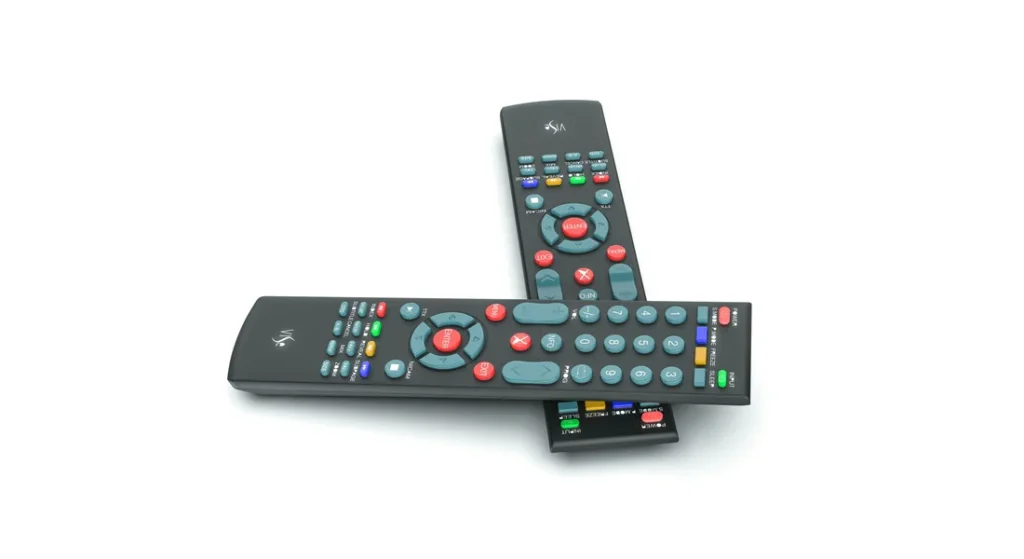
Here is a comprehensive list of universal remote codes known to work with Sanyo televisions. The functionality of each code can vary depending on the brand of your universal remote (e.g., GE, Philips, RCA, Onn). It is best to start with the first code on the list and work your way down until you find one that operates your TV’s basic functions, like power and volume.
Common 4-Digit Codes for Sanyo TVs
These codes are widely used by many popular universal remote brands.
- 0154
- 0037
- 0178
- 0236
- 0495
- 1142
- 1362
- 1480
- 1564
- 2049
- 3488
- 4168
- 4667
- 4740
Common 5-Digit Codes for Sanyo TVs
Some remotes, particularly those from cable or satellite providers like DirecTV or Xfinity, use 5-digit codes.
- 10154
- 10159
- 10037
- 10178
- 10236
- 10495
- 11142
- 11362
- 11480
- 11564
- 12049
Common 3-Digit Codes for Sanyo TVs
Older universal remotes sometimes use 3-digit codes.
- 039
- 055
- 098
- 159
- 191
- 240
Keep this list handy as you move on to the programming instructions. You will likely need to try a few before you find the perfect match.
How to Program a Universal Remote for a Sanyo TV
There are two primary methods for programming your universal remote: the direct code entry method and the automatic code search method. We recommend starting with direct code entry, as it is quicker if you have the right code.
Method 1: Direct Code Entry (Step-by-Step)
This is the most straightforward method. You will manually enter codes from the list above until you find one that works.
- Power On Your TV: Make sure your Sanyo television is turned on.
- Enter Programming Mode: On your universal remote, press and hold the Setup button (sometimes labeled SET or PROG). Wait until the remote’s indicator light (usually a red LED) turns on and stays lit. This signals that the remote is in programming mode.
- Select the Device: Press the TV button on your universal remote. The indicator light should remain on.
- Enter the Code: Using the number pad on the remote, enter the first code from the appropriate list above (e.g., start with 0154 for a 4-digit remote). After you enter the final digit, the indicator light should turn off. If it blinks, it might mean the code was incorrect or the remote timed out; in that case, start again from step 2.
- Test the Remote: Aim the remote at your Sanyo TV and press the Power button. If the TV turns off, you have found a working code.
- Confirm Functionality: Turn the TV back on and test other functions like Volume, Channel Up/Down, and Mute. If all the main buttons work, you are all set. Press the Exit or Setup button to save the code.
- Try the Next Code: If the TV did not turn off or if only some buttons work, repeat steps 2-6 with the next code on the list.
Continue this process until you find a code that provides the best functionality for your Sanyo TV.
Method 2: Automatic Code Search (Code Scan)
If the direct entry method fails or you do not have a code list, the code search method is your next best option. This process scans through all the codes stored in the remote’s library and helps you find the right one automatically.
- Turn On Your TV: Ensure your Sanyo TV is on.
- Activate Code Search Mode: Press and hold the Setup button on your universal remote until the indicator light stays on.
- Initiate the Scan: Press the TV button followed by the Power button. The indicator light may blink to show it’s in search mode.
- Scan for the Code: Point the remote at the TV and press the Channel Up or Play button repeatedly. Press it slowly, pausing for a second between each press. The remote is sending a new code with each press.
- Stop When the TV Responds: Continue pressing the button until your Sanyo TV turns off. This is the crucial step as soon as the TV powers down, stop pressing immediately.
- Lock in the Code: Press the Setup or Enter button to lock in the code. The indicator light will turn off.
- Test the Functions: Turn your TV back on (you may need to use the power button on the TV itself) and test the remote’s functions. Check the volume, mute, and channel buttons to ensure they all work correctly.
If the automatic search does not work the first time, you can try again. Some remotes use a slightly different button combination, so always check your universal remote’s manual if you have it.
Troubleshooting Common Issues
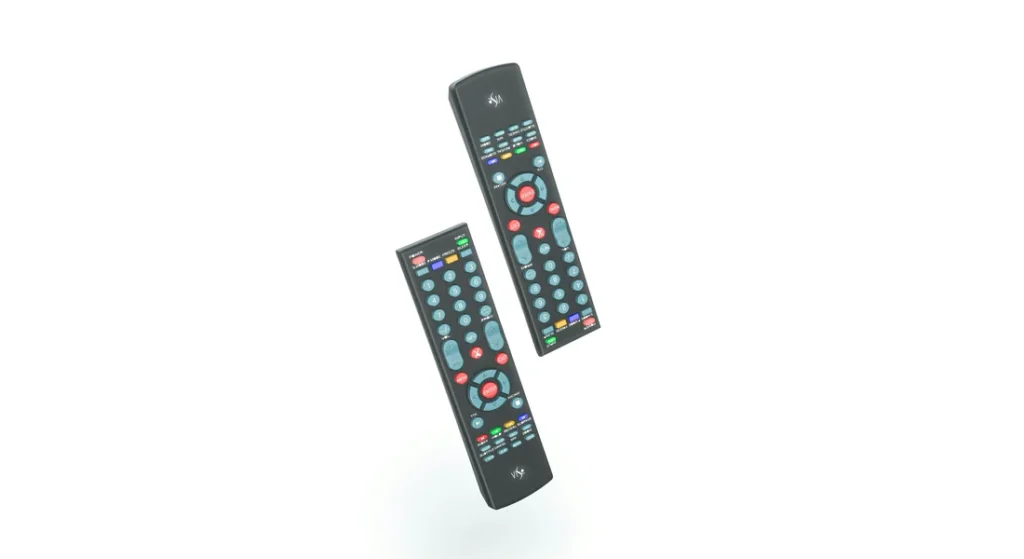
Sometimes, even with the right codes and instructions, you might run into problems. Here are some common issues and how to solve them.
The Remote Does Not Program
- Check the Batteries: This is the most common cause. Weak or dead batteries can prevent the remote from entering programming mode or sending a strong signal. Replace them with a fresh pair.
- Line of Sight: Ensure there is a clear path between your universal remote and the TV’s IR sensor. Obstructions like soundbars, decorations, or even dust on the sensor can block the signal.
- Reset the Remote: If you have tried everything, try resetting the remote to its factory settings. This usually involves removing the batteries and holding down a button for a period. Check your remote’s manual for specific instructions.
A Code Works, But Not for All Functions
This is a common scenario. You might find a code that turns the TV on and off but does not control the volume or menu.
- Try another code: This usually means the code is only partially compatible. Go back to the code list and try the next one. The goal is to find the code that offers the most complete functionality.
- Run the auto scan again: Sometimes, the auto scan method can find a more suitable code.
The Indicator Light Isn’t Working as Described
Different remotes have different ways of signaling. The light may blink instead of staying solid, or it might time out quickly. If the steps above do not align with your remote’s behavior, it is best to search for the manual for your specific universal remote model online.
Frequently Asked Questions (FAQs)
Here are answers to some frequently asked questions about universal remote codes for Sanyo TVs.
What is the most common universal remote code for a Sanyo TV?
The code 0154 is one of the most frequently reported working codes for Sanyo TVs across many universal remote brands like GE and Philips. It is always a good starting point for the direct code entry method.
How do I program a universal remote to my Sanyo TV without a code?
If you do not have a code, you should use the automatic code search or code scan method described above. This allows the remote to scan its internal library and find a compatible code for your Sanyo TV without manual entry.
Can I use my phone as a remote for my Sanyo TV?
It depends on your TV and phone. If you have a Sanyo Smart TV (like a Roku or Android TV model), you can download the corresponding app (e.g., Roku Remote App) to control it over your Wi-Fi network. If you have an older, non-smart Sanyo TV, you would need a phone with a built-in IR blaster, which is rare in modern smartphones.
What do I do if none of the codes work for my Sanyo TV?
If you have exhausted the code lists and the auto scan method, your universal remote may not be compatible with your specific Sanyo TV model, especially if it is a very new or very old TV. In this case, you might consider:
- Purchasing a newer model universal remote that lists Sanyo compatibility.
- Buying an OEM replacement remote specifically for your Sanyo TV model.
Conclusion
Setting up a universal remote for your Sanyo TV is a simple and rewarding task that can declutter your coffee table and make your life easier. By following the direct code entry or automatic code search methods, you can sync your devices in just a few minutes. Remember to start with the most common codes and have patience as you test each one.
With the comprehensive lists and step-by-step instructions in this guide, you have all the information you need to find the right universal remote codes for Sanyo TV and regain full control of your viewing experience.

