
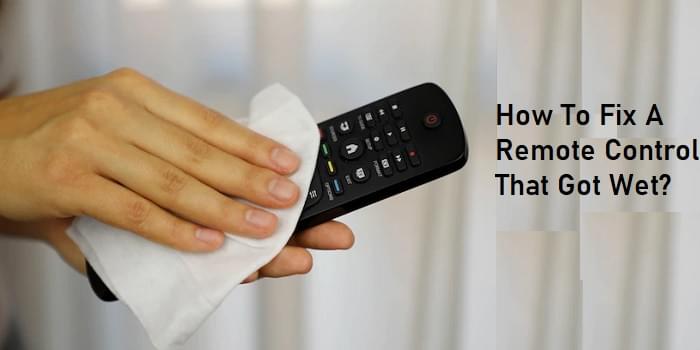
Accidentally got your remote control wet? Learn how to fix a water damaged remote with simple drying and cleaning steps to restore it quickly.
It’s a moment of panic. A spilled drink, a drop in the sink, or an accident involving a pet can leave your remote control soaked and unresponsive. Before you decide to buy a replacement there are several effective steps you can take. This guide will show you how to fix a remote control that got wet, using simple tools and a little patience. With the right approach, you can often save your device and get back to enjoying your entertainment system.
The key is to act quickly. The longer moisture sits inside the electronics, the higher the risk of permanent damage from short circuits and corrosion. Follow these instructions carefully to give your remote the best chance of survival.
First Steps: What to Do Immediately
When your remote gets wet time is critical. Your immediate actions can make the difference between a successful repair and a dead device.
1. Remove the Batteries Instantly
The very first thing you must do is remove the batteries. Water and electricity do not mix. Leaving the batteries in can create short circuits on the internal printed circuit board (PCB), causing irreversible damage to the delicate components. Even if the remote seems to be working, take the batteries out to prevent corrosion from forming on the terminals and internal connections.
2. Disassemble the Remote Casing
Next, you need to open the remote to let the interior dry. Moisture trapped inside is your biggest enemy.
- Look for screws: Check the back of the remote and inside the battery compartment for any small screws. If you find them, use a small screwdriver (like one from an electronics repair kit) to remove them.
- Pry it open: Many modern remotes are held together by plastic clips instead of screws. To open these, you’ll need a thin, flat tool. A plastic pry tool (spudger) or even a guitar pick works well. A thin, flathead screwdriver can also work, but be gentle to avoid scratching or cracking the plastic. Start at a corner or the seam and carefully work your way around, applying steady pressure to release the clips.
Opening the remote allows air to circulate, which is essential for thorough drying.
How To Fix A Remote Control That Got Wet: The Drying Process
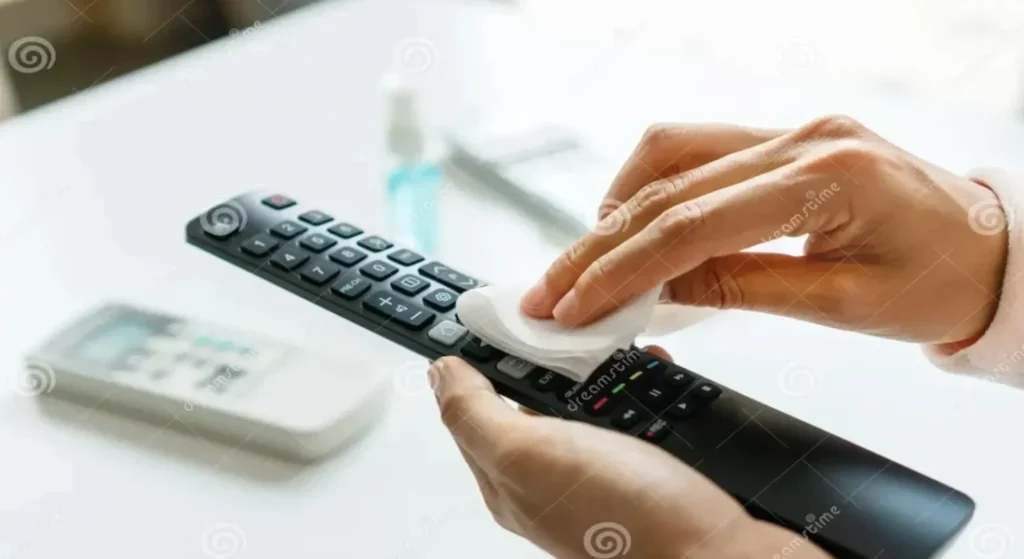
Once the remote is open, you can focus on getting every last bit of moisture out. There are a few popular methods, but some are more effective than others.
The Great Debate: Rice vs. Air Drying
You may have heard about putting wet electronics in a bag of uncooked rice. The idea is that the rice absorbs the moisture. While this can work to some extent, it’s not the most effective method. Rice dust can get inside the remote and create more problems.
A better and safer approach is to simply let the components air dry. Place the opened remote case, the circuit board, and the rubber keypad on a dry towel in a well ventilated area. To speed things up, you can use a fan to blow cool air over the parts. Do not use a hairdryer on a hot setting, as excessive heat can melt plastic components and damage the circuit board. Let everything dry for at least 24 to 48 hours.
Using Desiccants for Better Results
For an even more effective drying solution, use silica gel packets. These are the small packets you often find in new shoe boxes or with electronics. They are designed to absorb moisture. Place the disassembled remote parts in a sealed container or bag with several silica gel packets. This will draw out the moisture more efficiently than air drying alone.
Cleaning Corroded or Sticky Components
If the remote was exposed to something other than clean water like coffee, juice, or soda, you will have a bigger problem. The sugar and acids in these liquids can leave a sticky residue that causes buttons to fail and can corrode the electronics.
The Best Cleaning Agent: Isopropyl Alcohol
The best tool for this job is high purity isopropyl alcohol (99%). Do not use standard rubbing alcohol, as it contains too much water, which can worsen the damage.
Here is the cleaning process:
- Gather your tools: You will need 99% isopropyl alcohol, some cotton swabs, and a soft bristled brush (a clean toothbrush works well).
- Clean the Circuit Board: Lightly dip a cotton swab or your soft brush in the isopropyl alcohol. Gently scrub the circuit board, paying special attention to the contact points where the buttons touch the board. The alcohol will dissolve any sticky residue and displace any remaining water. It evaporates quickly without leaving a residue.
- Clean the Rubber Keypad: The rubber membrane can also be cleaned with alcohol. Wipe down both sides to remove any grime or stickiness.
- Inspect Your Work: After cleaning, look closely at the board. Ensure all corrosion (which can look like white or green fuzzy buildup) and sticky spots are gone. Let the parts air dry completely before moving to the next step.
Reassembly and Testing
Once you are confident that all components are completely dry and clean it’s time to put your remote back together.
- Reassemble the remote: Carefully place the rubber keypad and the circuit board back into the bottom half of the casing. Make sure everything aligns correctly.
- Snap the case together: Place the top half of the casing on and press firmly around the edges until the clips snap back into place.
- Insert new batteries: Don’t reuse the old batteries as they may have been damaged. Insert a fresh set of batteries.
- Test the remote: Point the remote at your device and test all the buttons. You can also check if the infrared (IR) emitter is working by pointing it at your smartphone’s camera. When you press a button, you should see a faint light flash on your phone’s screen. If you see the light, the remote is sending a signal.
What to Do If the Remote Still Doesn’t Work
If you’ve followed all these steps and the remote is still not functioning, the water damage may have been too severe. A component on the circuit board might have shorted out beyond repair. At this point, your best option is to look for a replacement. You can often find an original or universal remote online for a reasonable price.
Frequently Asked Questions
Can a wet TV remote be fixed?
Yes, in many cases, a wet TV remote can be fixed. The key is to act quickly by removing the batteries and thoroughly drying all internal components. Cleaning with 99% isopropyl alcohol can resolve issues caused by corrosion or sticky liquids.
How long does it take for a wet remote to dry?
It’s best to let a disassembled remote air dry for at least 24 to 48 hours. This ensures all hidden moisture has evaporated. Using a fan with cool air or placing the parts in a sealed container with silica gel packets can speed up the process.
Does the rice trick really work for wet electronics?
The rice trick can absorb some moisture, but it is not the most reliable method. Air drying or using silica gel packets is more effective and doesn’t introduce rice dust or starch into the sensitive electronics.
What if I can’t open my remote control?
If your remote has no screws and you can’t pry it open, your options are more limited. Remove the batteries and shake out as much water as possible. Then, place the entire remote in a well ventilated area or in a sealed container with silica gel packets for at least 48 to 72 hours to let it dry as much as possible.
Can I use a hairdryer to dry my remote?
You should avoid using a hairdryer on a hot setting, as the heat can damage plastic parts and sensitive electronic components. If you use a hairdryer, only use the cool air setting.
Conclusion
Dropping your remote in water doesn’t have to be a disaster. By following the steps outlined in this guide removing the batteries, disassembling the remote, drying it thoroughly, and cleaning it with isopropyl alcohol you stand a good chance of bringing it back to life. Patience is key. Rushing the drying process is the most common mistake. By taking your time and being methodical, you can often avoid the cost and hassle of buying a new remote.

