
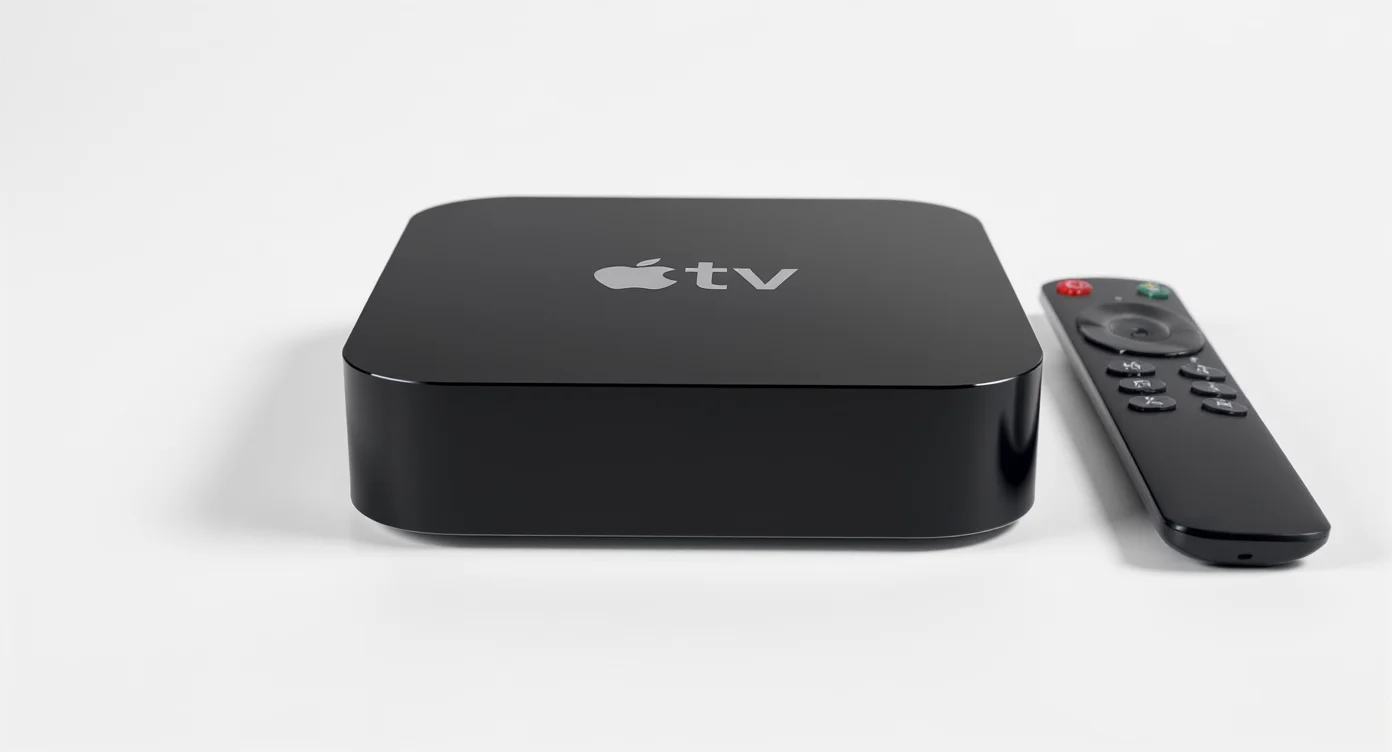
Discover the original Apple TV 1st Gen, its features, limitations, and how it paved the way for modern streaming. Is it still useful today?
Streaming media was a whole different world in the middle of the 2000s, and smart TVs weren’t very prevalent yet. Back then, you needed gadgets like the Apple TV 1st Gen, which came out in 2007, to get online entertainment in your living room. This was Apple’s first big step into home entertainment: linking your iTunes collection to your TV. It came out the same year as the iPhone and signaled Apple’s change from being a computer firm to a lifestyle brand.
The first generation Apple TV aimed to make digital movies, music, and photos easily accessible on the big screen. Though its features seem basic today, it laid the groundwork for the streaming era we now enjoy. This device showcased Apple’s vision of simplicity and elegance, setting the stage for the future of home entertainment.
What Was the Apple TV 1st Gen?
The first generation Apple TV was a digital media receiver designed to integrate perfectly with the Apple ecosystem. Its main purpose was to sync or stream content from iTunes on a Mac or PC to your TV, focusing on personal media libraries rather than apps or live TV.
Unlike today’s simple streaming devices, it functioned more like a mini computer, featuring an internal hard drive for local storage. This allowed users to play their favorite movies, music, and shows without relying on constant Wi-Fi, which was a big advantage at the time. With its sleek Apple interface, it served as a bridge between your digital collection and your home entertainment system.
Core Features and Specifications
The Apple TV 1st Gen was packed with hardware that was quite advanced for its time. It showcased Apple’s commitment to creating a premium living room experience, even if the content ecosystem was still developing.
Here’s a breakdown of its key components:
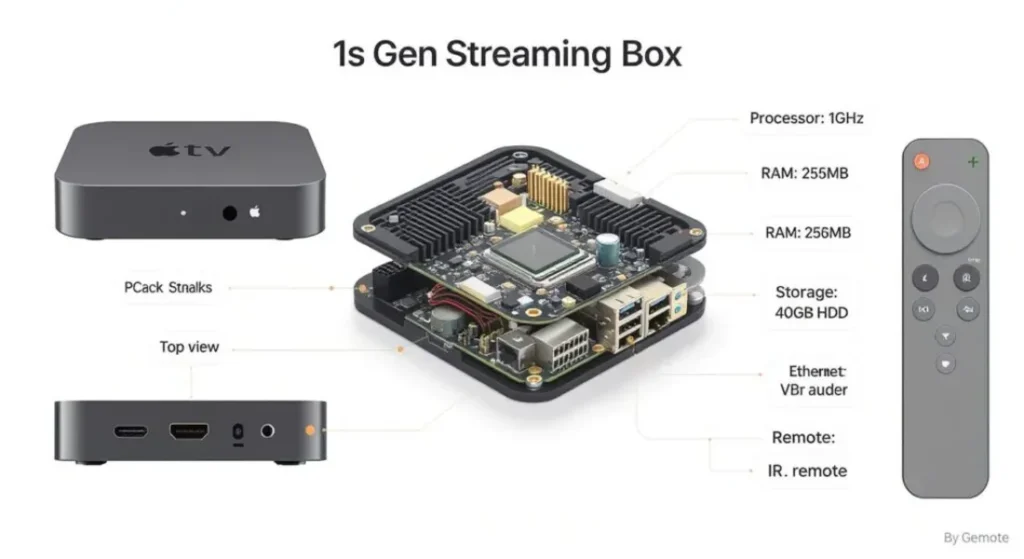
- Processor: It ran on a 1 GHz Intel “Crofton” Pentium M processor, which was essentially a modified version of the processors found in laptops of that era.
- Storage: A key selling point was its internal 40 GB or 160 GB PATA hard drive. This allowed for significant media syncing, making content playback smooth and independent of your primary computer.
- Memory and Graphics: The device included 256 MB of RAM and an NVIDIA GeForce Go 7300 graphics card. This hardware was necessary to output high definition video and run its slick, animated interface.
- Connectivity: It featured 802.11 b/g/n Wi-Fi for wireless connections and an Ethernet port for a more stable, wired connection.
- Video Output: It was one of the first mainstream devices to offer HDMI support, allowing for digital video output up to 720p. For older HDTVs, it also included component video ports.
- Audio Output: Audio could be sent through HDMI, optical audio for surround sound systems, and standard RCA analog stereo audio ports.
This hardware combination made the first generation Apple TV a capable media player, but its true potential was limited by the software and the content available at the time.
Setting Up and Using the Apple TV 1st Gen
One of Apple’s hallmarks has always been simplicity, and the setup process for the first Apple TV was designed to be straightforward. The goal was to get users from unboxing to watching content with minimal fuss.
The Unboxing and Connection Process
In classic Apple fashion, the packaging was clean and minimal. Inside the box, you would find the Apple TV unit, a power cord, and the simple aluminum Apple Remote. Notably, it did not come with the necessary HDMI or component cables, which was a point of criticism at the time. Users had to purchase these separately.
Connecting the device was simple:
- Connect the Apple TV to your television using either an HDMI cable for digital video and audio or component video cables plus separate audio cables.
- Plug the power cord into the wall. The device powers on automatically.
- The on screen setup guide walks you through selecting a language, screen resolution, and connecting to your Wi-Fi network.
ITunes Compatibility and Media Syncing
The soul of the Apple TV 1st Gen was its iTunes compatibility. It could not function as a standalone device without a host computer. You had two primary ways to access your content:
- Streaming: You could stream music, videos, and photos from any computer on the same network that was running iTunes. The device could be authorized to connect to up to five different computers.
- Media Syncing: You could designate one computer as your “home” library. The Apple TV would then automatically sync selected content from that iTunes library directly to its internal hard drive. This was the preferred method for many, as it ensured playback was not affected by network congestion or a computer being turned off.
The user interface was a precursor to what we see in modern Apple TV models, with a clean menu for navigating Movies, TV Shows, Music, Podcasts, and Photos. You controlled everything with the simple six button Apple Remote, navigating through menus with intuitive clicks.
Limitations of the Original Apple TV
While innovative, the Apple TV 1st Gen had significant limitations that are important to understand in a modern context. These restrictions defined its user experience and ultimately paved the way for future improvements.
Restricted Content and No App Store
The biggest limitation was its closed ecosystem. The Apple TV could only play content that was compatible with iTunes. This primarily meant:
- Movies and TV shows purchased from the iTunes Store.
- Videos encoded in specific H.264 or MPEG-4 formats.
- Music in formats like AAC, MP3, and Apple Lossless.
It could not play common video file types like AVI or MKV out of the box. There was no App Store, so you couldn’t add services like Netflix or Hulu, which were just beginning to gain popularity. The device was designed as an iTunes portal, not a gateway to the wider world of internet video. Furthermore, you couldn’t purchase content directly from the Apple TV itself. You had to buy it on your computer and then sync or stream it over.
Hardware and Performance Constraints
While the hardware was capable for its day, it had its boundaries.
- Video Resolution: The device maxed out at a 720p resolution. While this was considered HD in 2007, it falls short of the 1080p and 4K standards of today.
- No “True” Surround Sound: Although it had an optical audio port, it could not pass through Dolby Digital 5.1 surround sound from most files. It downmixed the audio to a stereo or Pro Logic II format.
- Limited Storage: The 40 GB base model filled up quickly, especially with video content. Even the larger 160 GB model was limiting for users with extensive media libraries.
These limitations meant the device was perfect for casual users invested in the iTunes ecosystem but frustrating for media enthusiasts who wanted more flexibility and performance.
The Legacy of the Apple TV 1st Gen
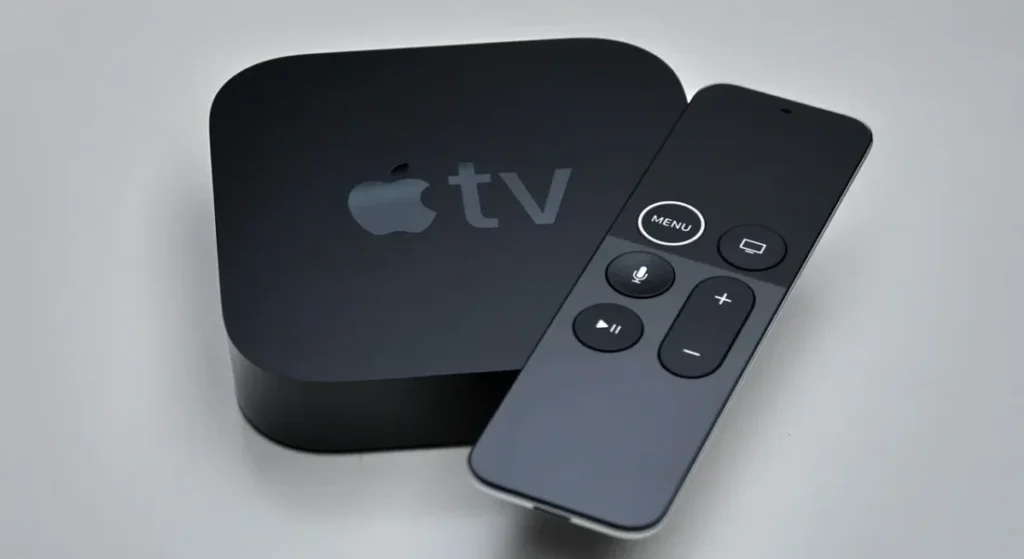
Today, the original Apple TV is largely a collector’s item or a device for tinkerers. Apple officially declared it “obsolete” in 2015, meaning it no longer receives software updates or hardware support. The iTunes Store no longer supports it, and modern security protocols prevent it from connecting to most services.
However, its influence is undeniable. The Apple TV 1st Gen:
- Established Apple’s Presence: It cemented Apple’s ambition to be a central part of the digital living room.
- Popularized the Streaming Media Device: Along with a few other early devices, it introduced the concept of a small, dedicated box for internet media to a mainstream audience.
- Pioneered a Simple Interface: Its remote driven, 10 foot user interface set a standard for ease of use that competitors and future Apple TV models would emulate.
- Showcased the Importance of an Ecosystem: It demonstrated both the power and the limitations of a closed ecosystem, a lesson that would shape the development of future streaming platforms.
Without the lessons learned from this first attempt, we wouldn’t have the powerful, app-driven streaming boxes that are common in homes everywhere today.
Frequently Asked Questions
Q1: Can you still use an Apple TV 1st Gen in 2026?
Technically, yes, but its functionality is extremely limited. You can no longer connect to the iTunes Store or stream from modern versions of iTunes. Its primary use today would be to play media files that have been manually synced to its hard drive. For most people, it is not a practical streaming device anymore.
Q2: Does the Apple TV 1st Gen support Netflix?
No. The first generation model never had an App Store and therefore never supported third party apps like Netflix, YouTube, or Hulu. Support for these services began with later generations of the Apple TV.
Q3: How is the Apple TV 1st Gen different from the 2nd Gen?
The 2nd generation, released in 2010, was a major departure. It was a much smaller, black puck shaped device with no internal storage. It was designed purely as a streaming device, relying entirely on a network connection. It also ran a new software version (based on iOS) that introduced streaming services like Netflix, setting the template for all future Apple TV models.
Q4: Can I upgrade the hard drive on an Apple TV 1st Gen?
Yes. For technically inclined users, it is possible to open the device and replace the original PATA hard drive with a larger one or even a compatible solid state drive (SSD) for faster performance. This was a popular modification for hobbyists looking to extend the life and capacity of their device.
Conclusion: A Fond Look Back
The Apple TV 1st Gen stands as a fascinating piece of tech history. It was a bold, beautifully designed product that successfully brought the iTunes experience to the television. It excelled at its core mission: providing a simple, high quality way to enjoy your personal media library on a big screen through excellent media syncing and iTunes compatibility.
However, its strict limitations and the rapid evolution of the streaming landscape quickly left it behind. The lack of an App Store and its inability to adapt to the rise of on demand streaming services meant its time in the spotlight was brief.
Today, while it may not be a practical device for your daily streaming needs, the first generation Apple TV serves as a crucial milestone. It was the foundation on which Apple built its entire home entertainment strategy, paving the way for the powerful, versatile streaming hubs we use today. It was a first step, and in the world of technology, those first steps are often the most important.

Sid is a skilled content writer with over 9 years of experience, creating clear and helpful articles on a wide range of topics. Sid is also well-known for her knowledge of remote controls, codes, and setup guides, helping thousands of people with simple and reliable solutions. Her goal is to combine expert content writing with practical knowledge, making information easy to understand and useful for everyone. In her free time, she enjoys exploring new technology and sharing helpful tips with the community.
