
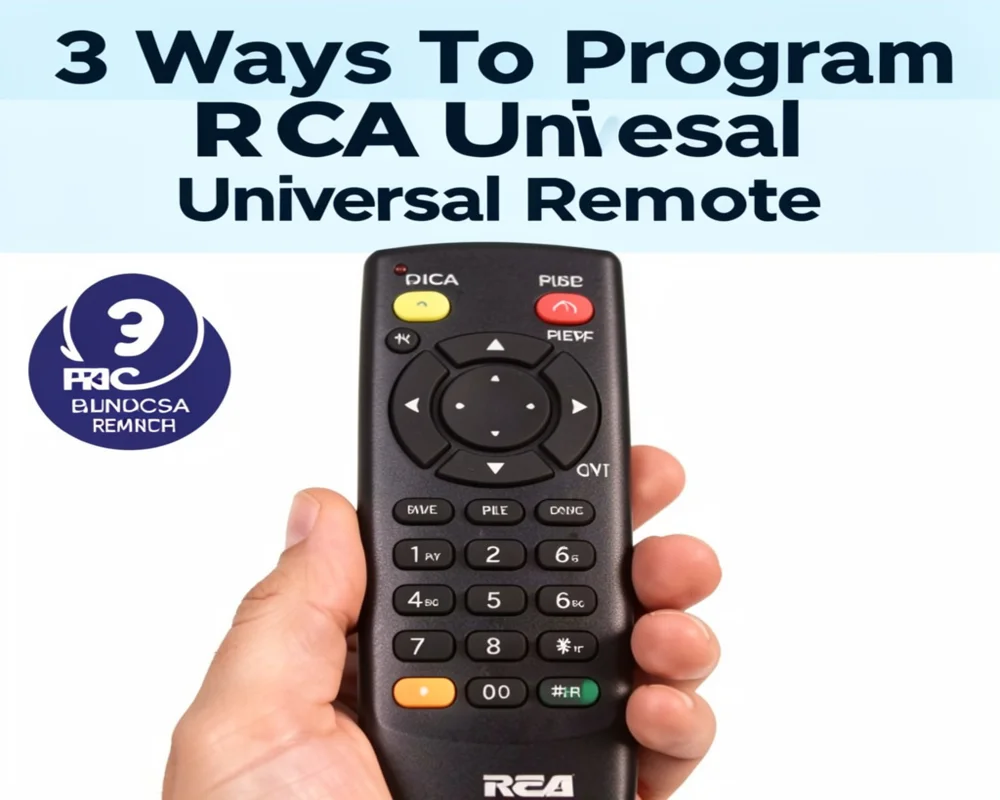
Learn 3 ways to program RCA universal remote to your TV. Step by step guide with remote codes, auto search method, and troubleshooting tips for easy setup.
In this guide, you will learn 3 ways to program RCA universal remote easily. These methods work for most TV brands including Samsung, LG, Sony, Vizio, and more.
Why You Need to Program an RCA Universal Remote
An RCA universal remote can control different devices such as:
• TVs
• DVD players
• Streaming devices
• Cable boxes
• Sound systems
Instead of using many remotes, you can control everything with one device.
But before using it you must program the remote using a setup code or automatic search method.
Things You Need Before Programming the Remote
Before you start the setup process make sure you have these things ready.
• RCA universal remote
• Working batteries
• TV turned ON
• TV brand name
• RCA remote code list (optional)
If you do not have the code list, you can still program the remote using the auto search method.
Method 1 – Program RCA Universal Remote Using TV Codes
This is the fastest method if you already have the correct TV code.
Step by Step Instructions
- Turn on your TV manually.
- Press and hold the TV button on the RCA remote.
- While holding the TV button, press and hold the Power button.
- The power light will turn on.
- Release both buttons.
- Enter the 4 digit code for your TV brand.
- The light will turn off if the code is correct.
- Press the Power button to test the TV.
If the TV turns off, the setup is complete.
Example RCA TV Codes
Some common RCA remote codes include:
• 10047
• 11447
• 11781
• 10178
• 10093
Different TV brands use different codes. Try multiple codes until one works.
Method 2 – Auto Code Search Method
If you cannot find the correct code, you can use the automatic code search feature.
This method scans all available codes in the remote.
Steps to Use Auto Code Search
- Turn on your TV.
- Press and hold the TV button on the remote.
- Press and hold the Power button.
- Release both buttons when the light stays ON.
- Press the Play button repeatedly every 5 seconds.
- The remote will test different codes.
- When the TV turns off, press the Reverse button.
- Press Stop to save the code.
Now test the remote functions such as volume and channel buttons.
Method 3 – Manual Code Search
The manual search method is another reliable way to program your RCA remote.
It works well when you do not know the correct code.
Manual Programming Steps
- Turn on the TV.
- Press and hold the TV button.
- Press and hold the Power button until the light turns on.
- Release both buttons.
- Press the Power button slowly several times.
- Watch the TV carefully.
- When the TV turns off, press Enter to save the code.
Your RCA remote should now control the TV.
How to Test Your 3 Ways To Program RCA Universal Remote
After programming the remote, check these functions.
• Power button
• Volume control
• Channel buttons
• Menu navigation
• Input selection
If some buttons do not work, try another code or repeat the programming process.
Common Problems While Programming RCA Remote
Sometimes the setup process does not work on the first try. Here are some common issues and solutions.
Remote Not Responding
Possible causes:
• Weak batteries
• Incorrect code
• Remote not pointed at TV
Solution:
Replace the batteries and try again.
TV Does Not Turn Off During Setup
Possible reasons:
• Incorrect programming method
• TV brand requires a different code
Solution:
Use the auto search method instead.
Some Buttons Not Working
Sometimes a code partially works.
Solution:
Try another code from the list.
Tips for Programming RCA Universal Remote Successfully
Follow these tips to make the process easier.
• Stand close to the TV during programming
• Use fresh batteries
• Enter codes slowly and correctly
• Test all remote buttons after setup
• Save the working code for future use
These small steps can save time and frustration.
Compatible Devices for RCA Universal Remote
RCA universal remotes work with many devices.
Examples include:
• Samsung TV
• LG TV
• Sony TV
• TCL TV
• Vizio TV
• Panasonic TV
• DVD players
• Streaming boxes
However, compatibility depends on the remote model.
Always check the manual for supported devices.
Advantages of Using an RCA Universal Remote
Many people prefer universal remotes because they simplify home entertainment.
Main benefits include:
• Control multiple devices with one remote
• Easy setup process
• Affordable price
• Simple button layout
• Widely compatible with many brands
This makes RCA universal remotes a popular choice.
Frequently Asked Questions
How do I program my RCA universal remote to my TV?
Turn on your TV first. Press and hold the TV button and Power button together until the light turns on. Enter the correct TV code. If the code works, the light will turn off and the remote will control your TV.
What is the code for RCA universal remote?
RCA universal remote codes vary by TV brand. Some common codes include 10047, 10178, 11447, and 11781. If one code does not work, try another from the list.
Can I program an RCA universal remote without codes?
Yes. You can use the auto code search method. This method scans all codes stored in the remote until it finds the correct one for your TV.
Why is my RCA universal remote not working?
Common reasons include dead batteries, incorrect programming codes, or interference between the remote and the TV. Replace the batteries and repeat the programming process.
How long does it take to program an RCA universal remote?
Usually it takes less than five minutes. Using the code method is the fastest option, while the auto search method may take slightly longer.
Do RCA universal remotes work with all TVs?
RCA universal remotes work with most TV brands such as Samsung, LG, Sony, and Vizio. However, some older models may require specific codes or may not support certain functions.
Conclusion
Programming a universal remote may seem confusing at first. But once you understand the steps, the process becomes very simple.
In this guide, you learned 3 ways to program RCA universal remote. These include the code entry method, auto code search, and manual search method.
Each method works for different situations. If you know the correct TV code, the setup takes only a few minutes. If not, the automatic search feature can still connect your remote.
After programming, you can control your TV easily without juggling multiple remotes.
Try these methods today and enjoy a simple and organized home entertainment experience.

