
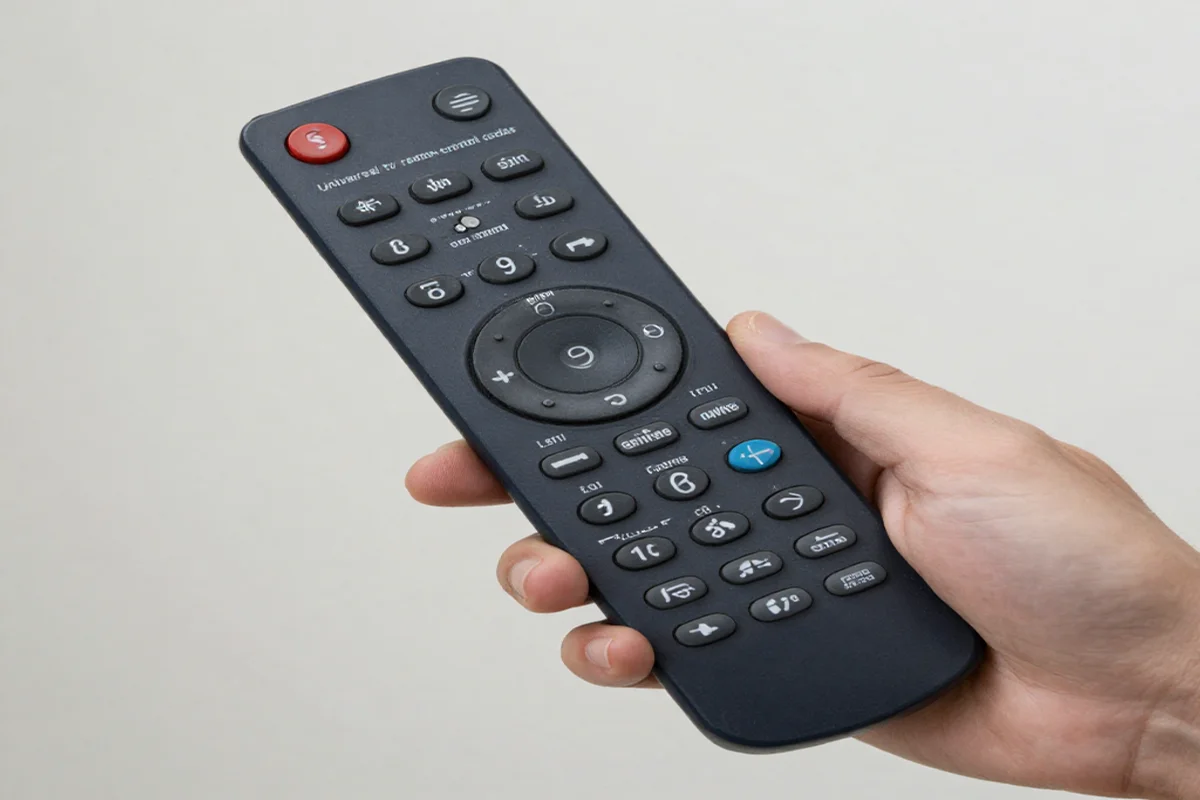
Find the right universal TV remote control codes to pair your devices. Learn how to program your TV DVD player and audio systems with our simple guide.
The simple number of combinations allow your new remote to speak the same language as your television. This guide will help you find the correct codes and program your devices quickly. We will walk you through the entire process step by step. You will learn how to connect your screens, audio systems and media players without any stress.
What Are Universal TV Remote Control Codes?
Your remote uses an invisible infrared beam to send instructions to your television. Every brand uses a unique digital language. Universal TV remote control codes act as translators. When you enter the correct numeric code you tell the remote which language to speak.
Most modern universal remotes contain a massive database of these codes. They cover almost every brand and model on the market. Some codes are three digits long. Others have four or five digits. The exact length depends on the brand of your universal remote.
Why You Need a Universal Remote
Upgrading to a single remote offers many practical benefits for your home entertainment setup.
- First it removes visual clutter from your room. You no longer need to keep four different plastic devices on your coffee table. A single well designed remote handles every task.
- Second, it solves the common problem of a lost sony tv remote or a broken clicker. Original replacement remotes from manufacturers are often expensive. A universal option costs much less and does the exact same job.
- Third, it simplifies your daily routine. You do not need to juggle devices just to watch a movie. You can turn on your screen, adjust your surround sound and start your disc player using one keypad.
How to Program Your Remote Using Direct Code Entry
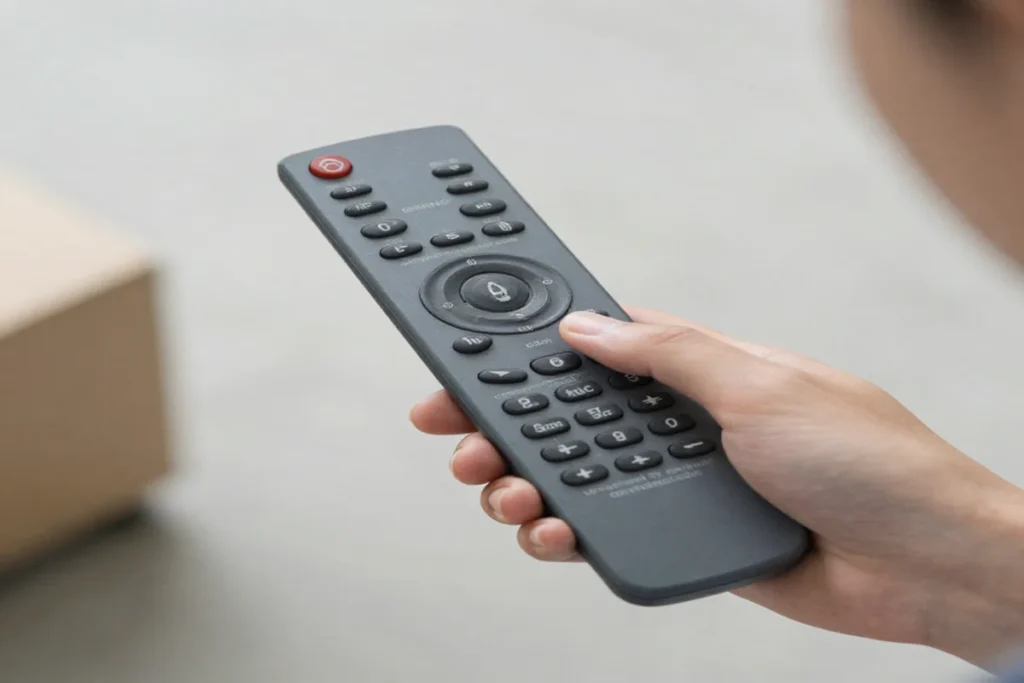
Direct code entry is the fastest way to connect your devices. This method requires you to know the specific number for your equipment brand. Here is how you do it.
- Turn on the device you want to control. You must do this manually using the power button on the actual machine.
- Point your universal remote directly at the device.
- Press and hold the “Setup” button on the remote. Wait until the small LED light at the top turns red and stays solid.
- Press the button for the device you want to program. For a television press the “TV” button. The LED light will blink once and stay lit.
- Use the number pad to type in your specific code.
- Watch the LED light. If you enter a valid code the light will turn off.
- Test the connection. Press the power button on the remote. If your screen turns off the setup is successful.
If your screen stays on the code did not work. Do not worry. Brands share multiple codes. You simply need to repeat the process using the next number on the list.
Finding Your Sony TV Remote Code
Sony is one of the most popular electronics brands in the world. Because they make so many different models you have multiple options when searching for a sony tv remote code.
If you have a newer model you will likely need a 4 digit or 5 digit number. Try these common 4 digit codes first:
- 0000
- 0810
- 1100
- 1685
- 1004
If your remote requires 5 digit numbers test these options:
- 10810
- 11300
- 11685
- 10000
- 10011
Sometimes you need to program a television from a few years ago. Finding older sony tv remote codes is easy. These older models often respond to simple 3 digit combinations. Start with 500 111 or 002. Try 0031 or 0051 if those fail.
Remember to test the volume and channel buttons after the television turns off. Sometimes a code will control the power but fail to control the volume. If this happens try the next number on your list to find a perfect match.
Connecting Other Entertainment Devices
A good universal sony remote can manage much more than just your television screen. You can link your entire home theater system.
Programming Your Media Players
Many people still enjoy watching high quality physical media. If you want to connect a sony dvd player remote the process is identical to programming a television. Simply press the “DVD” button during the setup phase instead of the “TV” button.
Common 4 digit sony dvd player remote control codes include 1002 1109 1137 and 1201. If you need a 5 digit code try 31070 or 31033.
If you own a more modern player you need a sony blu ray player remote code. Try entering 1516 2014 or 2176. Once paired you can navigate disc menus, pause movies and skip scenes without reaching for the original clicker.
Connecting Your Audio Equipment
Great video requires great audio. You can program your new clicker to function as a sony stereo remote control. Press the “Audio” or “Aux” button on your universal remote to begin.
Enter the code for your specific soundbar or stereo receiver. Once connected your universal remote will manage the master volume for your entire room. You will never have to search for a tiny soundbar remote again.
Using Auto Code Search When You Lack a Code
Sometimes you cannot find the right number. Perhaps your device brand is rare. Maybe you lost the manual. In these cases you can use the auto code search feature. This method forces the remote to scan its entire internal database automatically.
- Turn on your television or media player manually.
- Point the remote straight at the device.
- Press and hold the “Setup” button until the red light stays on.
- Press the “TV” button (or the button for whatever device you are pairing).
- Press the “Power” button on the remote once.
- Wait. The remote will begin sending a new code every few seconds.
- Keep your eyes on the television screen. The exact moment the screen turns off press the “OK” or “Enter” button immediately. This locks the code into the remote memory.
This process takes patience. The remote might cycle through hundreds of combinations. It can take up to ten minutes to find the right match. Stay focused so you do not miss the correct signal.
Popular Brand and Remote Pairings
Different universal remotes require different setup approaches.
For example many people use RCA universal remotes because they are affordable and reliable. If you need rca remote codes for sony tv setups the process is very straightforward. RCA remotes generally use 4 digit codes. Try 1000 1002 or 1071.
Cable providers also issue universal remotes. If you recently received a new spectrum remote you can pair it with your personal equipment. Spectrum remotes often use an auto detect feature. You hold down the “Menu” and “OK” buttons together until the input key blinks twice. Then you press the “TV” button and hold down the number key assigned to your television brand. For Sony this is usually the number 4.
Always check the battery compartment of your cable remote. Many providers print a quick start guide on the inside of the battery cover. This saves you the trouble of searching the internet for instructions.
Troubleshooting Common Setup Problems
Technology does not always work perfectly on the first try. If your tv and remote not working together is causing stress try these simple fixes.
Check the batteries
Weak batteries cause poor signal strength. Your remote might light up but it lacks the power to send an infrared beam across the room. Always install brand new high quality batteries before starting the programming process.
Clear the path
Infrared signals travel in a straight line. They cannot pass through solid objects. Make sure nothing blocks the front of your television. Remove soundbars, picture frames or thick decorations that might cover the infrared sensor.
Watch for fluorescent lighting
Bright sunlight and certain fluorescent lights can interfere with infrared signals. If you are struggling to pair the devices during the day, close your curtains. Dim the lights in the room while running the auto search feature.
Reset the remote
If you enter too many wrong codes the remote might freeze. You can perform a factory reset. Remove the batteries from the remote. Press and hold the power button for one full minute to drain any remaining electricity. Replace the batteries and try the setup process again.
Clean the sensor
Dust and fingerprints block infrared beams. Take a soft microfiber cloth and gently wipe the dark plastic window at the top of your remote. Then wipe the front edge of your television where the receiver sits.
Frequently Asked Questions
Are universal remotes hard to set up?
No, they are quite simple. The entire process usually takes less than five minutes. You just need to follow the step by step instructions carefully and have your code list ready.
Can one remote control my TV and my DVD player at the same time?
Yes. Most universal remotes feature multiple device buttons at the top. You can program a Sony universal remote to manage your screen, your disc player and your stereo system independently.
Where can I find sony tv remote programming codes?
You can find them in the paper manual that came with your universal remote. You can also find updated lists on the official website of your remote manufacturer. Most cable providers also host code databases on their support pages.
Why does my remote only control the volume and not the power?
This means you entered a partial match code. Brands share similar codes across different product lines. If this happens the code is wrong. You need to restart the programming process and try the next number on your list.
Will a universal remote work on a smart TV?
Yes. Universal remotes can control the basic functions of modern smart televisions. This includes power volume channel changing and input selection. However they might lack specific buttons for streaming apps like Netflix or Hulu.
What do I do if my brand is not listed in the manual?
Use the auto code search method. Your remote will test every single code in its database one by one. It takes a little longer but it almost always finds a working connection.
Conclusion
Setting up your home theater does not have to be difficult. Using universal tv remote control codes makes managing your devices incredibly simple. Whether you need to replace a lost controller or just want to reduce coffee table clutter, a universal clicker is the perfect solution.
Take your time during the setup process. Gather your specific codes before you begin. Try the direct code entry method first as it is the fastest option. If you struggle to find the right number let the remote do the heavy lifting with the auto search feature.
Once you pair your television do not stop there. Link your media players and your stereo system. Within minutes you will have complete control over your entire entertainment center from the palm of your hand. Enjoy your simplified viewing experience!

Sid is a skilled content writer with over 9 years of experience, creating clear and helpful articles on a wide range of topics. Sid is also well-known for her knowledge of remote controls, codes, and setup guides, helping thousands of people with simple and reliable solutions. Her goal is to combine expert content writing with practical knowledge, making information easy to understand and useful for everyone. In her free time, she enjoys exploring new technology and sharing helpful tips with the community.
