
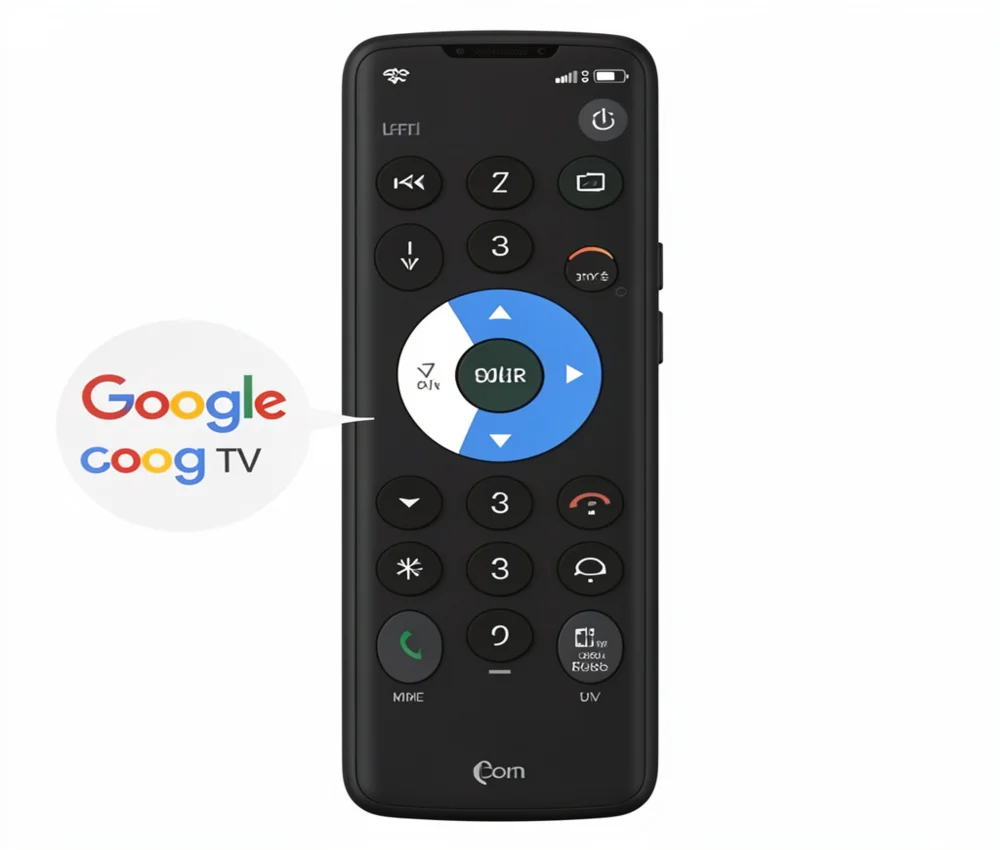
Learn how to use the Google TV remote control app to manage your TV from your smartphone. Simple setup steps, features, and troubleshooting tips included.
Losing your physical TV remote is a frustrating experience that most of us face at least once a week. You dig through couch cushions and check under the coffee table only to come up empty handed. Fortunately if you own a smart TV you already have a powerful backup in your pocket. The google tv remote control app turns your smartphone into a high tech navigation tool. This app does more than just change channels; it simplifies typing, enables voice search and keeps your entertainment in sync across devices. In this guide we will explore everything you need to know about setting up and mastering this essential digital tool.
What is the Google TV Remote Control App
The google tv remote control app is a built-in feature of the Google TV mobile app (formerly known as Google Play Movies & TV). It acts as a virtual remote for any device running Google TV or Android TV OS. Unlike traditional infrared remotes that require a direct line of sight this app communicates with your TV over your home Wi Fi network.
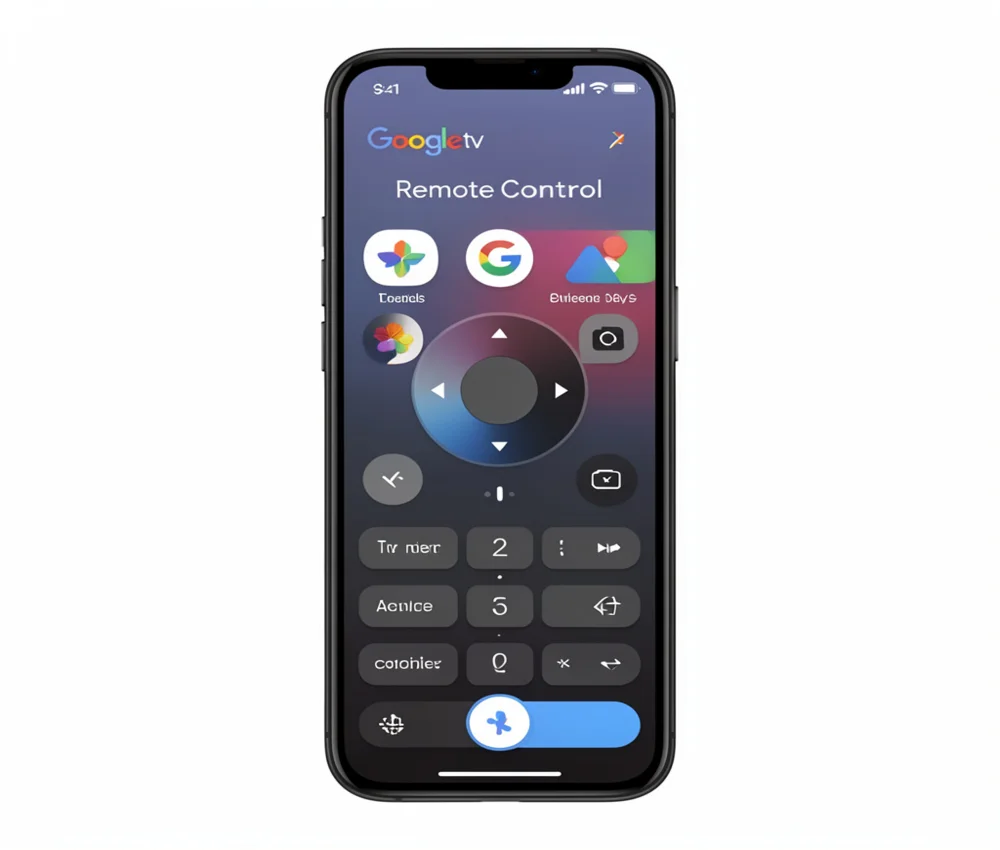
This virtual remote offers a clean intuitive interface. It includes a digital D pad for navigation, a touchpad for swiping and dedicated buttons for the Google Assistant. One of its most valuable features is the mobile keyboard which lets you type in movie titles or passwords much faster than using an on screen keyboard with a physical remote.
Why You Should Use a Virtual Remote
Switching to a mobile based control system offers several practical advantages for the modern user:
- Typing Convenience: Using a physical remote to type “supercalifragilisticexpialidocious” into a search bar is a nightmare. With the app you use your phone’s familiar keyboard.
- Google Assistant Integration: You can trigger voice commands directly through your phone’s microphone.
- No More Battery Hunts: Physical remotes always seem to die at the worst moments. Your phone is likely always charged and nearby.
- Multiple User Support: Anyone in the house with the app can connect to the TV making it easy for family members to share control.
How to Set Up the Google TV Remote Control App
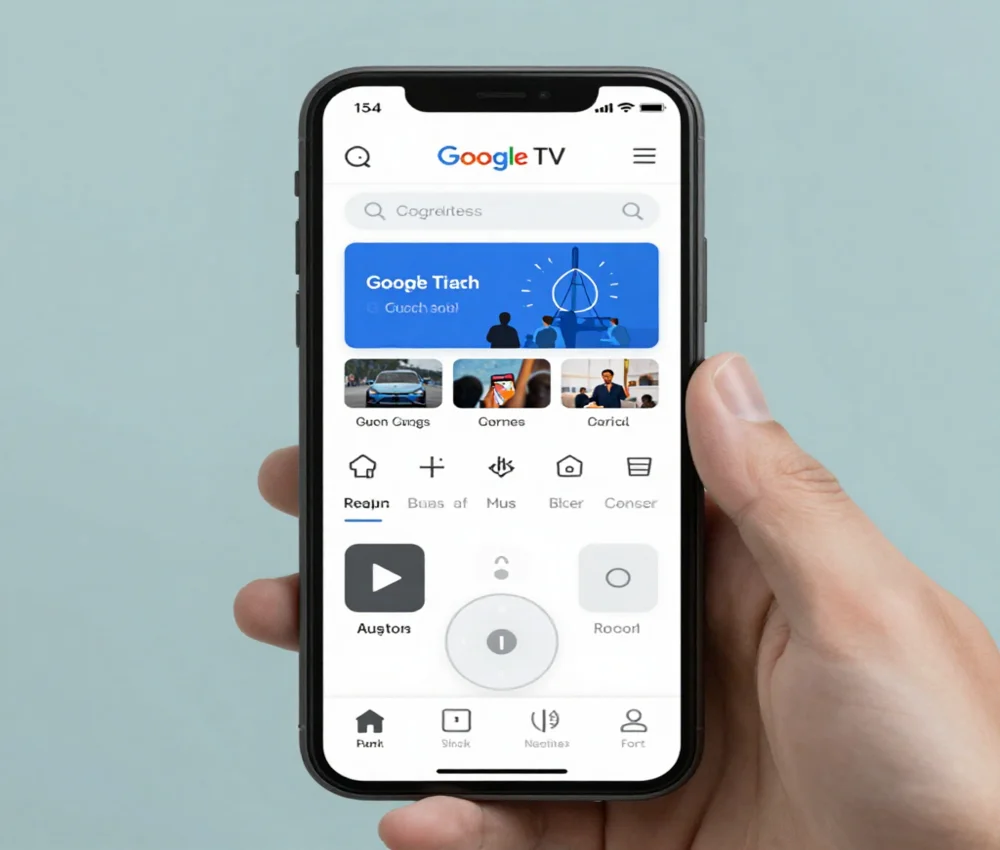
Setting up the google tv remote control app is a straightforward process. Before you begin, ensure your smartphone and your Google TV device are connected to the same Wi Fi network.
Step 1: Download and Open the App
If you are on Android you likely already have the Google TV app installed. iPhone users can find it in the App Store. Once installed, open the app and sign in with the same Google Account used on your TV.
Step 2: Locate the Remote Icon
Look for the “Remote” button or the “TV Remote” floating icon at the bottom right of the app screen. If you don’t see it make sure your Bluetooth is turned on as this helps with the initial discovery.
Step 3: Pair with Your TV
Tap the remote icon. The app will search for nearby devices. Select your TV from the list. A six digit pairing code will appear on your TV screen. Type this code into your phone and tap “Pair.”
Step 4: Choose Your Navigation Style
In the remote settings you can choose between “Swipe control” (a touchpad) or “D pad control” (traditional arrows). Many users prefer the touchpad for faster scrolling through long movie lists.
Advanced Features of the Google TV Remote
Once you have mastered the basics you can unlock the full potential of the google tv remote control app.
Voice Search and Commands
Tap the Google Assistant button on your phone screen. You can say things like “Play Stranger Things on Netflix” or “Show me action movies.” The TV will instantly respond. This feature is particularly helpful if your physical remote doesn’t have a built in microphone.
Quick Settings Access
On many Android phones you can add a “TV Remote” tile to your Quick Settings menu (the pull down menu where your Wi Fi and Bluetooth toggles live). This allows you to access the remote without even opening the Google TV app.
Controlling Volume and Power
Depending on your TV model and its support for HDMI CEC (Consumer Electronics Control) you may be able to turn your TV on or off and adjust its volume directly from the app. This creates a truly “one device” experience for your living room.
Troubleshooting Common Connection Issues
Sometimes the google tv remote control app might struggle to find your TV. If you encounter a “Device not found” error try these proven fixes:
- Check Wi Fi Bands: Some routers broadcast on both 2.4 GHz and 5 GHz. Ensure both your phone and TV are on the exact same band.
- Restart Everything: Unplug your Google TV device for ten seconds and plug it back in. Restart your phone as well. This often clears up minor software glitches.
- Update the App: Visit the Play Store or App Store to ensure you are running the latest version of the Google TV app.
- Check Permissions: Ensure the app has permission to access your “Local Network” and “Bluetooth” in your phone’s privacy settings.
Comparing Google TV Remote with Third Party Apps
While there are many “Universal TV Remote” apps on the market the official google tv remote control app is usually the best choice. Third party apps often contain intrusive advertisements that pop up in the middle of your navigation. They may also collect more data than necessary.
The official Google app is ad free, secure and deeply integrated with the Android ecosystem. It provides the most stable connection and the fastest response times. If you have a Google TV or Android TV stick with the official version for the best experience.
Enhancing Your Digital Lifestyle with Alfa Origin
Mastering your home entertainment is just one part of the modern digital lifestyle. At Alfa Origin we help businesses and individuals navigate the complex world of technology with ease. Whether you are looking to build a custom application or optimize your digital presence our team is dedicated to your growth.
Our expert services include:
- Web Development: We build high performing responsive websites that serve as the foundation of your digital brand.
- Mobile App Development: Just like the Google TV app we create intuitive mobile solutions for iOS and Android tailored to your specific needs.
- SEO Optimization: We help your brand rank higher on search engines so customers can find you as easily as you find your favorite movie.
- Digital Marketing: Our strategies drive engagement and ROI by reaching the right audience at the right time.
- UX/UI Design: We focus on the user journey to ensure every digital interaction is smooth and satisfying.
- Consultancy: Not sure which tech path to take? Our experts provide clear guidance to help you scale your business.
By partnering with Alfa Origin you gain a team that understands how to bridge the gap between complex technology and a user friendly experience.
Frequently Asked Questions
Does the Google TV remote app work on iPhone?
Yes. The Google TV app is available for iOS in the App Store. It offers the same remote control features as the Android version provided your iPhone and TV are on the same Wi Fi network.
Can I use the app if I don’t have a Google TV?
The app specifically controls devices running Google TV or Android TV OS. If you have a different smart TV (like LG’s webOS or Samsung’s Tizen) you will need to use that specific manufacturer’s remote app.
What should I do if the pairing code doesn’t appear?
Make sure your TV is on the home screen and not inside a specific third party app. If it still doesn’t show, try removing the TV from your phone’s Bluetooth paired devices and try the process again.
Is the Google TV remote app free?
Yes. The app is completely free to download and use. It does not require a subscription although you will need a Google Account to sign in and pair your devices.
Can I control multiple TVs with one app?
Yes. You can pair the app with multiple Google TV devices in your home. To switch between them just tap the device name in the remote interface and select a different TV from your list.
Conclusion
The google tv remote control app is a game changer for anyone who values convenience and speed in their home entertainment setup. By moving the control to your smartphone you gain the power of a full keyboard voice search and a remote that you can never truly “lose.” Whether you are setting up a new Chromecast or looking for a backup for your smart TV this app is an essential tool.
Ready to take your digital experience even further? Alfa Origin is here to help you build and optimize the tools you need for success. From mobile app development to strategic digital marketing our team provides the technical excellence required to keep you ahead of the curve. Contact us today to learn how we can transform your digital ideas into reality!

Sid is a skilled content writer with over 9 years of experience, creating clear and helpful articles on a wide range of topics. Sid is also well-known for her knowledge of remote controls, codes, and setup guides, helping thousands of people with simple and reliable solutions. Her goal is to combine expert content writing with practical knowledge, making information easy to understand and useful for everyone. In her free time, she enjoys exploring new technology and sharing helpful tips with the community.
